



Additive Manufacturing Software
Digit brings batch tracking, print scheduling, and quality records together so your team spends less time chasing spreadsheets and more time shipping parts.












This is software additive manufacturing that can standardize your build parameters and material batches so every run starts from a proven recipe, not a guess.
Including:
- Store and reuse build recipes by part, material, and machine
- Track powder, resin, and filament lots from receipt to consumption
- Log parameter changes with full version history
- Flag expired or restricted material batches before a job starts
See every printer's queue, capacity, and status in real time so you can commit to delivery dates with confidence.Including:
- Real-time view of machine availability and build queues
- Schedule jobs based on machine capability and material on hand
- Track utilization and downtime across your fleet
- Reprioritize builds without walking the floor
This is software additive manufacturing that gives every part a documented history, from raw material to finished build, so you can prove quality without the paperwork chase.
Including:
- Link each part to its recipe, material lot, and build record
- Attach certificates of analysis, inspection results, and photos
- Support serialized tracking for high-value or regulated parts
- Pull a complete build history in seconds for audits or customer requests

Start Shipping More
Products with Digit
Bring your inventory, accounting, and production together in stock management software built for manufacturers. Keep every part of your business connected, accurate, and easy to track.


A single source of truth for your business
Bring every sales channel and accounting tool together in one system with seamless syncing and flexible API access.





Built for the industries that make things.
Bring every sales channel and accounting tool together in one system with seamless syncing and flexible API access.




.jpg)



Real operators. Real results.
100+ manufacturers and distributors have replaced spreadsheets and legacy ERPs with Digit.
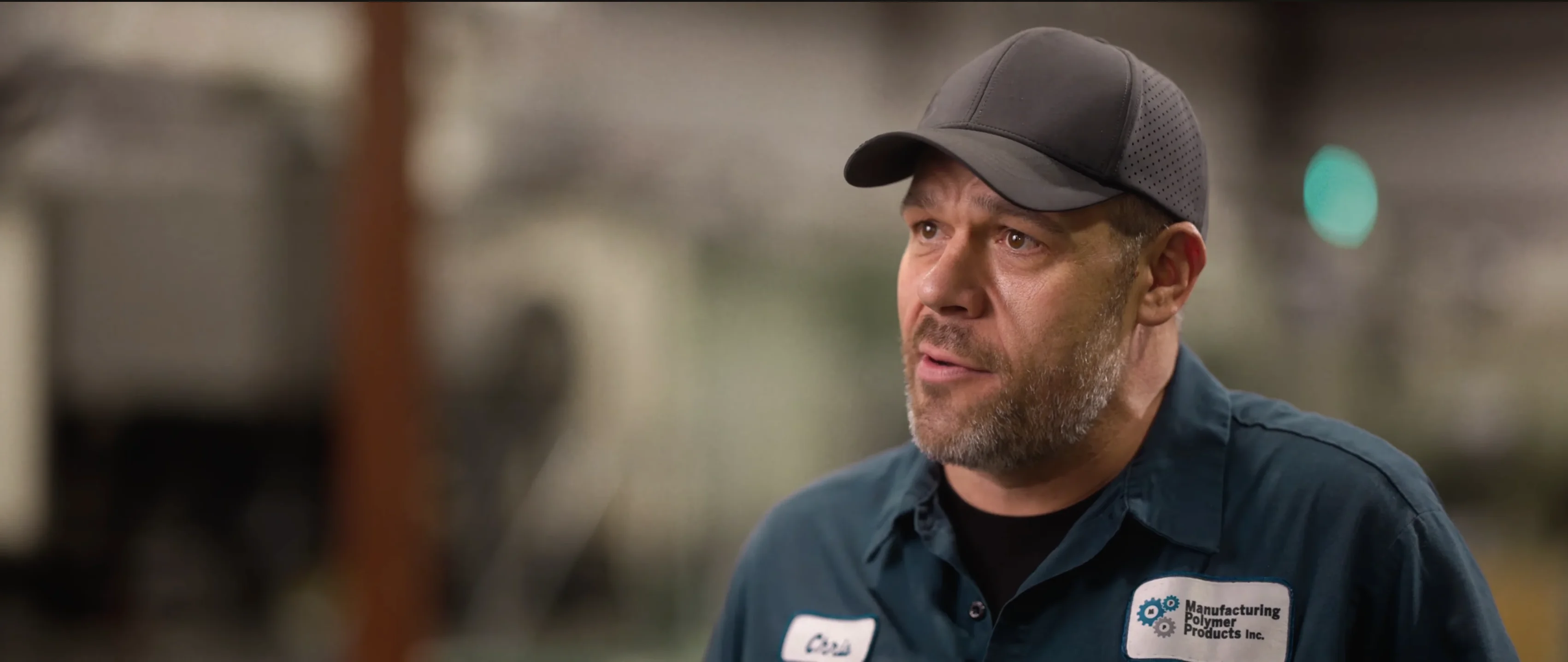
"If I can capture two seconds across 19 machines across a 24-hour span, I'll save the customer thousands of dollars."
Chris Johnson



“The impact Digit has had has been enormous, saving a lot of time, capturing a lot of data, streamlining a lot of processes, with a system that everyone loves to use.”
Tanner Thomas

“Digit has given us the insight into current and upcoming stock on our ingredients and raw materials needed for production. This allows us to procure more before we stock out and to be confident that we have enough to finish any upcoming production run.”
Adam Davis
"Digit is the most adaptable, user-friendly software we have ever used."
Joe Watkins
%2520(1).webp)
"With Digit, everything from our inventory to our production data is the word of truth. I can trust it. I can rely on it."
Joshua Burris
Questions? Answers.
Your most frequently asked questions, all in one place. If you don’t see what you need, reach out to us.
Digit is built to help you track multiple inventory types, including raw materials like powders and filaments.
Setting this up works no differently than any other raw material item, and here’s how you can track it using Digit. First, set up the item in the system. To do this, open Operations, then select Items. Choose your default unit of measurement, and Digit will track your items going forward.
If you want to be able to link your powders and filaments to production, you’ll need to add them to a Bill of Materials within Digit and define the exact amounts that are needed to finish a product build.
Once you have the BOM set up and the materials properly linked, every time a manufacturing order is generated, the powders and materials are automatically committed to production, and your available inventory levels will decrease. If you need to perform an audit or would like to do an inventory count, you can check your inventory levels via Inventory under the Operations screen, where you’ll be able to see how much inventory is available and what’s already committed to production.
You can schedule 3D printing jobs within Digit by setting up your workstations and printers as equipment in the software, so they can be included in a production step.
If you want to do this, you’ll first need to open the Equipment tab and add your printers as equipment. Once all the printers have been saved to Digit, you can link them as an operational step under an item’s Routing. With this, when you create a manufacturing order, your operators will know which printer to use to complete a production run.
In additive manufacturing, the ability to track and see the manufacturing history of a component or subassembly is referred to as part traceability.
This is done by using a tool or software that keeps a complete digital record of how a product gets manufactured (not just updating its quantities after production runs). For this to work properly, you will need a solution that can:
- Connect the design file and its revisions
- Record the origin and history of the materials used
- Save the machine and parameters involved in the build
- Document the build conditions
- Recognize the operators and actions taken
- Save any post-processing steps the part went through afterward
Traceability solutions built to support the additive manufacturing industry typically include serialized inventory functionality. If a tool has this feature, it assigns a unique identification number or code to an item, so it can easily track it through production, inventory, and sales using that identifier.
Digit is a solution that supports part traceability through labels. So, every serialized item gets a label that identifies either a specific unit or batch, and operators can use a barcode scanner to track it as it moves through each production step.
Serialized tracking and full end-to-end traceability are important because they are necessary for tracing:
- Warranty claims
- Repairs
- Quality issues
Beyond that, serialization is a legal requirement in some industries and is needed to help quickly launch recalls or perform investigations into defective products.
Digit tracks machine utilization and build failure rates using two separate features.
For machine utilization, you start by setting up your machines:
- Open Settings
- Head to Production
- Select Equipment
With that open, you can add each one as its own equipment item.
From there, you assign each piece of equipment to the specific routing steps where it's actually used, so the system knows which machines are eligible for which operations. When a worker starts a Work Order, they select the specific equipment they're using for that run. This gives you a record of exactly which machine ran each job. Note that more advanced scheduling features, like automatic load-balancing across machines, are still being developed.
For build failure rates, the tracking works through the yield percentage.
On the item's Production tab, enable Show yield % to turn on yield tracking for that item. Once enabled, Digit calculates it automatically using the following formula:
Yield % = Target Quantity ÷ Output Quantity × 100.
You can see this figure directly on both Manufacturing Orders and Work Orders, and it updates live as production happens, so you always have a current view of how a run is performing.
If you want to go deeper than what's shown in the app, you can export the underlying tables to CSV from Reports and calculate failure rates externally with your own analysis.