



Footwear Manufacturing Software
Footwear manufacturing software, that's a shoo-in. Digit centralizes your BOMs, production, and financials so you can track everything along your supply chain.












Track materials and finished goods down to the size and color level, so you always know what's available for a specific SKU, not just the style.
Including:
- Manage inventory by size and color variant under one parent style
- Track leather, textiles, soles, and trims as linked raw materials
- See stock levels for a specific size/color combination in real time
- Get alerts before a variant runs short mid-production
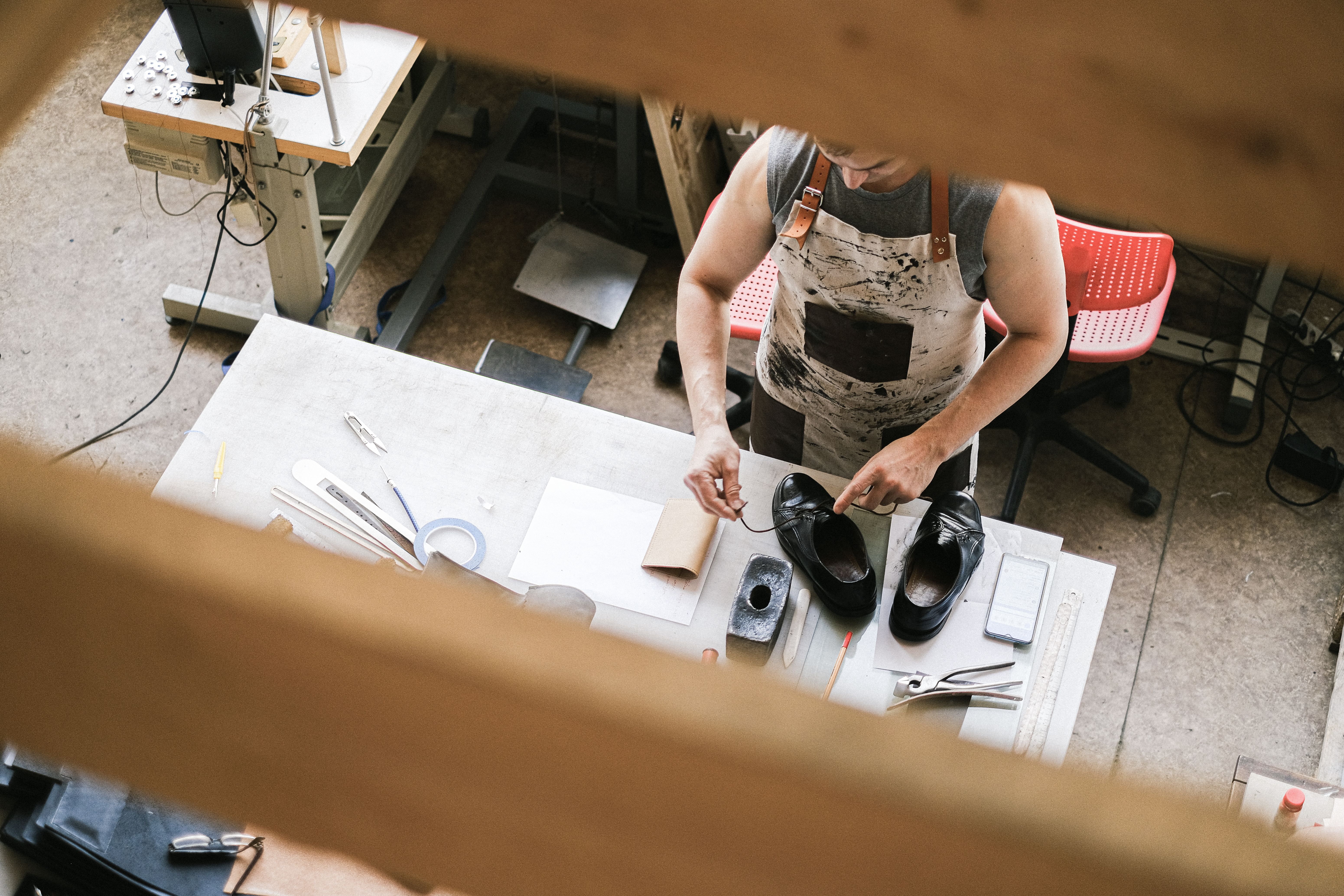
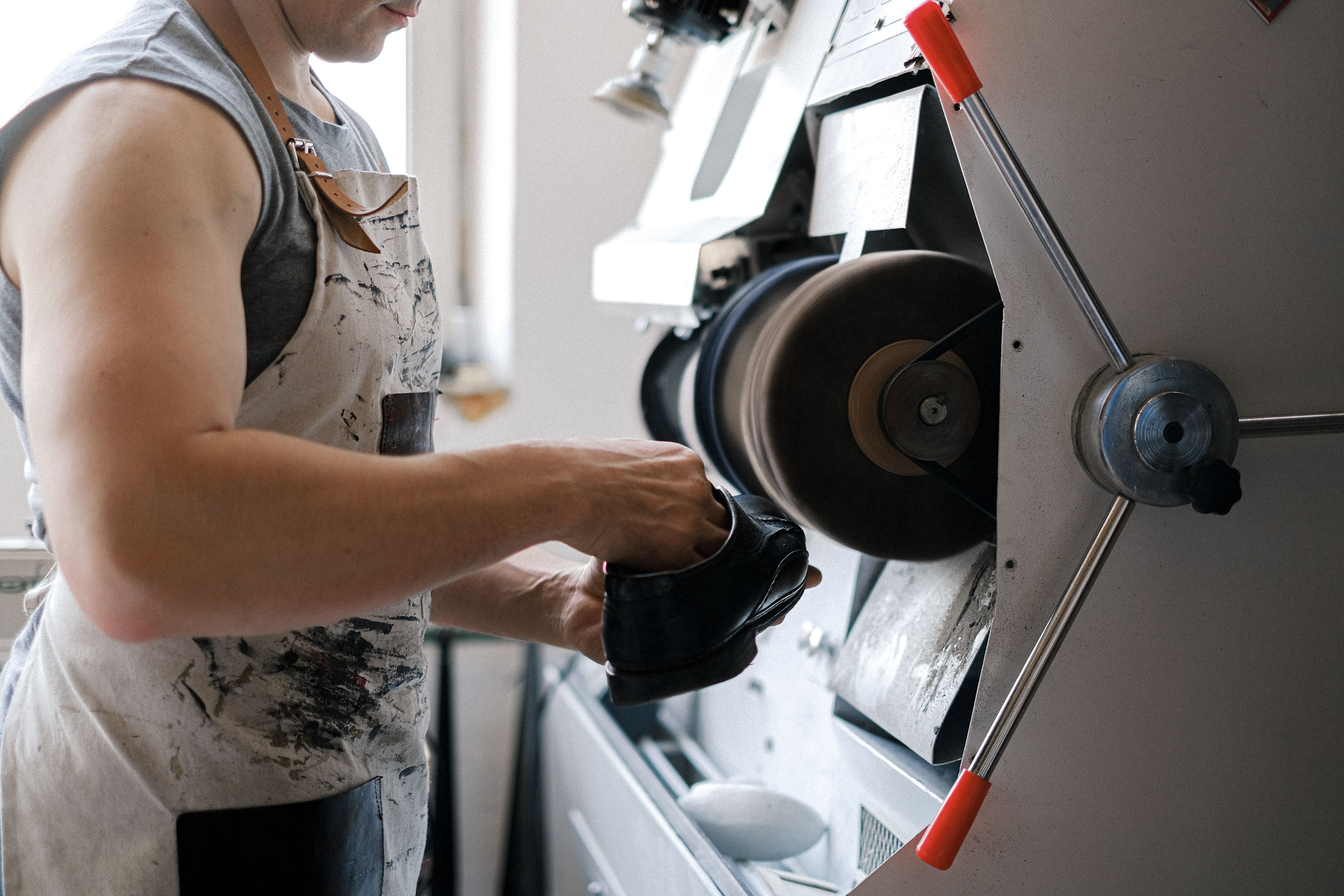
Build multi-level BOMs and routings that reflect how a shoe actually comes together, from cutting through finishing.
Including:
- Create multi-level BOMs linking uppers, soles, and components
- Route production across cutting, stitching, lasting, and finishing stages
- Track work-in-progress at each stage of the build
- Version and update BOMs without losing production history
Know the true cost of every order as it moves through production, not just what you quoted at the start.
Including:
- Track material, labor, and overhead cost per style and variant
- Compare quoted cost against actual production cost
- Manage sales orders and production status from one view
- Spot margin issues before an order ships

Start Shipping More
Products with Digit
Bring your inventory, accounting, and production together in stock management software built for manufacturers. Keep every part of your business connected, accurate, and easy to track.


A single source of truth for your business
Bring every sales channel and accounting tool together in one system with seamless syncing and flexible API access.





Built for the industries that make things.
Bring every sales channel and accounting tool together in one system with seamless syncing and flexible API access.






Real operators. Real results.
100+ manufacturers and distributors have replaced spreadsheets and legacy ERPs with Digit.
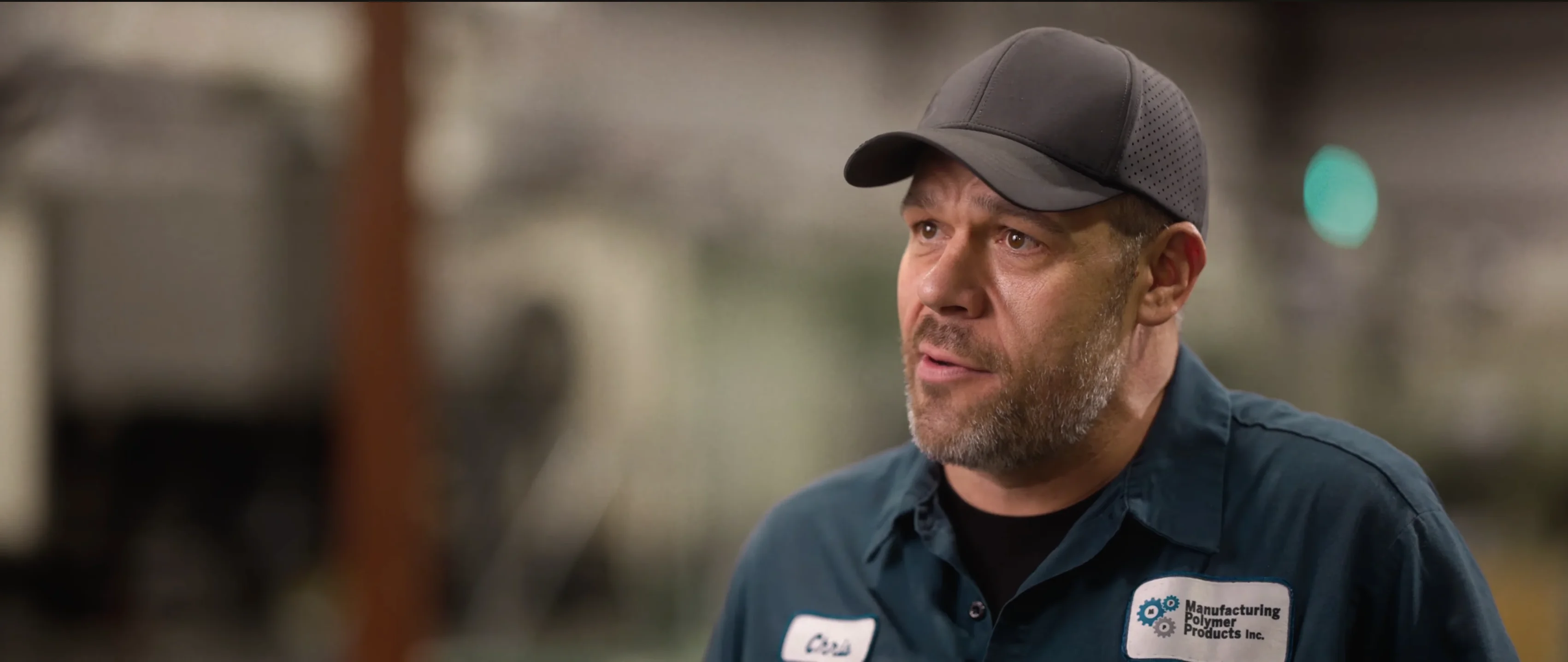
"If I can capture two seconds across 19 machines across a 24-hour span, I'll save the customer thousands of dollars."
Chris Johnson

“The impact Digit has had has been enormous, saving a lot of time, capturing a lot of data, streamlining a lot of processes, with a system that everyone loves to use.”
Tanner Thomas

“Digit has given us the insight into current and upcoming stock on our ingredients and raw materials needed for production. This allows us to procure more before we stock out and to be confident that we have enough to finish any upcoming production run.”
Adam Davis
"Digit is the most adaptable, user-friendly software we have ever used."
Joe Watkins
%2520(1).webp)
"With Digit, everything from our inventory to our production data is the word of truth. I can trust it. I can rely on it."
Joshua Burris
Questions? Answers.
Your most frequently asked questions, all in one place. If you don’t see what you need, reach out to us.
Creating a bill of materials for your footwear inventory depends on factors like the type of BOM you’re using and the system. But, for simplicity, explain how to create a BOM in Digit. So, let’s imagine you’re using the software and you’ve already added a sneaker to your inventory, to create your sneakers BOM, you will need to:
- Log in to Digit, open the Operations tab, and select Items. Find the item you want to add a BOM to (in this case, a sneaker) and open the Product page
- With the product page open, select the Production tab
- Under Production, you’ll see an option to Create new BOM version. Click that and then Edit BOM to open the BOM editor
- Start adding the items you need to build your sneaker, such as the upper, sole, laces, and adhesive, including the exact quantities you need to finish building a pair of sneakers
- With all your components added, you can then click Save, and the sneakers BOM will appear as a version, which can be set as the default version for production
- To maintain a version history for when the sneaker design changes, create a new BOM instead of editing the original and make that the new production default
With your BOM setup in Digit, you can use it to plan materials, track costs, and run production for that shoe.
The best footwear manufacturing software will structure each job as a Manufacturing Order (MO), which will be broken down into multiple Work Orders for each stage of a build, so you and your team know exactly who is doing what and when it needs to be done.
How this works in Digit is rather than creating an MO for each and every stage, it takes an MO, and creates several Work Order tickets for each manufacturing process, like:
- Cutting
- Stitching
- Molding
- Finishing
Digit sequences these Work Orders based on the item’s Routing, which basically means how a product moves along the shop floor from start to finish. So, the stitching Word Order isn’t released until the Cutting process has been completed.
What this means for you and your managers is that if you want to check the actual progress of a Manufacturing Order, you can open it to see the exact stage it is at, so if something is taking longer than expected to produce, you can investigate.
The best footwear manufacturing software can, and in the case of Digit, the answer is yes.
Digit support outsourced operations, whether you’re using a contract manufacturer to build subassemblies or you’re outsourcing the entire manufacturing process.
When partially outsourcing production, you can setup which part of the manufacturing process you’re going to give to a contract manufacturer by:
- Heading to the Production screen on a Product Page
- Selecting Routing and add the external operational step as a Service Item
With that included in your Routing, when you generate an MO for an item that is partially outsourced, the contract manufacturer's operation will appear alongside your regular internal operation steps.
However, if you fully outsource the production of an item, then instead of creating their entire Routing, you just simply create an MO and set its Job Type to Outsource, and like the Service Item (what the CM does for you), and a Purchase Order (which will represent what you’re paying for)
Regardless of whether manufacturing is happening off-site or you’re partnering with a Contract Manufacturer to manage subassemblies, Service Items is how you’ll track their labor, processing, and costs.
If you would like your contractor's details tied to orders, you can also add them to Digit by opening the People page and updating their details under Companies.