

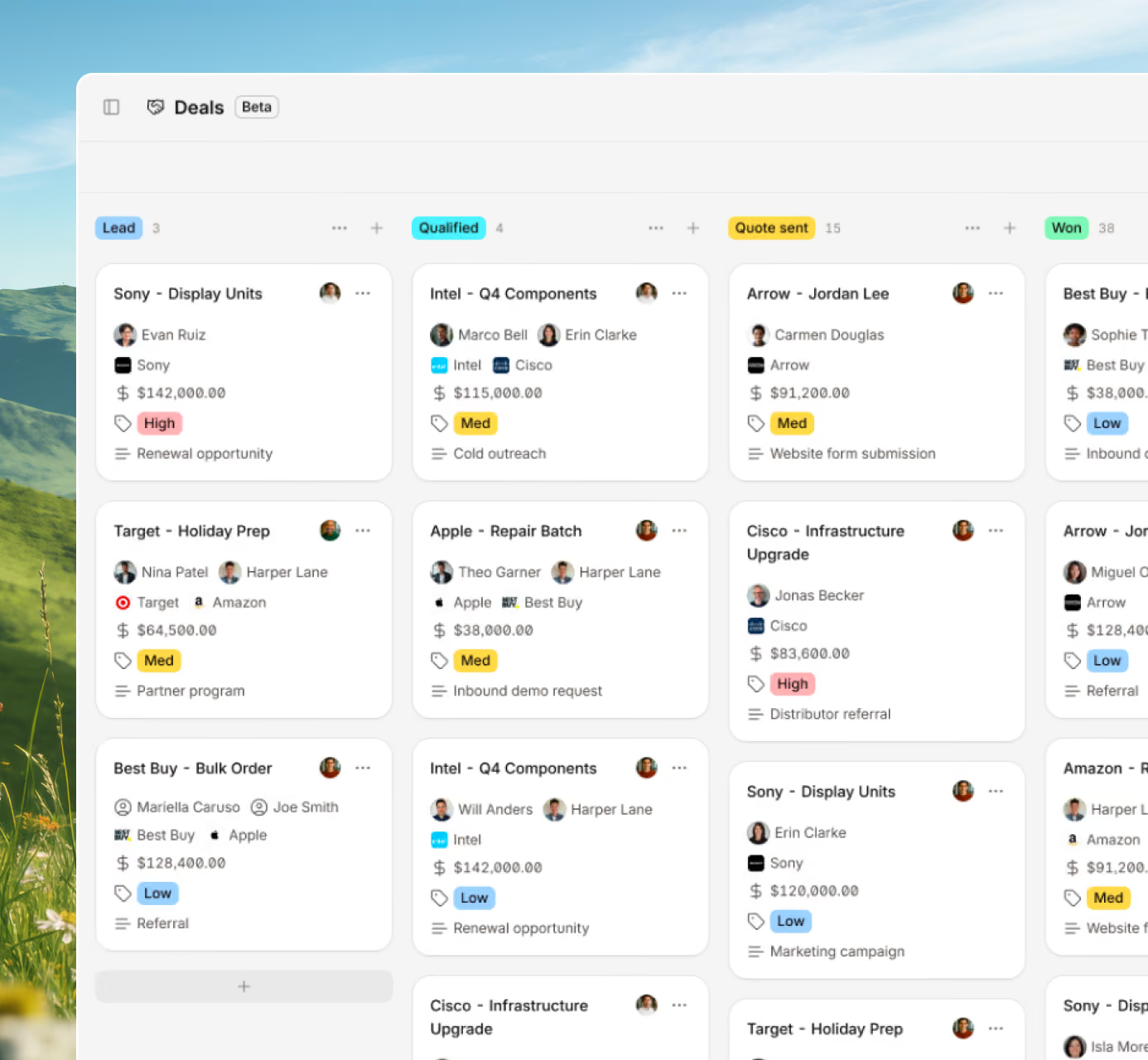
When customer data sits in separate places, deals fall through. Digit links your sales team to live inventory, production schedules, and order status - every conversation uses real numbers.



















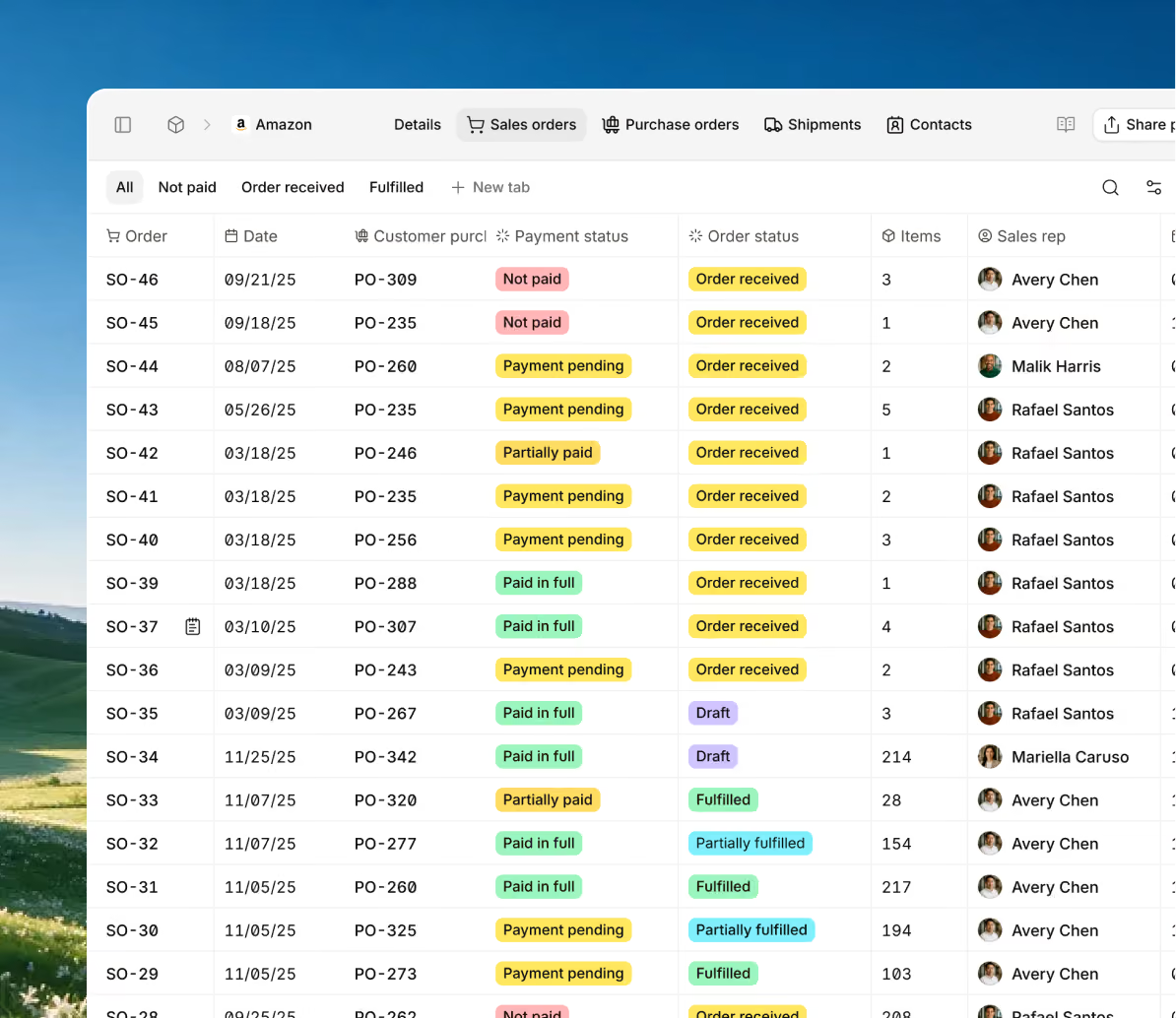
You no longer need to jump between systems to understand a customer account. Digit provides complete visibility in one location: order history, production status but also delivery tracking.

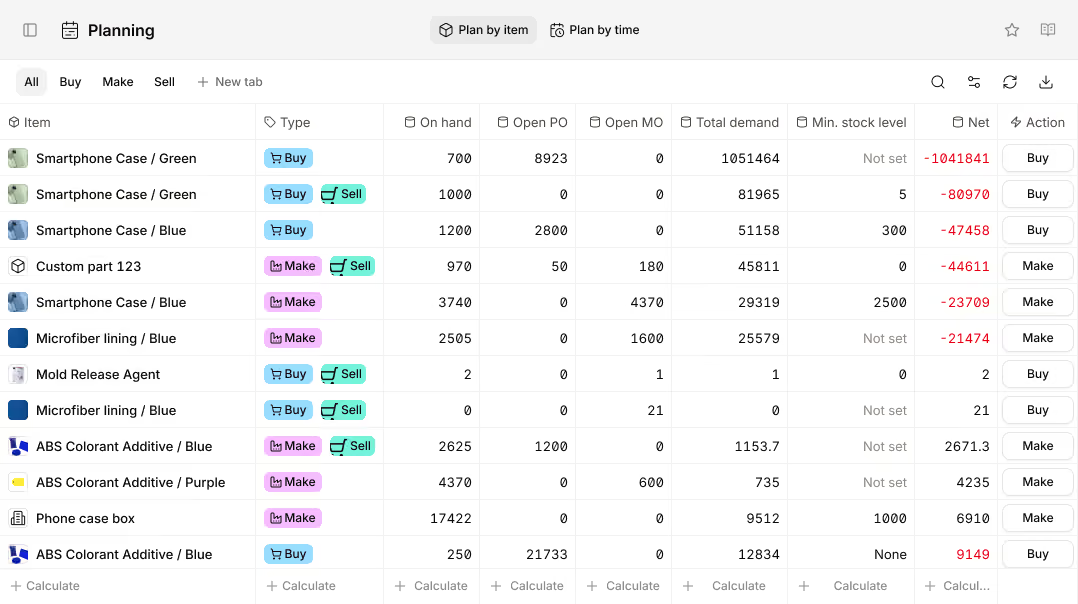
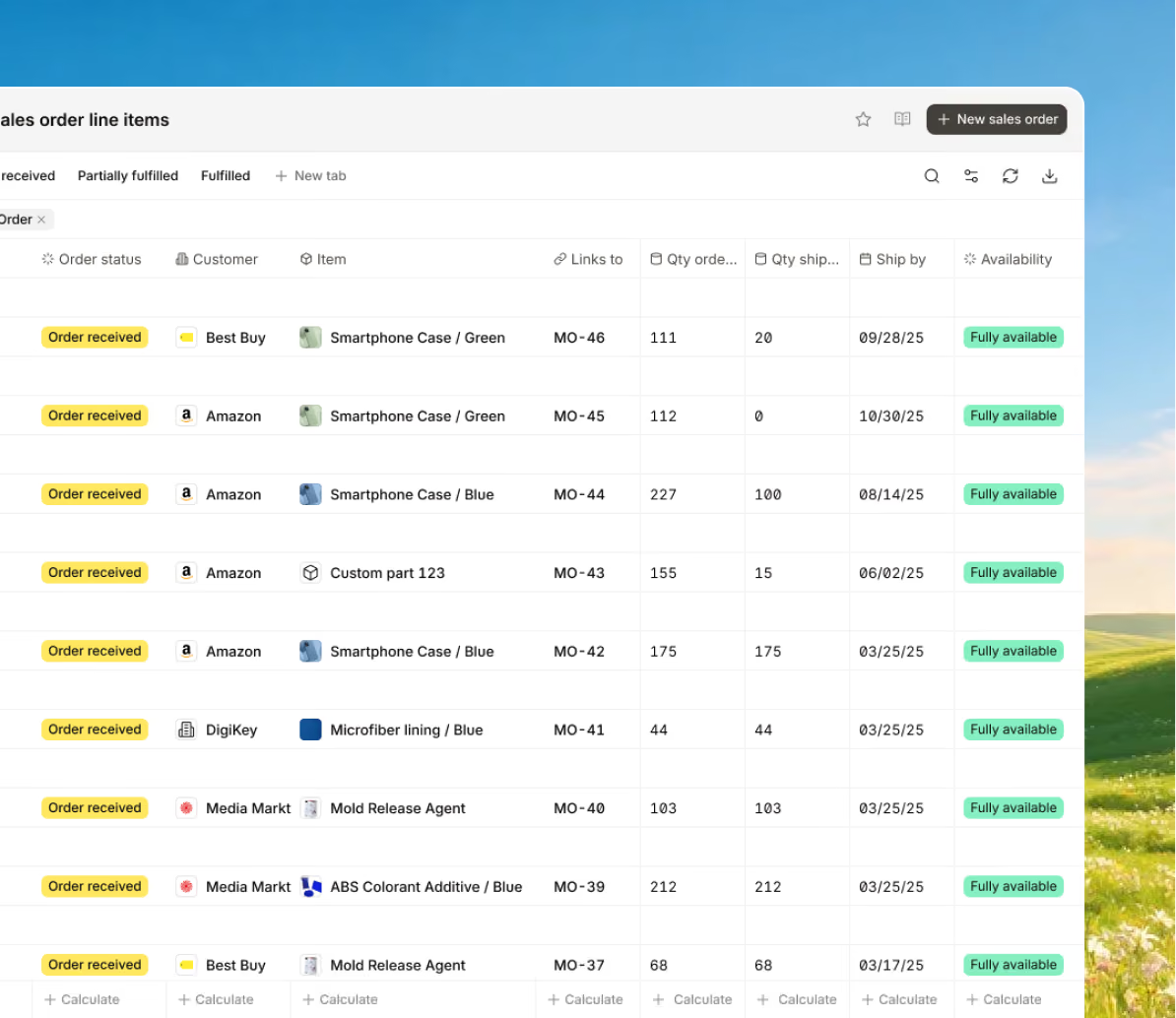
Close a deal and let Digit take care of the rest. When a quote is accepted, it becomes a sales order, which initiates a work order and reserves materials without requiring manual departmental handoffs.
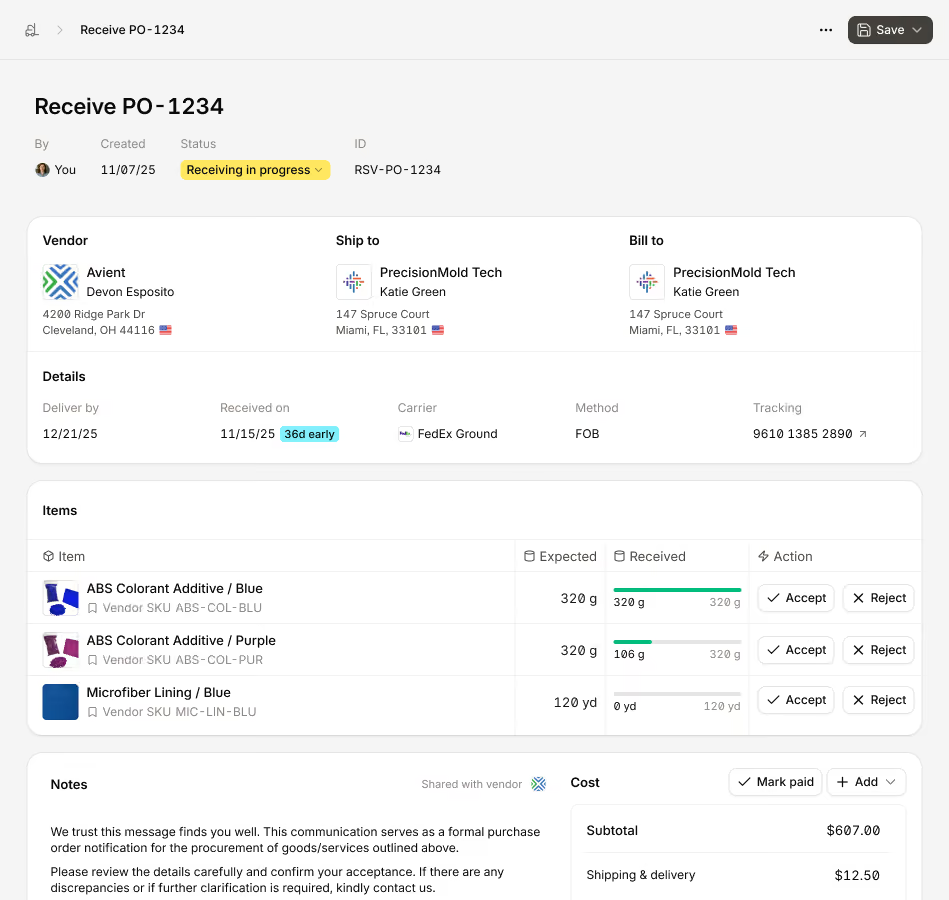
Keep track of every transaction from the initial contact to the order's shipment. You may avoid endless status meetings by using Digit to see which opportunities are closing, what is stuck, and where the team should concentrate.
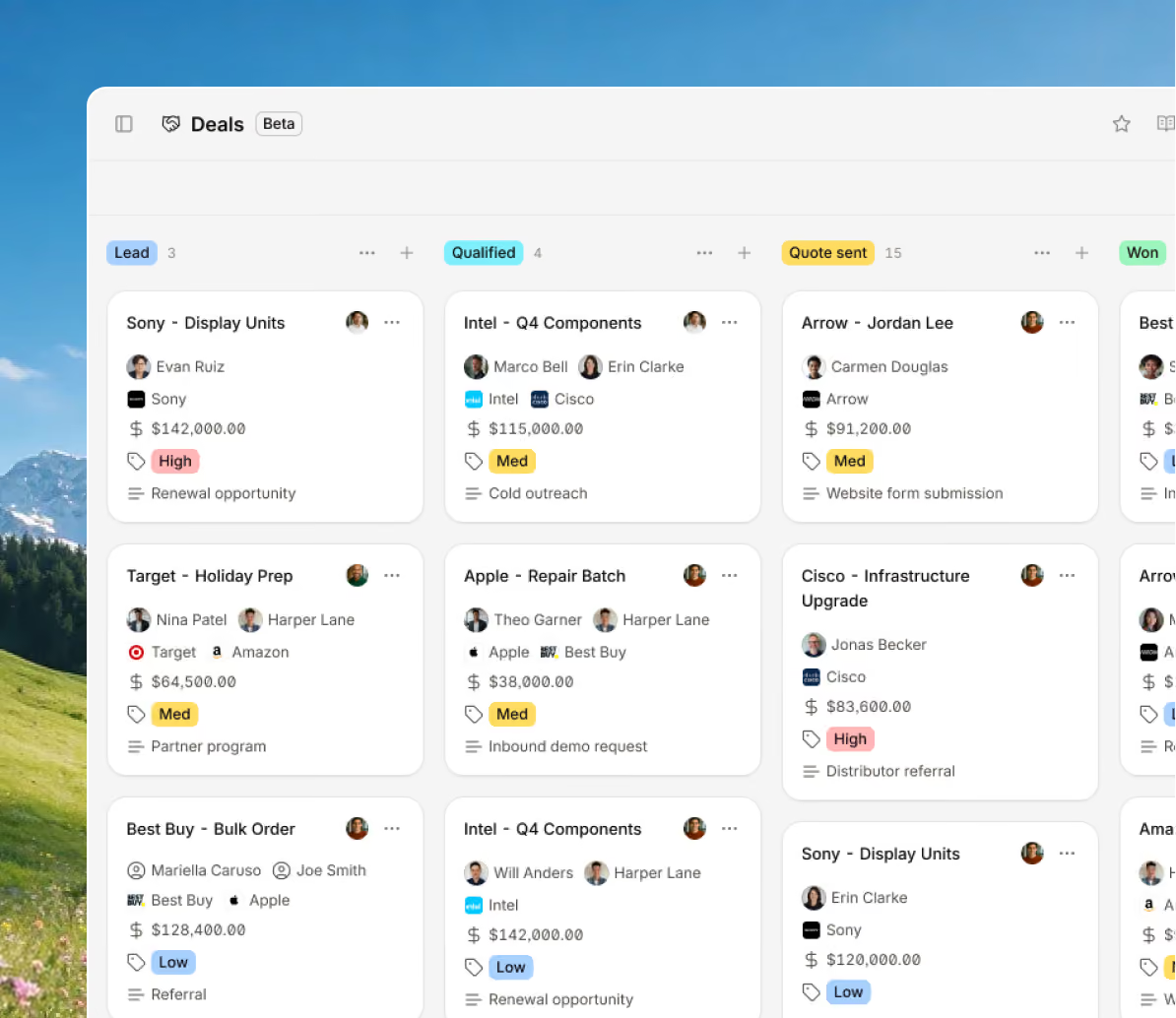
Give up speculating on prices. Digit gathers capacity statistics, labour rates, and current material pricing so that each quote accurately represents the real cost of building the product.
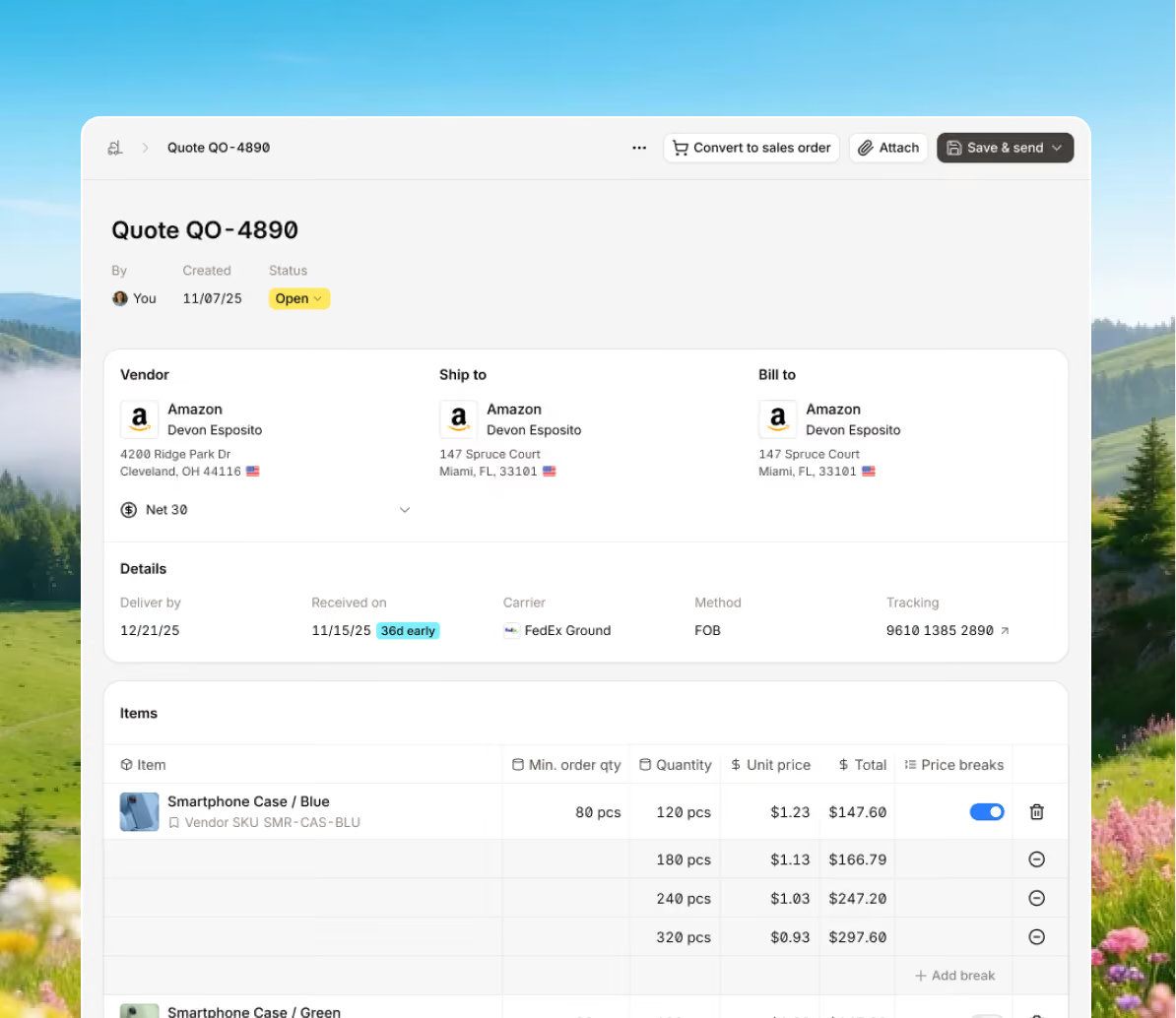
Bring every sales channel and accounting tool together in one system with seamless syncing and flexible API access.





Digit connects CRM, quoting, production, and fulfillment into one continuous workflow. Every customer, order, and shipment stays visible from first contact to delivery.


100+ manufacturers and distributors have replaced spreadsheets and legacy ERPs with Digit.

If I can capture two seconds across 19 machines across a 24-hour span, I'll save the customer thousands of dollars.
Chris Johnson



“The impact Digit has had has been enormous, saving a lot of time, capturing a lot of data, streamlining a lot of processes, with a system that everyone loves to use.”
Tanner Thomas


“Digit has given us the insight into current and upcoming stock on our ingredients and raw materials needed for production. This allows us to procure more before we stock out and to be confident that we have enough to finish any upcoming production run.”
Adam Davis
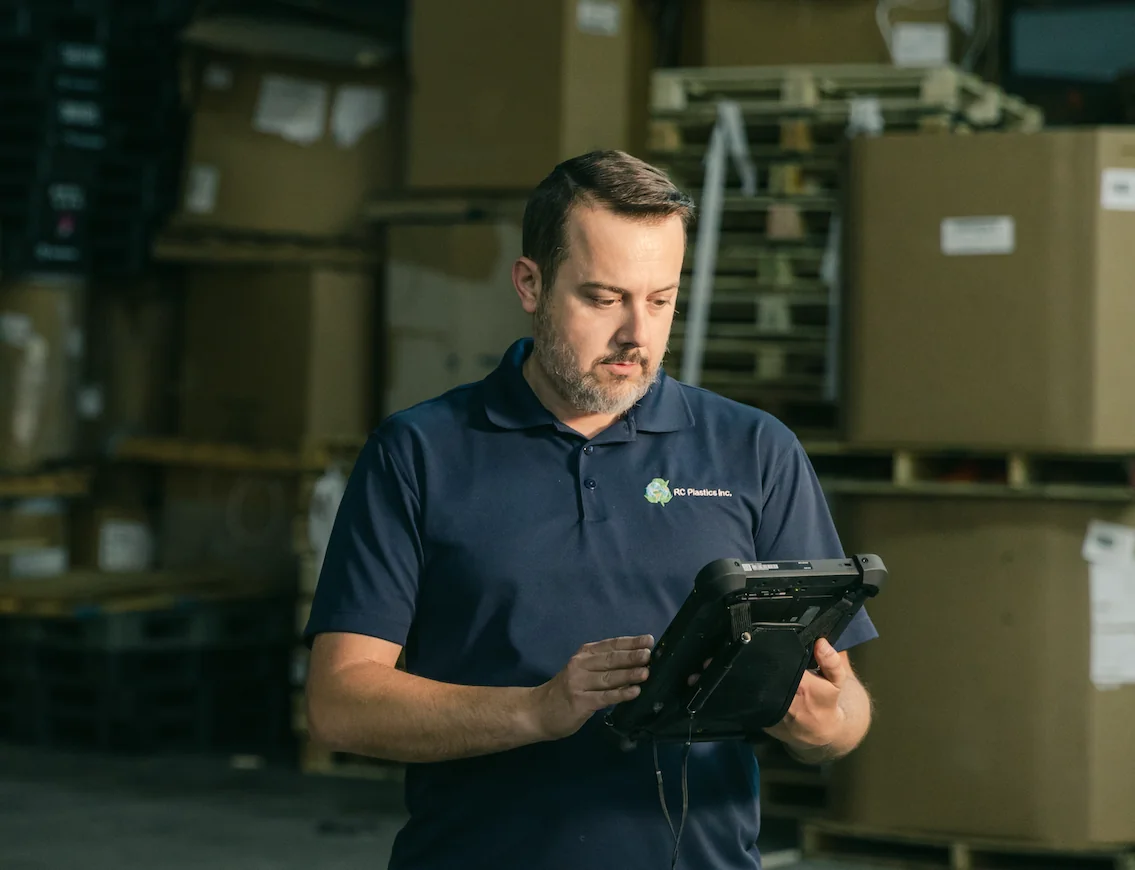
"Digit is the most adaptable, user-friendly software we have ever used."
Joe Watkins
%2520(1).webp)
"With Digit, everything from our inventory to our production data is the word of truth. I can trust it. I can rely on it."
Joshua Burris


Your most frequently asked questions, all in one place. If you don’t see what you need, reach out to us.
Yes. When you open any sales order, you can see which work orders are associated with it, their current status, and the anticipated completion date. Without having to go to the shop floor or wait for operations to react, your sales team provides customers with genuine answers.
Yes. Managers can see deals for the entire team, but each representative sees their own pipeline. To see where opportunities are piling up or where someone needs assistance closing, you can filter by representative, region, product line, or deal stage.
Price lists can be assigned to specific clients or customer groups. Set custom pricing for specific products, account-specific markups, or volume discounts. Your team won't have to look it up or worry about quoting the incorrect amount because, once configured, every quote pulls the correct price automatically.
