

Automate your processes, reduce carrying costs, and manage inventory across multiple locations with a system built for clarity, speed, and real team adoption.












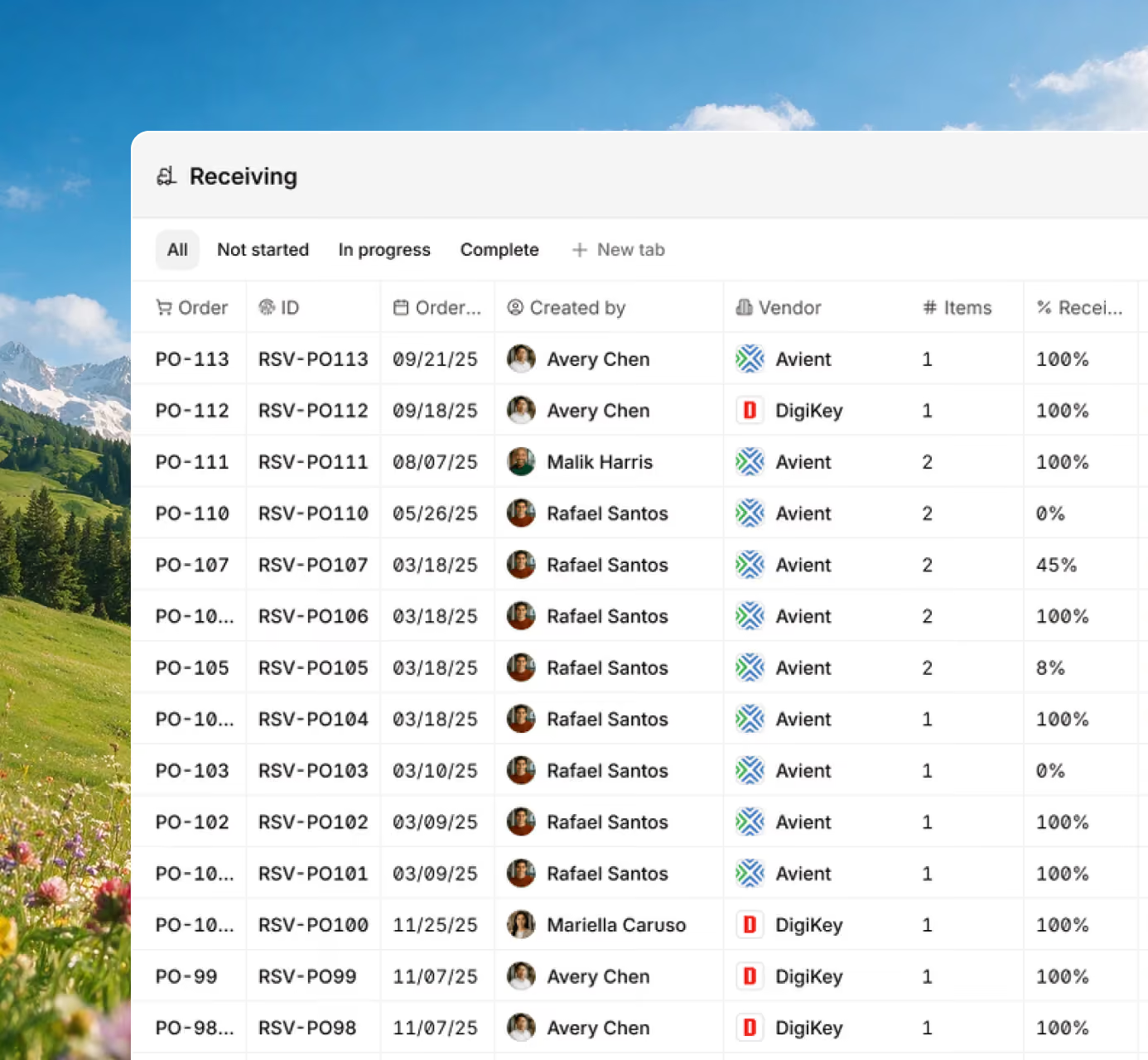







Gain full visibility into every purchase, receipt, and SKU movement with a system your team can actually follow. Digit connects purchasing, warehouse, and inventory data in real time, so everyone stays aligned without constant check-ins or spreadsheet updates.

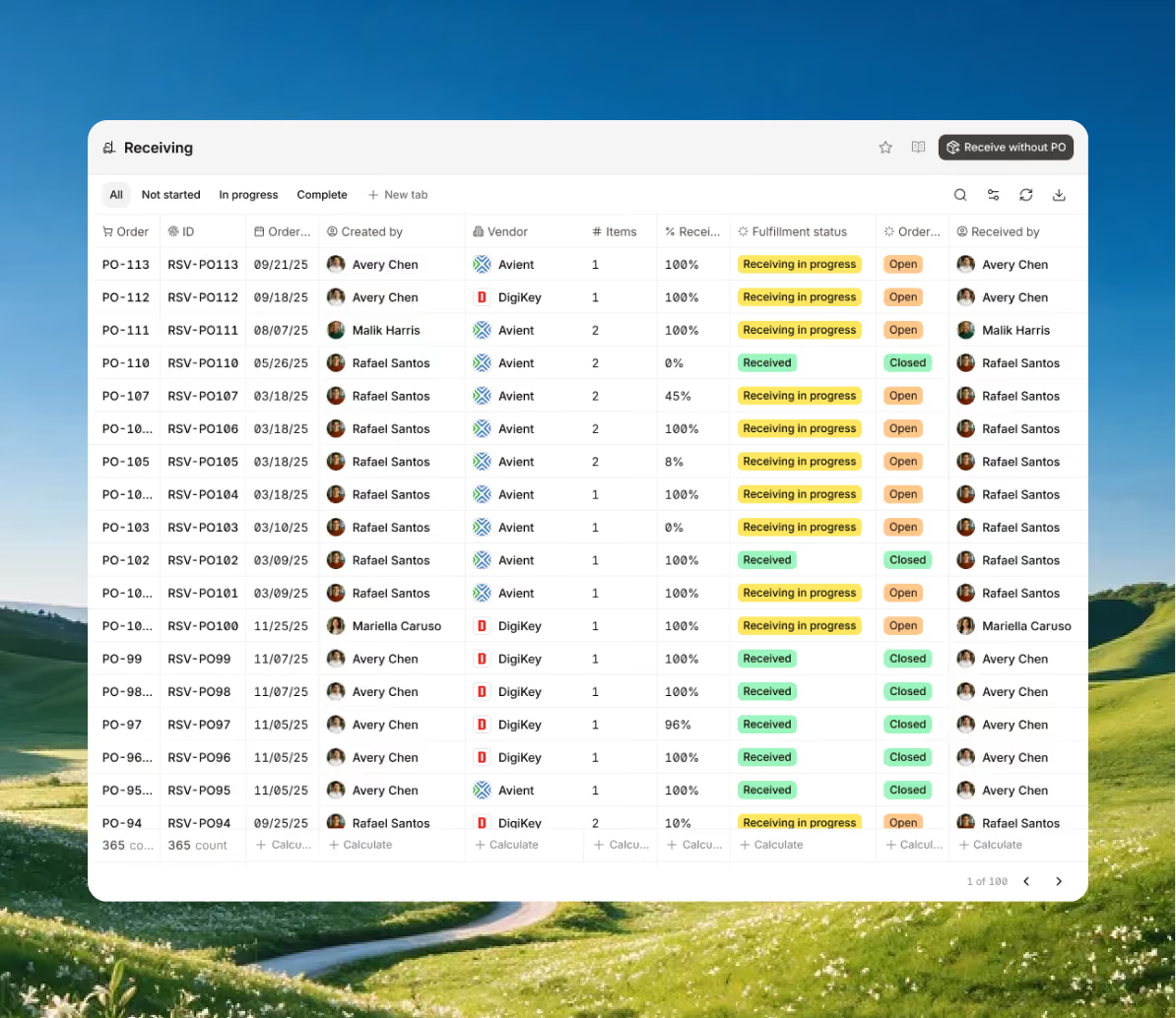
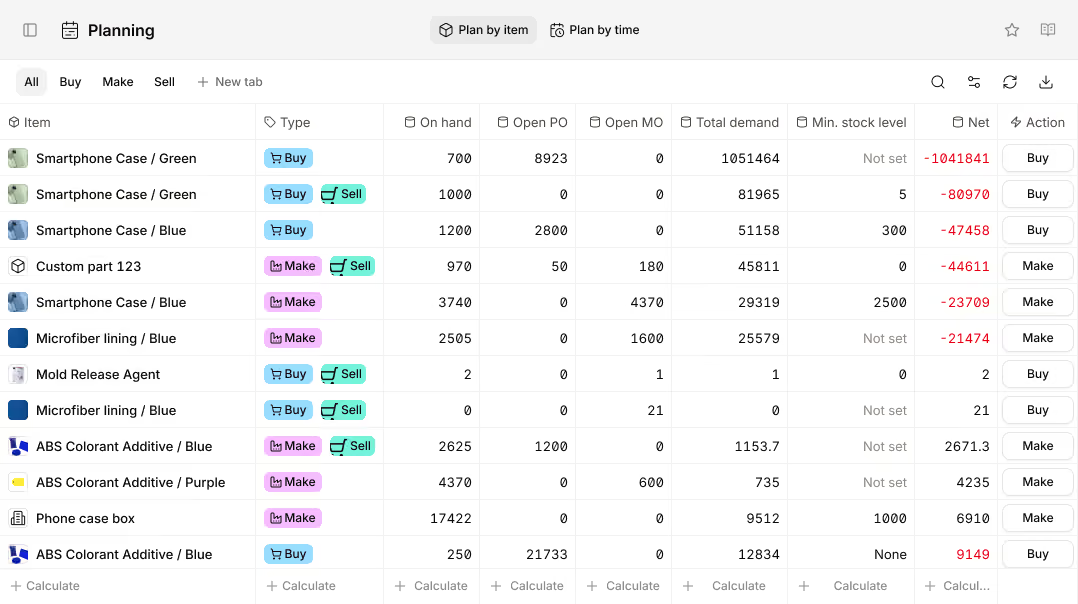
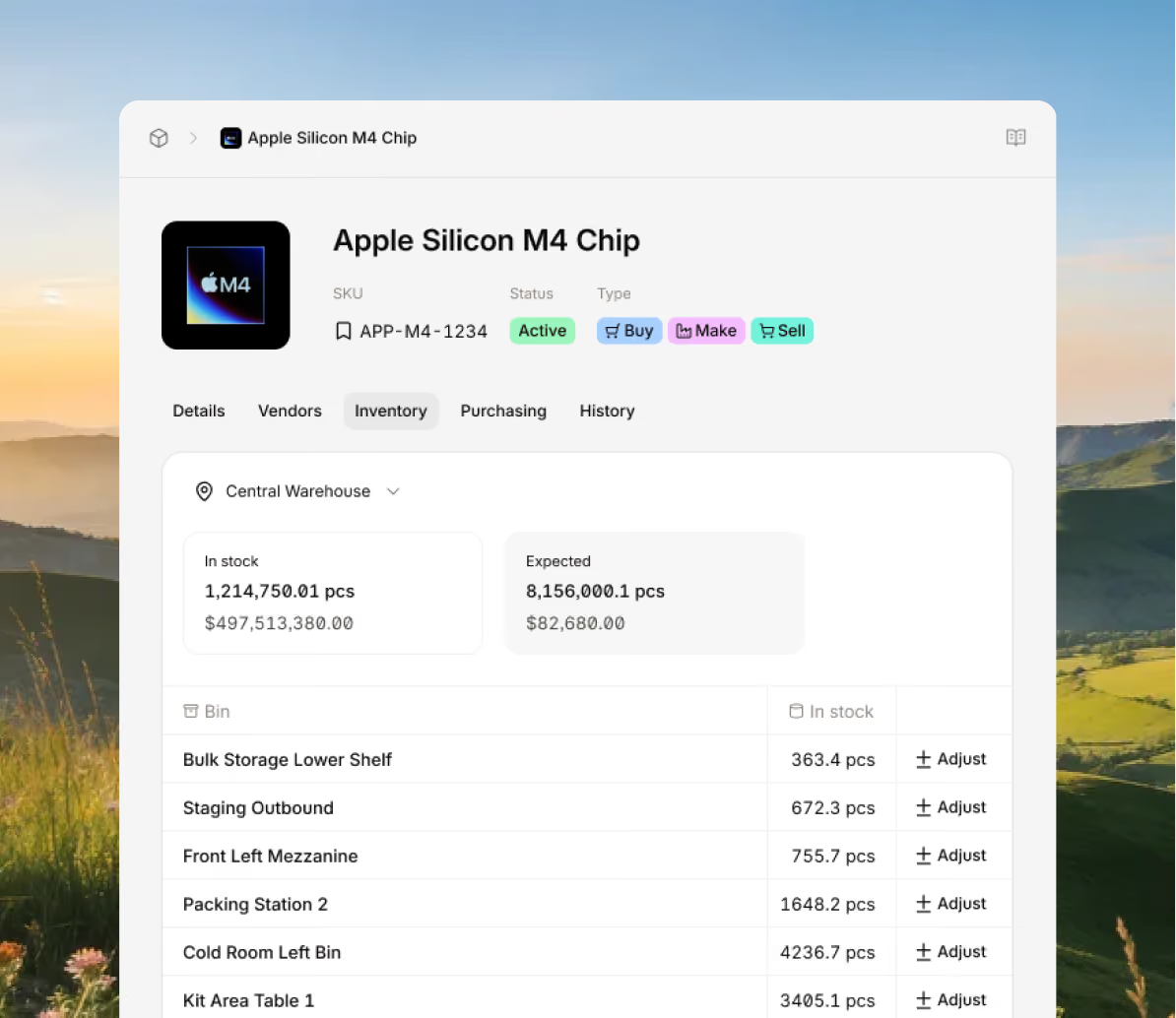
Gain insight into every SKU and location with live data that keeps your stock accurate across your entire business for fast inventory control and traceability.
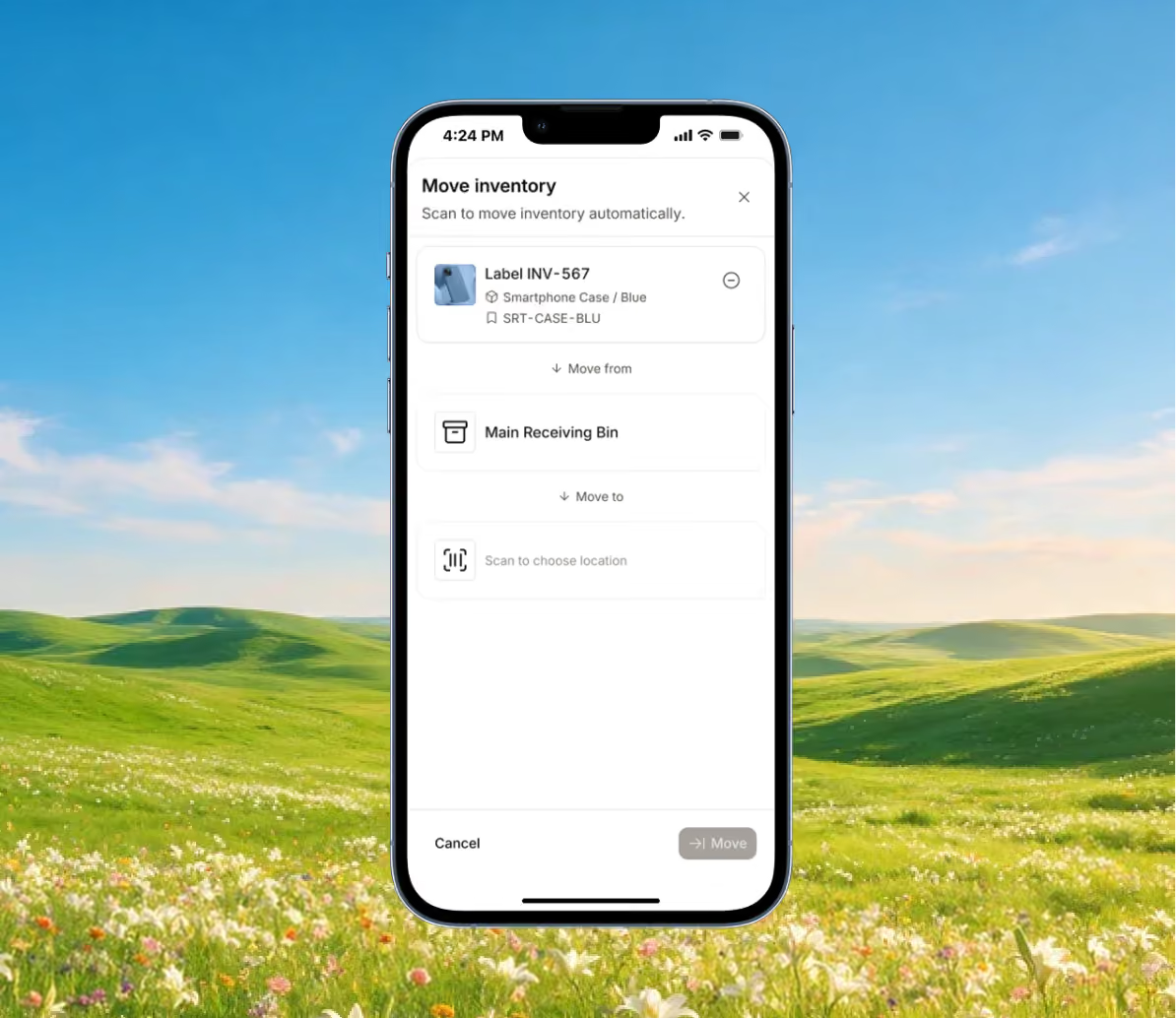
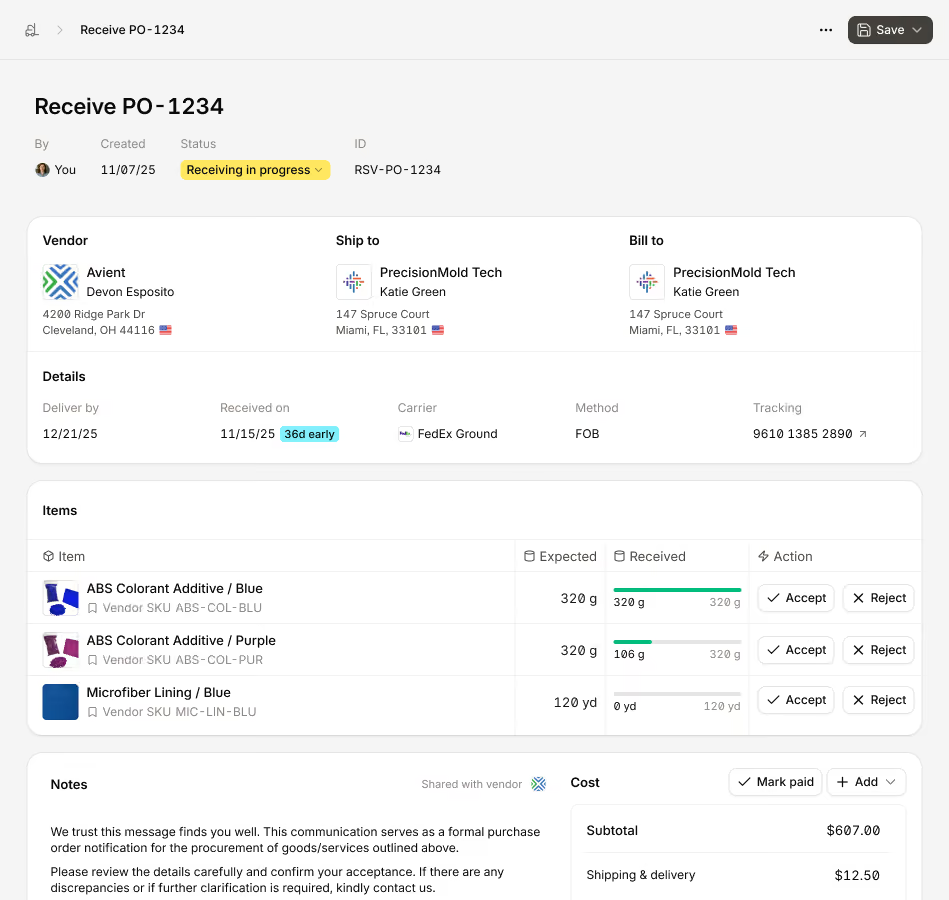
Track every batch, weight, and storage unit with complete accuracy. Digit gives you data on all your items, from pricing to packaging, so you know what’s in stock and where to find it.
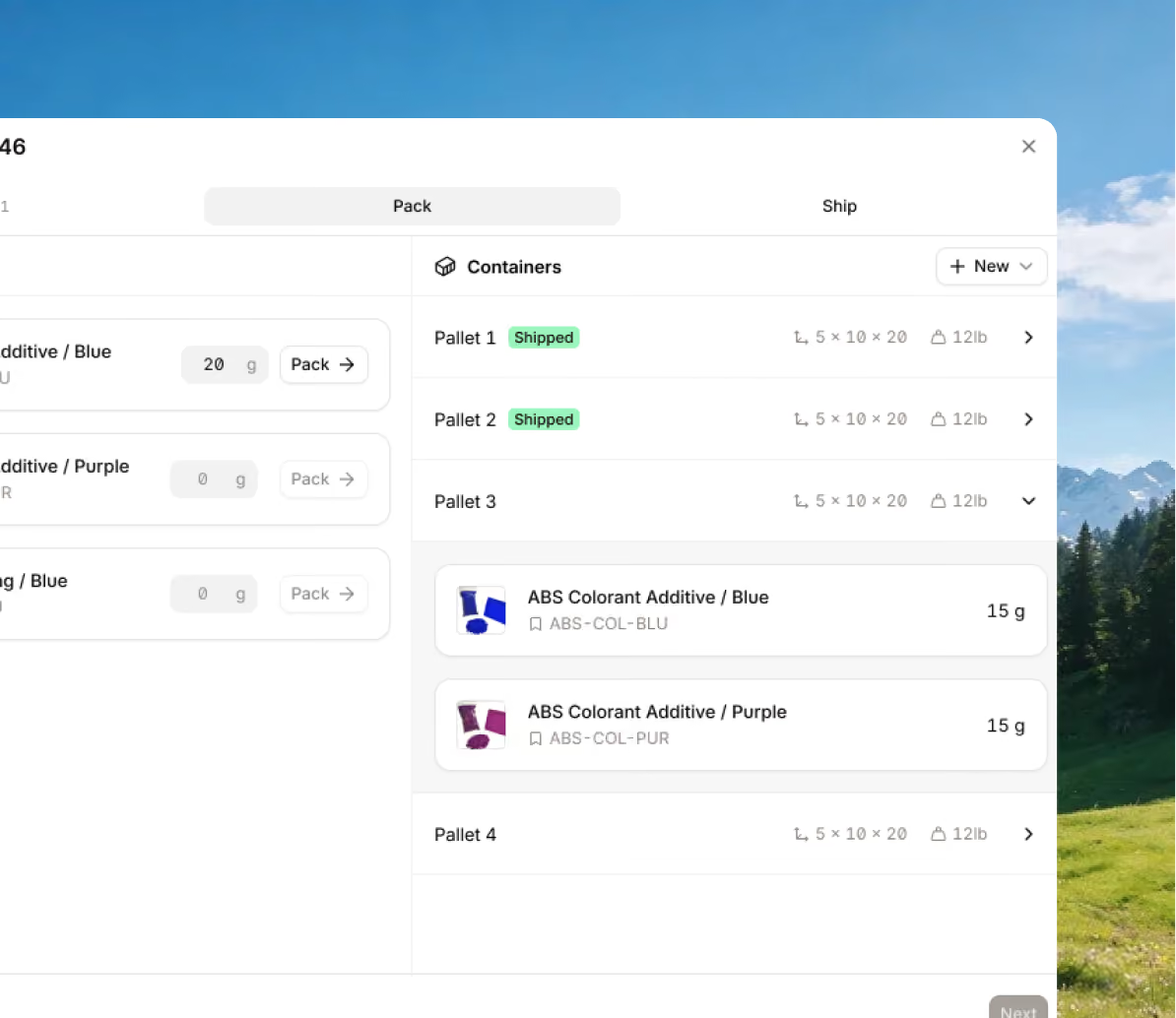
Streamline how you sell, pack, and ship with all your orders, documents, and customer information centralized within a cloud-based warehouse inventory management software.
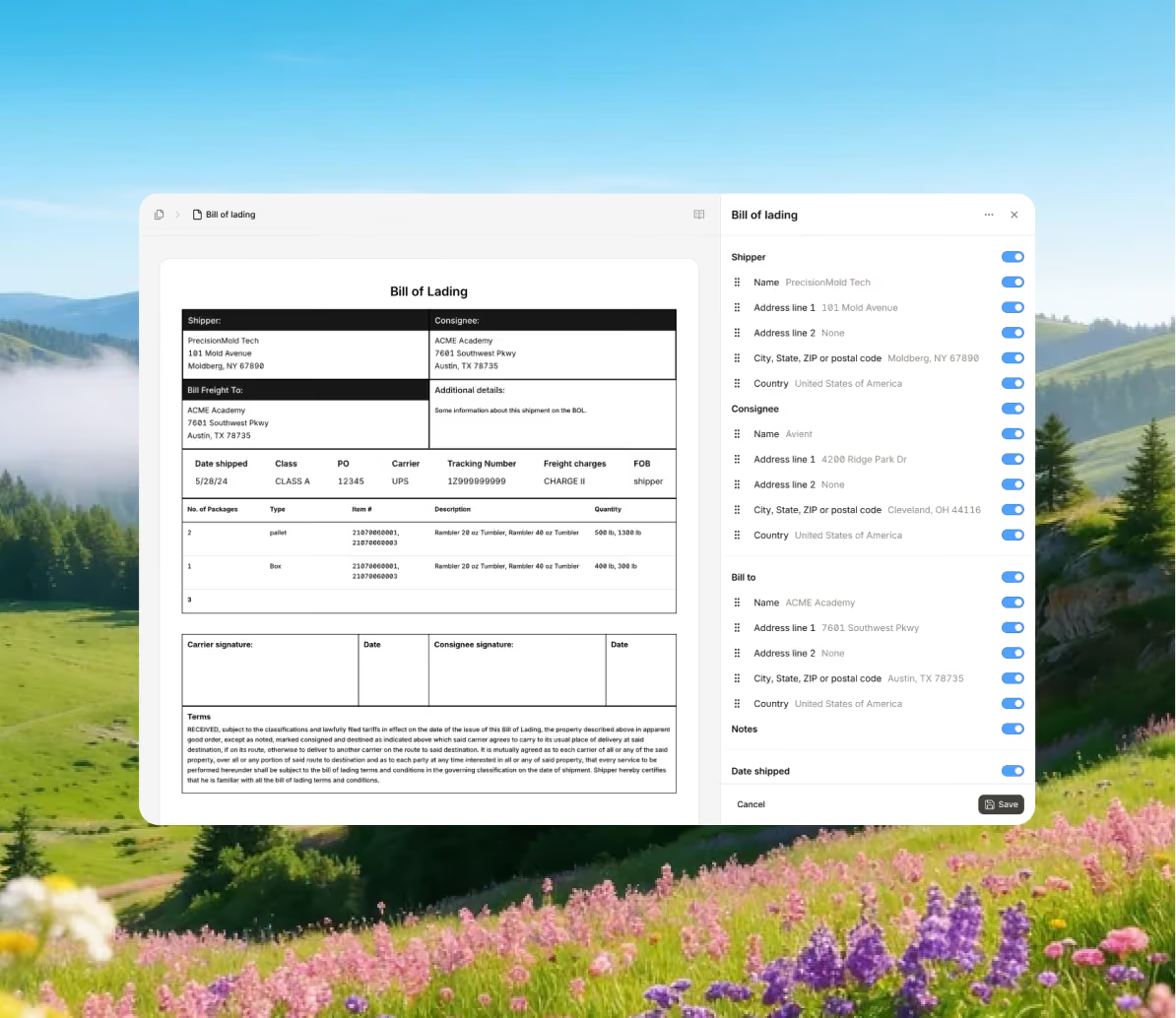
Run multiple warehouses as one connected system, without adding complexity for your team. Digit gives you a unified view of your entire inventory network so every location, transfer, and storage unit stays accurate and in sync in real time.
Stay ahead of demand with all the data you need to forecast what items you'll need and when you'll need them to keep inventory levels balanced and operations on schedule.
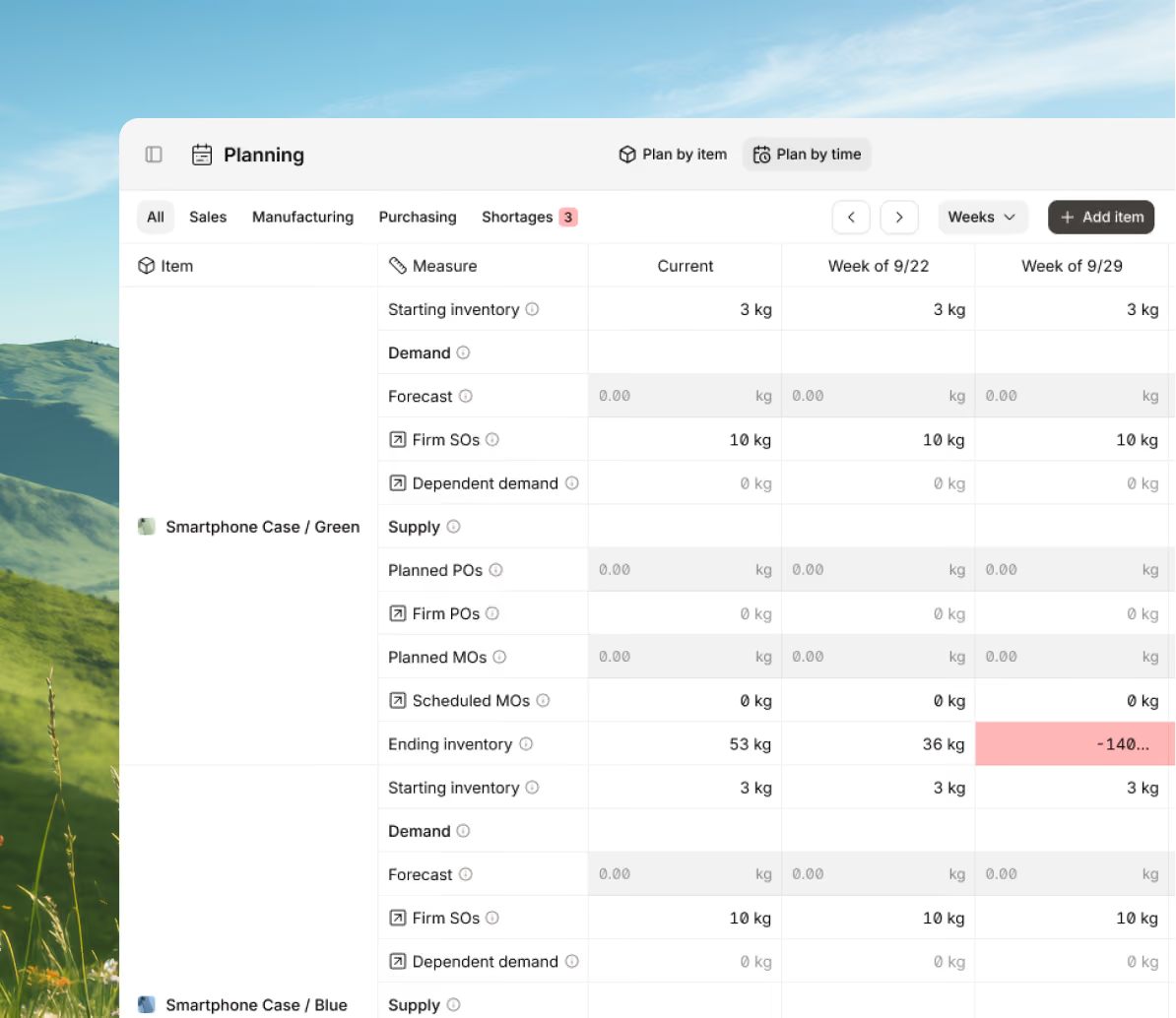
Bring every sales channel and accounting tool together in one system with seamless syncing and flexible API access.





Bring your inventory, accounting, and production together in stock management software built for manufacturers. Keep every part of your business connected, accurate, and easy to track.


100+ manufacturers and distributors have replaced spreadsheets and legacy ERPs with Digit.

If I can capture two seconds across 19 machines across a 24-hour span, I'll save the customer thousands of dollars.
Chris Johnson



“The impact Digit has had has been enormous, saving a lot of time, capturing a lot of data, streamlining a lot of processes, with a system that everyone loves to use.”
Tanner Thomas


“Digit has given us the insight into current and upcoming stock on our ingredients and raw materials needed for production. This allows us to procure more before we stock out and to be confident that we have enough to finish any upcoming production run.”
Adam Davis
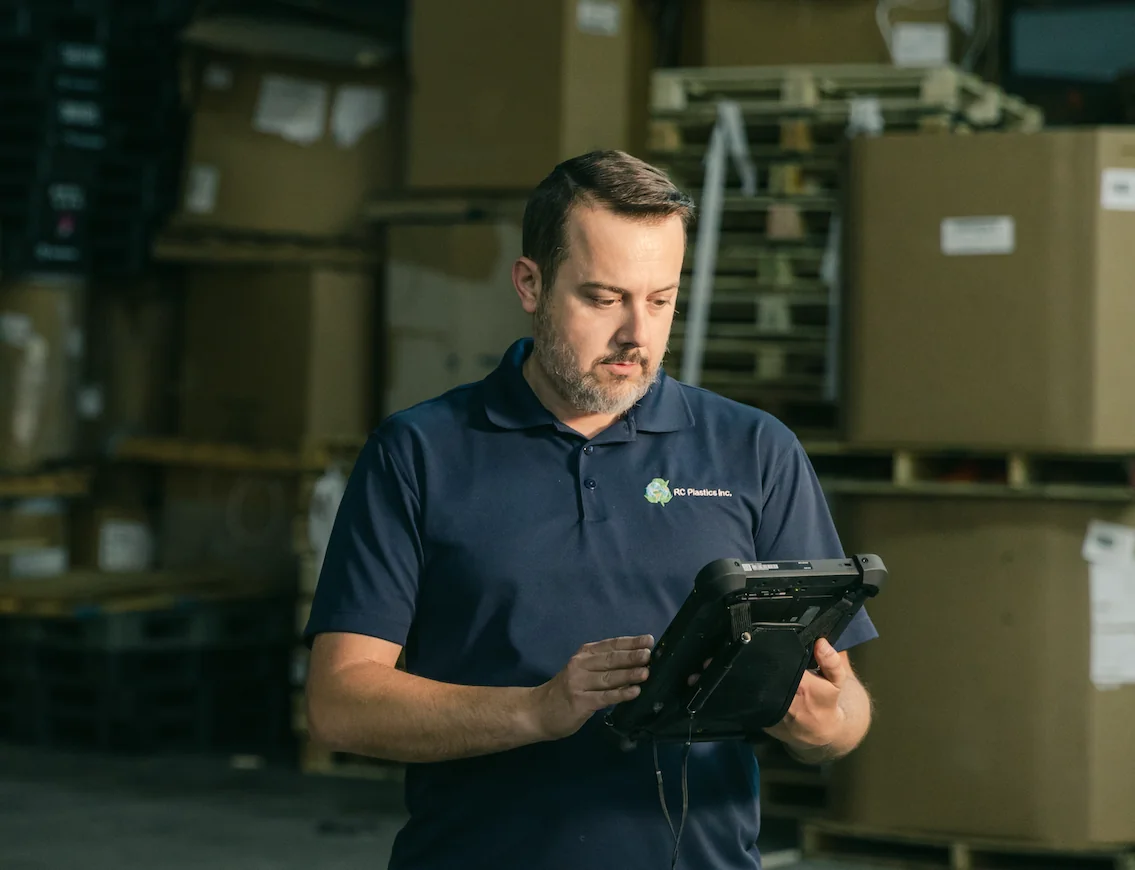
"Digit is the most adaptable, user-friendly software we have ever used."
Joe Watkins
%2520(1).webp)
"With Digit, everything from our inventory to our production data is the word of truth. I can trust it. I can rely on it."
Joshua Burris


Your most frequently asked questions, all in one place. If you don’t see what you need, reach out to us.
Quite simply, a warehouse management system helps you manage your entire warehouse, from tracking where items are moving to and from, acting as a central hub for monitoring all item movements.
A warehouse management system uses barcode scanners to update stock levels as workers move products through different steps. When new inventory arrives, it’s checked against purchase orders, recorded, and stored. The system also helps manage daily tasks by making picking lists, showing staff where to go, and checking shipments before they leave. This saves time and helps prevent mistakes.
Besides tracking stock, managers can see data around lead time, space usage, and stock accuracy to plan better for expected demand. Some tools, like Digit, connects to other systems like account to keep financial, sales, and production data all up to date.
We can answer this with a question, you get an order come through, it's a big one and you're not sure if you have the inventory to meet the order. So, you need to check your stock levels, but you're not at the warehouse. Wouldn't it be simpler to have access to this information from anywhere?
Cloud-based warehouse software is easier to set up, more flexible, and costs less to start than systems kept on-site. Because it works online, your team can log in from anywhere, which is helpful for businesses with more than one warehouse or remote workers. The system also updates and saves data automatically, so you always have the newest tools without needing extra IT help.
An on-premise warehouse software is best for those who have strict security rules (not to say that cloud-based solutions aren't secure). However, it takes more time, money, and effort to manage. For growing businesses that want to move faster, stay connected, and keep costs down, cloud-based software is often the smarter choice.
The three key features to look out for in warehouse management software are inventory management, order fulfillment tracking, and warehouse operations management. But, for finding the best software, be sure to see if it has all of the following:
Label and document creation: Create, edit, and reprint custom labels for pallets, bins, and individual products to improve identification and reduce errors.
Any size business can use a warehouse management system. But it becomes necessary when your warehouse gets complex, even for small teams. If you have a lot of orders, many SKUs, or more than about 20,000 square feet of space, manual methods start to fail.
A WMS system is a smart decision to implement when you need to work faster, reduce spending, and make customers happier. It automates receiving, tracking, picking, packing, and shipping, meaning fewer mistakes and on-time orders. It’s great for small and mid-sized businesses with limited staff, growing companies that must scale without adding headcount, and teams with too many pick or pack errors. It also helps ecommerce and multi-channel sellers by keeping stock synced across all locations.
You get live views of stock to prevent stockouts and overstocking. You can also organize layouts and tasks better as your space and flow get more complex. These gains cut labor costs, speed up work, and raise accuracy. That leads to happier customers.
Inventory management software focuses on the what and how much of stock, giving businesses a high-level view of quantities, costs, and reorder points across all locations. It helps track total stock on hand, forecast demand, and avoid overstocking and stockouts. The goal is to keep accurate counts, manage purchasing workflows, and support decision-making at the company level.
Warehouse management software focuses on where items are kept and how they move around inside a warehouse. It helps with receiving, storing, picking, packing, and shipping, so products move smoothly through every step. A warehouse management system shows exactly where each item is located, makes picking lists for workers, and helps reduce mistakes so orders get sent out faster.
Nowadays, some software, like Digit, gives businesses the best of both worlds. They can use it for inventory management and oversee their warehouse. All this means is that businesses can track purchases, stock levels, and orders all together. They can also see how items are stored, moved, and shipped across different locations. With everything connected in one system, it’s easier to keep control from the moment an order is placed until it’s delivered.
