%201.svg)





What Is a Warehouse Management System (WMS)?

A warehouse management system is software built specifically for physical warehouse operations. Its job is to tell you — and your team — exactly what's in your warehouse, where it is, and how to move it.
That means bin-level inventory tracking (not just "we have 200 units of SKU 1042" but "we have 200 units of SKU 1042 in aisle 3, rack B, bin 7"). It means directed putaway — the system tells your receiving team where to store incoming goods rather than leaving it to memory or habit. It means pick optimization, so your team isn't walking the wrong route to pull orders. It means label printing, barcode scanning, cycle counts, and receiving workflows.
A good WMS answers: Where is everything, right now, and what do I do next?
For a deeper look at how warehouse management software works in practice, see our guide to warehouse management systems.
What Is an ERP System?
An ERP (enterprise resource planning) system is broader. It's the central nervous system of your business — connecting purchasing, inventory, production, sales, and finance into one record of truth.
Where a WMS asks "where is the inventory?", an ERP asks "what should we order, make, sell, and invoice?" It manages purchase orders and vendor relationships. It runs material requirements planning (MRP) to tell you what to buy based on demand. It tracks costs, generates invoices, and feeds your accounting.
Most ERPs include some inventory module — quantity on hand, reorder points, purchase order receiving. But "inventory in an ERP" and "warehouse management" are not the same thing, and that gap is where a lot of manufacturers get stuck.
WMS vs. ERP: Key Differences
The simplest way to frame it:
ERP manages the flow of goods through your business — procurement, production, fulfillment, accounting.
WMS manages the movement of goods within your warehouse — receiving, storage, picking, packing, shipping.
An ERP knows you received 500 units of component X. A WMS knows those 500 units are split across two bin locations, 300 are in the inspection zone, and 200 were put away in rack C-4.
For most small businesses, the ERP's inventory module is enough. For operations with real warehouse complexity — multiple bin locations, high pick volume, lot traceability requirements, or multiple warehouses — the ERP's inventory module starts to show its limits.
The difference between WMS and ERP isn't about company size. It's about operational complexity.
When an ERP's Inventory Module Is Enough
If your warehouse is one room and your team knows where everything is, a dedicated WMS is probably overkill. The ERP's inventory module handles what you need.
Specifically, you can probably get by without a standalone WMS if:
- You have a single warehouse location with a manageable number of SKUs
- Your team picks from memory or a simple location scheme
- Order volume is low enough that pick efficiency isn't a meaningful problem
- You don't have regulatory requirements for lot or batch traceability
- You're not running directed putaway — items go where there's space
Most companies in this bucket are under $5–10M in revenue, running a handful of SKUs, and shipping fewer than 50–100 orders a day. Their inventory problem isn't warehouse complexity — it's keeping the ERP's numbers accurate. Solve that first.
When You Need a Dedicated WMS

The moment your warehouse has real complexity, an ERP inventory module starts costing you time and accuracy.
Signs you've crossed that line:
You're managing multiple bin locations. If your team needs to know "which bin" and not just "how many," your ERP's inventory module probably isn't tracking at that level.
You need directed picking. High-volume pick operations with inefficient routes — your team zigzagging the warehouse to pull orders — are a WMS problem. The fix is routing logic, not more spreadsheets.
Lot and batch traceability is required. Food, beverage, nutraceuticals, cosmetics, any regulated product — if you need to trace a finished good back to the raw material lot it came from, you need more than basic inventory tracking. You need lot-level receiving, picking, and shipping tied together.
You're running multiple warehouses. When inventory lives in two or more physical locations, knowing totals isn't enough. You need location-aware inventory to avoid fulfilling an order from a warehouse that doesn't actually have the stock.
Receiving accuracy is breaking down. If your team is receiving goods without scanning, misputting items, or hand-keying quantities, a WMS with barcode scanning and receiving workflows fixes this at the source.
If two or more of these apply to you, you've outgrown what most ERP inventory modules can honestly do.
WMS + ERP: Using Both Together
Many mid-size and enterprise companies run a dedicated WMS alongside their ERP. The ERP handles the financial and planning layer; the WMS handles the physical warehouse layer. They sync inventory data between them.
In theory, this is the "best of both worlds."
In practice, it's an integration problem you'll be managing forever.
When your WMS and ERP are two separate systems, someone has to maintain the connection. Inventory adjustments in the WMS need to reflect in the ERP. Purchase orders created in the ERP need to flow to the WMS for receiving. Production orders need to trigger component picks. Every one of those connections is a potential break point — and when they break, your inventory numbers go wrong in both systems simultaneously.
The integration cost isn't just technical. It's the time your team spends reconciling discrepancies, chasing down syncing issues, and figuring out which system is right. That's the hidden tax of running two systems where one should be.
This doesn't mean WMS + ERP is never the right call. For large enterprises with dedicated IT teams and complex distribution networks, it makes sense. For mid-market manufacturers, it often just adds operational debt.
Which Is Right for Manufacturers vs. Distributors?

Most WMS guides are written with distributors or 3PLs in mind — companies moving finished goods in and out. If you're a manufacturer, the picture is different.
Manufacturers have warehouse complexity that touches production.
When your warehouse holds raw materials, work-in-progress, and finished goods, your WMS needs to understand the difference. A raw material pick might be driven by a production order, not a customer order. The quantity you need to pull isn't what's on a sales order — it's what the BOM requires for that manufacturing run.
Lot tracking for manufacturers isn't just about knowing where a finished item came from. It's about knowing which batch of raw material was used to make it — and being able to pull that thread if there's a quality issue downstream.
MRP software (material requirements planning) adds another layer: the WMS needs to understand not just what's in the warehouse, but what will be needed to fulfill the production schedule. A standalone WMS built for distribution won't know any of this.
This is the gap most WMS vs. ERP comparisons miss. Manufacturers don't just need better warehouse software. They need warehouse software that's aware of production.
How Digit Combines WMS and ERP Functionality
.jpg)
Digit was built for manufacturers who've outgrown QuickBooks but aren't ready for a $200K ERP with a 12-month implementation.
It isn't a choice between WMS and ERP. Digit is both — in a single system, with no integration layer to maintain.
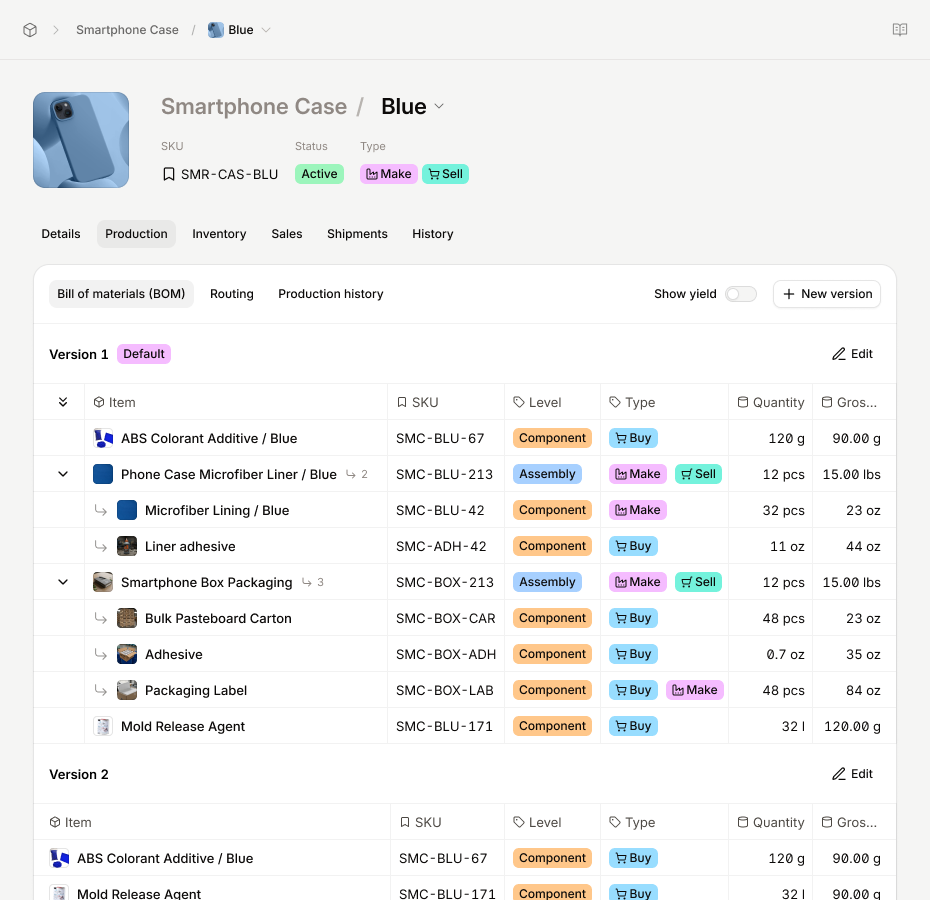
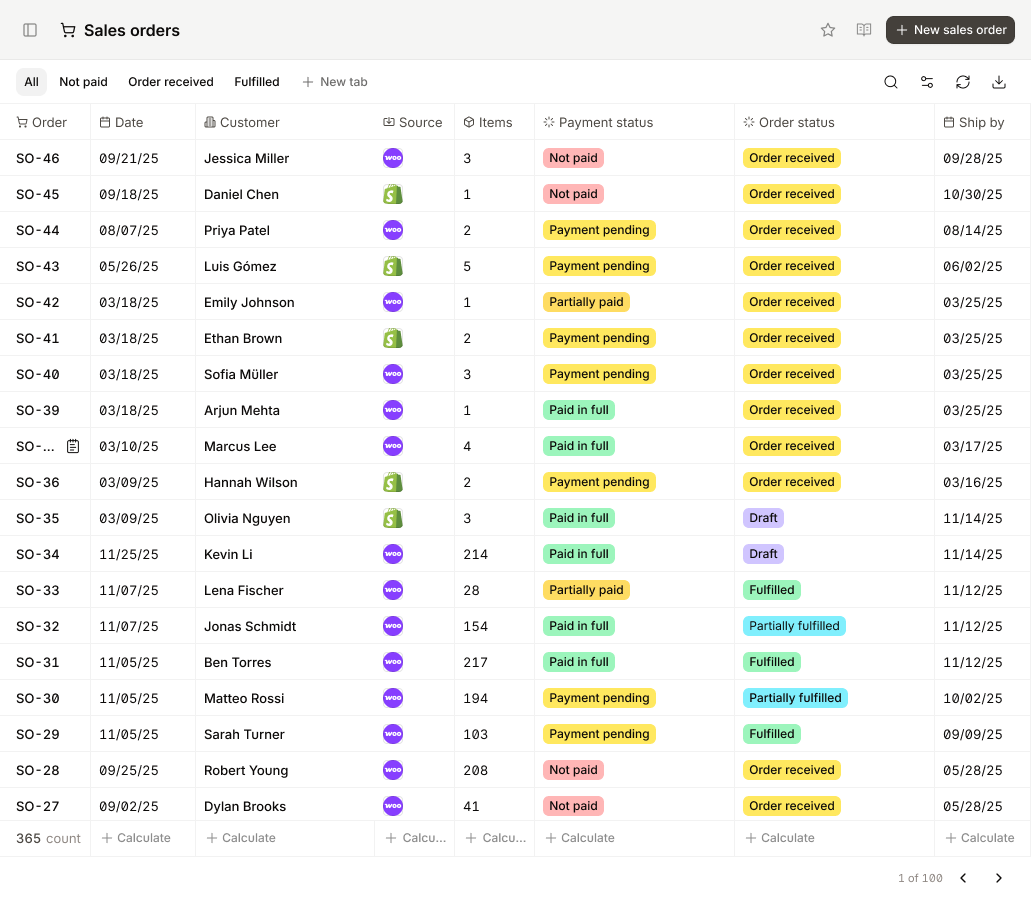
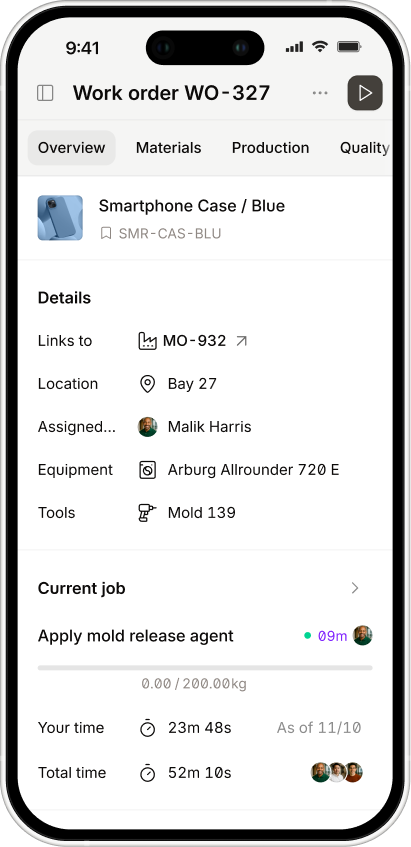
Warehouse management in Digit includes bin-level inventory, directed putaway, barcode scanning, pick optimization, and receiving workflows. Your team scans goods in, the system tells them where to put them, and every movement is tracked in real time.
But because Digit also runs your production and purchasing, your warehouse is aware of what's coming in from suppliers and what's needed for manufacturing orders. When a production order is created, Digit knows which components to pull, from which bins, and in what sequence. It doesn't require a data sync with a separate ERP — it's all one record.
Lot and batch tracking works the same way: a lot tracked from receiving through production and into the finished goods shipment, with a full chain of custody in one system. No reconciliation between WMS and ERP records.
For manufacturers in distribution as well — selling direct and through wholesale channels — see how Digit handles distribution operations.
The implementation timeline is 48 hours, not months. No consultants, no integration project. You're live and scanning barcodes on day two.
If you're evaluating inventory management software or WMS options and want to see what this looks like in practice, book a demo.
Frequently Asked Questions
What is the difference between a WMS and an ERP?An ERP manages the flow of goods through your business — purchasing, production, finance, and inventory at a quantity level. A WMS manages the physical movement of goods within your warehouse — bin locations, receiving, picking, packing, and shipping. Most ERPs include a basic inventory module, but that's not the same as a full warehouse management system.
Is a warehouse management system the same as an ERP?No. A WMS is a subset of what an ERP does, focused entirely on warehouse operations. Some ERPs include WMS functionality as part of the platform. Others require a separate WMS that integrates with the ERP.
Do I need a WMS if I have an ERP?Maybe not. If your warehouse operations are simple — one location, manageable SKU count, no lot traceability requirements — your ERP's inventory module may be enough. If you're managing bin locations, high pick volumes, regulatory traceability, or multiple warehouses, you likely need WMS-level functionality. The question is whether that WMS is built into your ERP or a separate system.
When should I choose a WMS over an ERP?If your core problem is warehouse operations — where things are, how fast they move, how accurately your team picks and receives — a dedicated WMS (or an ERP with strong WMS functionality) is the right tool. If your core problem is business-wide visibility — purchasing, production, finance, and inventory in one place — you need an ERP first, with warehouse management built in or integrated.
Can an ERP replace a WMS?It depends on the ERP. Basic ERPs with inventory modules can replace a WMS for simple operations. ERPs with built-in WMS functionality — bin tracking, directed picking, barcode scanning — can replace a standalone WMS for most mid-market operations. Purely financial ERPs (like QuickBooks) cannot.
What are the four types of warehouse management systems?Standalone WMS (built specifically for warehouse operations, integrated with a separate ERP), ERP-integrated WMS (warehouse functionality built into the ERP platform), cloud-based WMS (SaaS delivery, typically faster to implement), and supply chain execution suites (WMS as part of a broader logistics platform, common in large 3PLs and enterprise distribution).




.jpg)