



Does QuickBooks Support a Bill of Materials?
TL;DR: QuickBooks Online Bill of Materials isn’t supported. But some versions of QuickBooks Desktop do support single-level BOMs. Read on to learn more about QuickBooks BOM limitations and alternatives you can use in your business.
Answering if QuickBooks supports Bills of Materials (BOMs) isn’t such a straightforward question unfortunately.
For starters, QuickBooks Online Bill of Materials isn’t a feature that is available in that version and no workaround available, so if you need BOMs and you want to keep using QBO, then you will likely need to rely on a manual solution like spreadsheets (which come with their own set of problems). The reason some businesses decide to take this approach is because they start using QBO for its convenience and accessibility, only to find out that they need a separate solution for managing BOMs.
Now, as already touched upon, QuickBooks comes in different versions and some do come with some form of Bill of Materials QuickBooks functionality.
QuickBooks Desktop comes equipped with the “Inventory Assembly” feature that lets you define the raw materials that need to be used to create a finished product, and when inventory is committed to production and finished, inventory levels update accordingly. And if you pay for the higher tier packages for QBD, the Enterprise version comes with all sorts of manufacturing features for managing single-level assemblies, such as:
- Bin tracking
- Serial numbers
- FIFO costing
But, whatever Desktop version you decide to go with, there’s still some significant gaps in what it can help a manufacturer do, as it lacks manufacturing functionalities like:
- Production scheduling
- Demand-driven purchase order automation
- Multi-level BOMs
- Real-time material tracking
- WIP inventory tracking
If you’re a manufacturer that needs any of the above, then you will likely need to look into 3rd party solutions such as Digit, Katana, or Unleashed, which are manufacturing ERP solutions that integrate with QuickBooks Online and Desktop.
Why Single-Level Assemblies Break Down in Practice

So, is QuickBooks Bill of Materials a thing? Mostly not.
Yes, you can use the “Inventory Assembly” feature, and will be fairly useful if your BOMs structure is simple. But, that will be a limitation for manufacturers who need a multi-level BOM for their products or if your products are made with sub-assemblies. You'll be able to list raw materials, assign quantities, and calculate a BOM cost with certain versions of QuickBooks Desktop, but you won’t be able to nest a subassembly within another.
Consider a product that requires a sub-assembly:
- A pre-mixed compound
- A welded bracket
- A pre-configured circuit board
These items will have their own list of components.
In QuickBooks Desktop, that sub-assembly cannot exist as a distinct built item within a larger BOM. Instead, you will be forced to either flatten everything into a single-level list or sacrifice the logical structure of how the product is actually made, and you'll have to manage each assembly level as a completely separate manual transaction with no way of connecting the parent build with the child sub-assembly.
Another issue with QBO and QBD Bills of Materials is that inventory movements are only tracked as materials in and finished goods out.
As soon as a component enters production, there’s no WIP tracking, so no way to understand how much inventory you’re actually carrying. So, let’s say you take a batch of components out of inventory and start converting them into finished goods, from QuickBooks' perspective, those materials are simply gone until the build is recorded as complete — ultimately leading to confusion as you panic buy more materials.
Another problem that occurs due to single-level assemblies is that your cost rollup breaks down.
As already explained, if a product relies on a sub-assembly (which comes with its own costs), QuickBooks won’t be able to calculate the actual costs of a finished product because it is unable to trace through multiple levels of the product tree. This will lead you to having to approximate manufacturing costs manually or you’ll have to come to terms with the reality that using QuickBooks for Bill of Materials management will lead to incorrect COGS figures.
QuickBooks Online vs. QuickBooks Desktop
You might be wondering, if QuickBooks Online Bill of Materials isn’t a thing, but QuickBooks Desktop has some version of a BOM with its “Inventory Assembly” feature — then why would anyone use QBO in the first place?
Well, the biggest difference (besides the manufacturing gaps) is its accessibility.
For example, QBO is cloud-based, running via your browsers and syncs automatically — what this means is:
You or your accountant can log in from anywhere with an internet connection
- Your bookkeeping is backed up and updated in real time
- Software updates happen in the background
- Making QBO a fairly painless bookkeeping system to get set up on
Whereas getting set up with QBD is going to take a little more effort, as this version of QuickBooks is installed locally at your business, which will give your data a high level of security as it will only be accessible on site (or with remote access with a VPN or third-party hosting).
The costs can be something that catches businesses off guard too, as QBO charges per company, per month — meaning if you operate multiple entities, each requires its own subscription. Desktop on the other hand allows you to open as many company files as you want under a single license, making it a more ideal choice for those operating multiple entities and larger enterprises.
Another thing to consider when considering the differences is how intuitive each software is.
It’s easier to onboard with QBO if you haven’t used an Intuit product before as it is generally more straightforward with its features. But, if you are already using Desktop and are planning to migrate to QBO, then many people tend to struggle, as it's essentially an entirely different tool from Desktop.
If you're a manufacturer planning to switch from QBD to QBO, then we would recommend checking out our article on how to smoothly make this transition: QuickBooks Desktop vs Online: What Manufacturers Need to Know. This article also takes a deeper look into the difference between QuickBooks Online and QuickBooks Desktop for manufacturing.
Where QuickBooks Costing and Data Accuracy Break Down
Because of the gaps in manufacturing features, and the fact that QuickBooks is a great tool for tracking financials, it can lead many to trust the numbers being shown even though they won’t be accurate.
As already echoed in the article, the costing issues come from not being able to understand what goes into a finished product's cost, how that cost is calculated, and whether the data flowing in from sales channels reflects reality.
Labor and overhead aren't in the BOM by default
The reality is for a lot of manufacturers, making a product requires a lot of moving parts that all come with their own set of costs.
And, even though some versions of QuickBooks Bill of Materials allow for tracking of raw material costs, it excludes the labor and overhead costs for making that product. Without tracking this, it’s going to give you an incorrect inventory value, and make it look like your gross profit margins are higher than they actually are. And another downside to this is that without this information, you have no way of understanding if your labor and overhead costs are running efficiently.
Now, there is a workaround for tracking these costs, but it’s more convoluted than you might suspect.
To configure QuickBooks Bill of Materials to track your labor and overhead costs, you will need to create non-inventory items representing labor and overhead absorption factors (calculated as fully burdened hourly rates) and include them as line items in each assembly alongside physical components.
Let’s illustrate what this will look like with an example. If one hour of direct labor costs $28.47 fully burdened and a product takes 1.5 hours to assemble, you add a labor line item at 1.5 units to capture $42.71 per finished unit. Overhead is added the same way.
Without this, your BOM cost reflects only the materials that went into the product, which is rarely what it actually costs to make it.
And yes, this workaround is a manual one, so to ensure that your labor and overhead costs are also tracked, you will need to perform these calculations manually for every single product or batch that is manufactured.
Weighted average costing creates margin distortion
For inventory valuations, most versions of QuickBooks use weighted average costing for all items.
This means if raw material prices go up or down, the cost that is assigned to a finished product in QuickBooks shows the blended historical average, and not the actual cost of that specific production run. If you manage to sell a finished product before the build is recorded in QuickBooks, it will post that average cost to COGS regardless of what you actually paid for the materials. Landed costs are also absent from the BOM cost calculation and will either need to be manually absorbed in your chart of accounts, otherwise your inventory valuation will have further errors due to not recording:
- Freight
- Duties
- Shipping
Signs you've outgrown QuickBooks as a manufacturer

There's a difference between QuickBooks having limitations and those limitations actively costing you.
Most manufacturers live with the workarounds for a while (a spreadsheet here, a manual adjustment there) and it's manageable until it isn't. The breaking point tends to show up as a pattern of small operational failures that keep recurring despite your best efforts to paper over them.
Here are just some of the ways that you can identify if your QuickBooks version is causing more errors than it’s solving, and if it’s time to find a BOM inventory management solution.
Your data has moved outside the system
The most reliable signal is that spreadsheet after spreadsheet is being created and you and your team are starting to get lost.
When your production planner, your purchasing manager, and your accountant are all maintaining separate spreadsheets to track information QuickBooks can't hold, and your actual operational data has already moved outside the system. Now it's time to find something that can centralize:
- BOMs
- Material requirements
- WIP status
- True product costs
At this point, QuickBooks has become a ledger that records outcomes rather than a system that manages operations, and the reconciliation between what the spreadsheets say and what QuickBooks shows becomes its own ongoing job. And at this stage, it’s time to find a QuickBooks Online integration or a QuickBooks Desktop integration and automate this reconciliation process.
Your inventory counts don't match what's on the shelf
When physical stock counts consistently diverge from what QuickBooks shows, and tracing the discrepancy requires digging through manual adjustments and back-calculating build records, the system is no longer a reliable source of truth.
Decisions about what to order, what to build, and whether you can fulfill an order start getting made on gut feel rather than data. And both stockouts and overstock carry real costs that don't show up anywhere in QuickBooks.
You can't answer what a product actually costs to make
If someone asks what a specific product costs to make and the honest answer requires a lengthy manual calculation outside QuickBooks, your margin reporting is operating on assumptions rather than facts.
It becomes a serious problem when you're pricing new work, evaluating whether a product line is worth keeping, or trying to understand why profitability has drifted without an obvious explanation.
A traceability request exposes the gap
A customer audit, a quality incident, or a regulatory check requiring you to show which raw material went into which finished goods batch will immediately expose whether your system can support that kind of traceability.
QuickBooks can't.
Scrambling to reconstruct that information from purchase records and build logs after the fact is exactly the kind of crisis that accelerates a migration decision. For manufacturers in food and beverage, cosmetics, supplements, or any regulated category, this is a matter of when, not if.
What to Look For in a QuickBooks BOM Alternative
.jpeg)
You shouldn’t ditch QuickBooks at all — in fact, you should keep it and use it to manage what it does best:
- Accounting
- Invoicing
- Payroll
- Financial reporting
Instead, what you should be looking for is a system that handles everything else (procurement, warehousing, manufacturing, shipping, etc.) that syncs cleanly to QBO or QBD, so your books stay accurate without any manual interventions.
Multi-level BOM support
The first thing to check is whether the system can handle the actual structure of your products.
Single-level assemblies work for simple kitting and anything with sub-assemblies requires genuine nesting support. Look for a system that supports parent-child relationships between components with multi-level BOM support, rolls up costs and weights automatically across all levels, and lets you manage BOM versions as products evolve, so you can easily track the history of product builds without them interfering with current BOMs.
Accurate costing that includes labor and overhead
Look for a system that lets you:
- Compare planned material use against actual yield
- Track variance per production run
- Incorporate labor and overhead into job costs automatically
If your COGS figures in QuickBooks are going to mean anything, the system feeding them needs to capture the full cost of production, not just the raw materials.
And if you’re looking for a solution to help address the gap with QuickBooks Bill of Materials, then we would recommend checking out Digit, a BOM management solution for manufacturers, that helps them manage single- and multi-level BOMs up to ten levels deep, with parent-child subassembly relationships, automatic cost and weight rollups, and full version control so product changes are tracked without losing history.
Routing and workstation management are built in, allowing you to:
- Define operations
- Assign equipment
- Set cycle times
- Connect routing data directly to your BOM
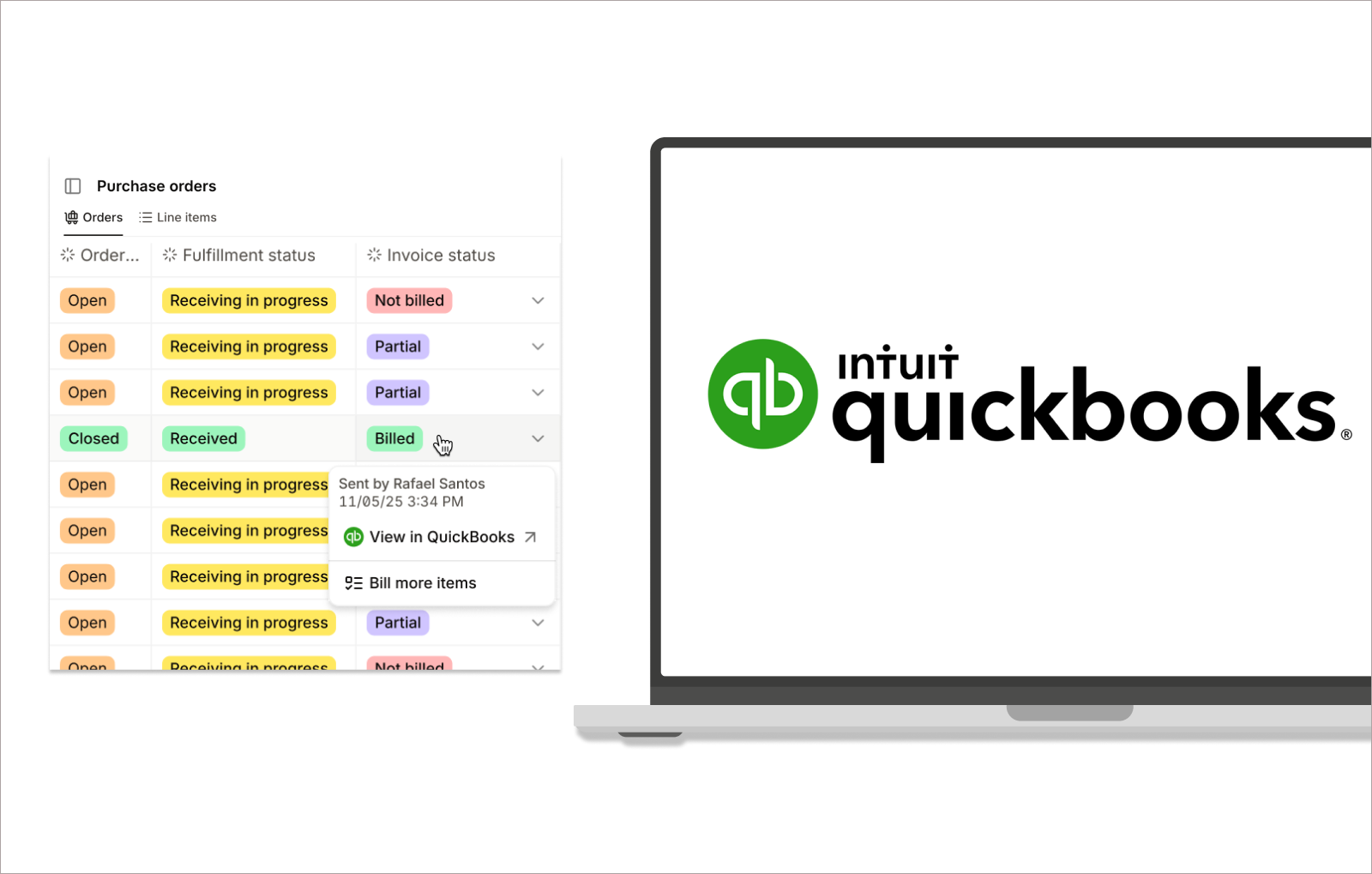
The QuickBooks integration for both QBO and Desktop runs as a two-way sync.
What this means is that your sales orders in Digit will automatically become invoices in QuickBooks, while your purchase orders become bills, with inventory values and cost changes updating the correct accounts in real time, in the background.
Book a demo and see for yourself! We can show you on a call how customers, vendors, and items are imported from QuickBooks during setup, and the sync runs in the background so operations and accounting stay aligned without manual effort.