



What QuickBooks Offers for Inventory Management
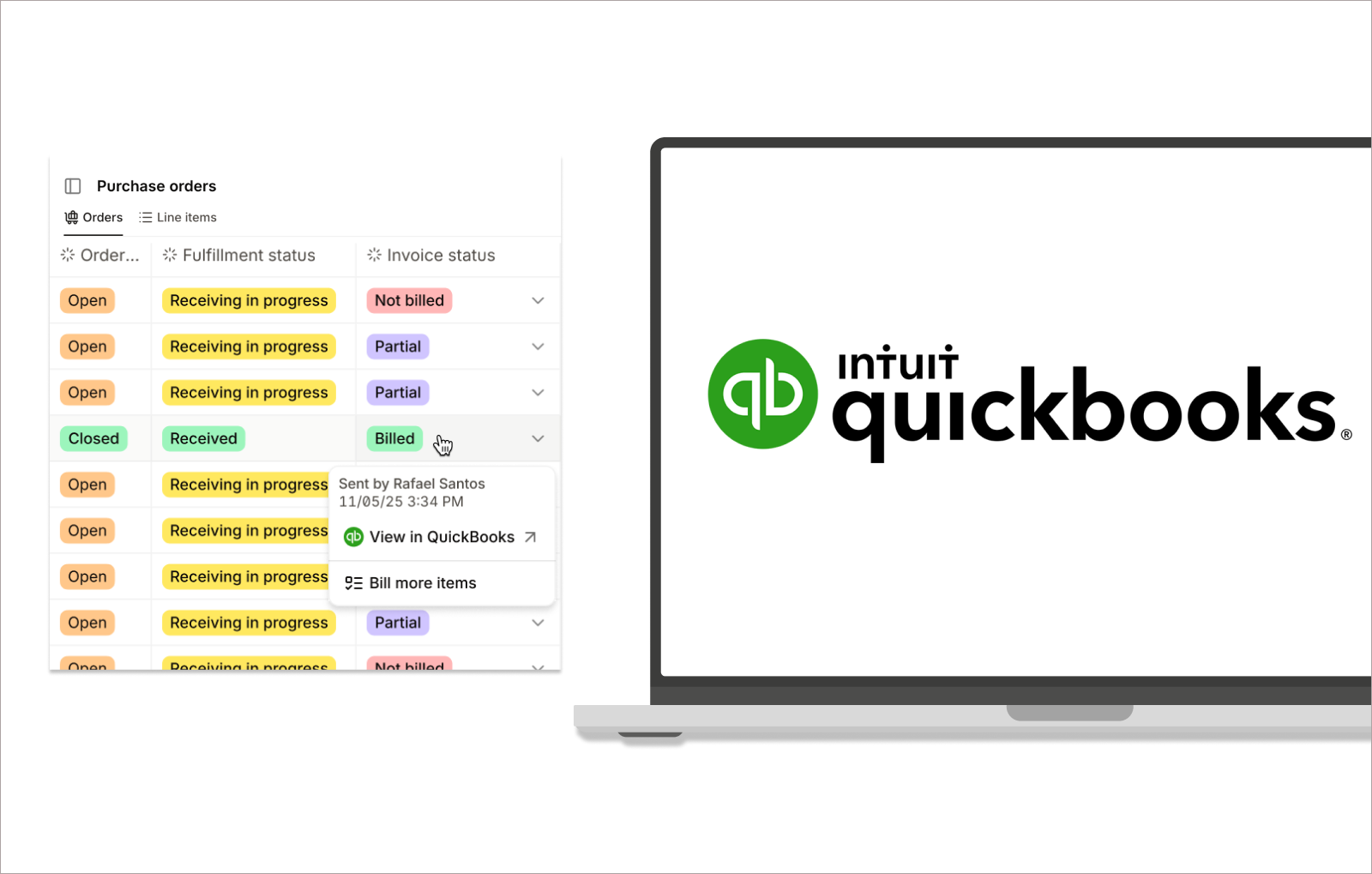
Many businesses opt to use QuickBooks for their financial and inventory management, as it kills two birds with one stone:
- Financial management
- Inventory management
For small or scaling businesses, the opportunity to keep inventory and accounting data aligned via QuickBooks makes sense, as it eliminates a lot of hassle and manual work for them, allowing them to align:
- Stock levels
- Costs
- Financial data
If you’re someone contemplating getting set up with QuickBooks, here are just some of the features you can expect to find.
Core Inventory Tracking Capabilities
Whenever a sale takes place, an invoice is approved, or a purchase order is created and marked as complete, your inventory levels will update automatically.
Real-time tracking like this means whenever you take a look at your inventory, the data you see is accurate, showing what you have in stock and what’s been sold. You can also separate your inventory by item types, so you can track your:
- Inventory items
- Non-inventory items
- Bundled products
QuickBooks uses the First-In, First-Out (FIFO) inventory valuation method for costing, helping maintain consistent valuation as stock moves in and out of your business.
Purchasing and Stock Replenishment
Using QuickBooks Online can help you streamline your procurement processes directly within QBO, so you can create and manage purchase orders (POs), as well as:
- Track incoming inventory
- Monitor supplier activity
- Convert purchase orders into bills once items are received
You can also set low-stock alerts in QBO, so once your inventory levels reach a predefined threshold, you’ll get a notification so you know it’s time to place another PO.
Reporting and Inventory Insights
With QBO, you get access to reporting tools that help you better understand and monitor your inventory performance.
You can create and access reports to see:
- Stock on hand
- Inventory valuations
- The sales volumes for your products
All this information can help you see inventory trends and make better decisions on how much stock to keep and what products to discontinue selling. And, since your inventory values are directly tied to your accounting, any changes in stock are automatically updated in your financial reports and balance sheet.
So, you might already be thinking, “This is brilliant!” and already heading to Google to start your subscription. But (record screech sound effect) it’s unfortunately not that straightforward. The conveniences come with several QuickBooks Online inventory limitations, which we will explore further.
6 QuickBooks Online Inventory Limitations
.jpeg)
If you’re a business that is dropshipping or only needs basic inventory tracking, then QBO could be a winner for you.
But some businesses, like manufacturers, for example, need more advanced inventory tracking capabilities that can help them manage their production, operations, and other inventory requirements. Businesses with a more complex workflow than QuickBooks Online's inventory limitations allow will be glaringly noticeable. Below, we’ll break down these limitations in greater detail.
1. No Real Material Planning (MRP)
QBO does not support MRP functionality, so you will need an integration if this is a feature you need in your workflow.
That lack of an MRP module means you won't be able to open sales orders and map them to a bill of materials to determine which raw materials are needed to produce the final product. If you wish to avoid using other tools and choose to stick it out with QBO, then you will need to do your MRP processes manually. But if your SKUs increase, this system will eventually cause more problems than solve.
2. Limited Bill of Materials (BOM) Support
While some versions of QBO can offer assemblies, they only support single-level BOMs.
This means no ability to manage multi-level bills of materials or a way to manage your sub-assemblies. If you’re a manufacturer producing products with multiple layers or that come in different variations, then it’s going to be difficult to properly relay to your teams how the product is built without defining item hierarchies.
3. No Work Order Management
QBO is unable to give you any tools to manage jobs on the shop floor without integration.
If you need shop floor control to track operations from start to finish, then you will need to do so manually. The kicker here is that your shop floor activity will be disconnected from your QBO financial data, and this will need to be tracked and recorded somehow.
4. No Lot or Batch Traceability
Some businesses, such as electronic manufacturers and food and beverage companies, need full end-to-end traceability — something that is missing from QBO.
With no way to enable batch tracking, there is no way to trace items from the supplier, through production, and to the customer. The ability to do and prove this can be a legal requirement for regulated industries, so relying on just QBO in these instances isn’t an option, and you will need to find traceability software.
5. Gaps in Manufacturing Costing
As already touched on, since QBO has no way to track activity on the shop floor, you will be unable to get a true job-level production cost.
You won’t be able to see the total cost of finished goods since there is no way to combine and track the costs surrounding:
- Materials
- Labor
- Overhead
Without these functions, it will be a challenge to measure margins and understand how profitable your finished goods are.
6. Scalability Challenges
And finally, QBO is better suited for small businesses or those with a simple workflow, but if sales order volume or product complexity grows, the system may buckle under the strain.
This ultimately leads businesses that initially put all their eggs in one basket to supplement QBO with other tools that can take over some of the burden.
Many manufacturers respond by layering additional tools on top of QuickBooks, increasing system complexity and creating more points of failure rather than solving the underlying issue.
QuickBooks Online vs. Desktop: Which Falls Short for Production?
As you're likely already aware, QuickBooks comes in two different types (and those types come in different versions):
- QuickBooks Online
- QuickBooks Desktop
When it comes to the differences between the two, it’s actually pretty substantial, and you can read more about it in our article: QuickBooks Desktop vs Online: What Manufacturers Need to Know.
But, to save you from opening another tab, we can cover the differences here, because when it comes to how they both help you manage production, QuickBooks Desktop is a great contender.
Unlike the online version of QuickBooks, there are versions of QBD that give manufacturers everything they need to manage accounting, inventory, and manufacturing in one place. QuickBooks Desktop includes bills of materials and assembly tracking, and together they perform much better at managing higher transaction volumes.
If you’re a manufacturer, it’s very likely that QBO won’t be able to give you enough right out of the box, and QBD is likely to be the better choice for you, as you can use it for:
- Inventory and production control — Track your items throughout the entire production process, while getting automatic COGS calculations as inventory is consumed and finished goods are created.
- Job costing and reporting — Get detailed tracking of labor, materials, and overhead across jobs, items, and classes, along with full job cost calculation and rebilling.
- Performance and functionality — QBD comes in a variety of versions, some specifically built for industries like construction, manufacturing, nonprofit, and retail, and supports managing multiple companies under a single subscription.
However, even though QBD can support manufacturing workflows and business operations in specific industries, it still goes without saying that QBD (just like QBO) is an accounting tool first. So, to get the most out of QBD, you’re still likely better off looking for a manufacturing software that comes with a QuickBooks Desktop integration, so you can get the most out of your inventory, production, and financial tracking.
What to Look for in a QuickBooks Alternative for Manufacturing

Maybe you're already experiencing this yourself, or maybe this article has made you wary — either way, you're likely wondering what it is you should be keeping an eye out for when choosing a QuickBooks alternative for manufacturing as you start to scale.
We want to reiterate beforehand that QuickBooks is a great tool for tracking your finances. But to get the most out of it, whether you use Desktop or Online, it’s always best to find a tool that integrates with QuickBooks and build a tech stack that best supports your business's workflows.
Manufacturing-Specific Functionality
If you’re a manufacturer, or even if you’re a business that outsources manufacturing and needs contract manufacturing software, the absolute number one priority for you is to find a tool that can help you manage production.
This will mean finding a solution that can fill the gaps that are present in QBO, and it needs to come with features such as:
- Bills of materials management
- Production scheduling and tracking
- Tracking raw materials as they’re converted into finished goods
Inventory and Production Control
Manufacturing workflows are complicated since you’re managing a bunch of different inventory types, and items are consumed and created as manufacturing orders move along your production lines.
You’re going to need to find a tool that can track all your inventory as it passes through the different stages of completion, including:
- Raw materials
- Work-in-progress
- Finished goods
Another thing to consider is whether you operate across several warehouses, production sites, or sales channels; if so, you will need something that enables multi-location inventory tracking.
Advanced Costing and Reporting
Manufacturers should always be aiming to keep production as lean as possible, to minimize costs and increase the value of the product for the end customer, and being able to track profitability is going to be able to help you do this.
Find software that gives you real-time visibility into:
- Cost of Goods Sold (COGS)
- Labor costs
- Overhead
- Production expenses
Having this information is going to help you determine where you can streamline your production.
Integration and Scalability
As your business and operations expand, the systems you implement need to keep pace with the increasing demands.
The best way to do this is to find a system that integrates easily with other tools — that way, you don't have to think up inconvenient workarounds, or if you need to incorporate more tools and software into your business, it can easily integrate with those solutions. Look for a tool that integrates with:
- CRM systems
- Warehouse management platforms
- Specialized manufacturing software like MRP solutions
And there you have it, everything you need to know about QuickBooks inventory limitations and what to look for in a solution if you wish to improve the performance of QBO and QBD, and make it more suitable for a manufacturing environment.
But, where to start on your journey for such a solution?
How Digit Extends and Enhances QuickBooks
.jpeg)
Introducing Digit, a cloud-based ERP manufacturing solution that integrates with QuickBooks Online and QuickBooks Desktop.
Operational data between Digit and QuickBooks syncs automatically in both directions. What this means is that any updates to sales orders, purchase orders, and inventory in Digit automatically appear in QuickBooks as invoices, bills, and other financial entries, creating a streamlined workflow where you can use Digit to manage the day-to-day operations as QuickBooks quietly records financial details in the background.
Digit brings real-time visibility to your entire inventory lifecycle, from raw materials through work-in-progress to finished goods.
As items are received, produced, moved, or shipped, inventory updates automatically, giving you a clear, current picture of operations and allowing you and your teams to make faster, more confident decisions around purchasing, production, and fulfillment without reconciling data across multiple spreadsheets or systems.
Want to see for yourself? Try chatting with Digit's free AI demo and see how Digit supports your inventory and production processes. Once you’re feeling confident that it can keep up with the pace of your company while giving you the room to grow, you can integrate QBO or QBD and eliminate the QuickBooks Online inventory limitations, centralizing your entire business management into one place.
We hope you found this article useful. If you have any questions about Digit, feel free to reach out to us.