

In the beginning, manual tracking processes work fine at lower order volumes. But if you rely on them as you grow, the price you pay is diminished profits as systems collapse.












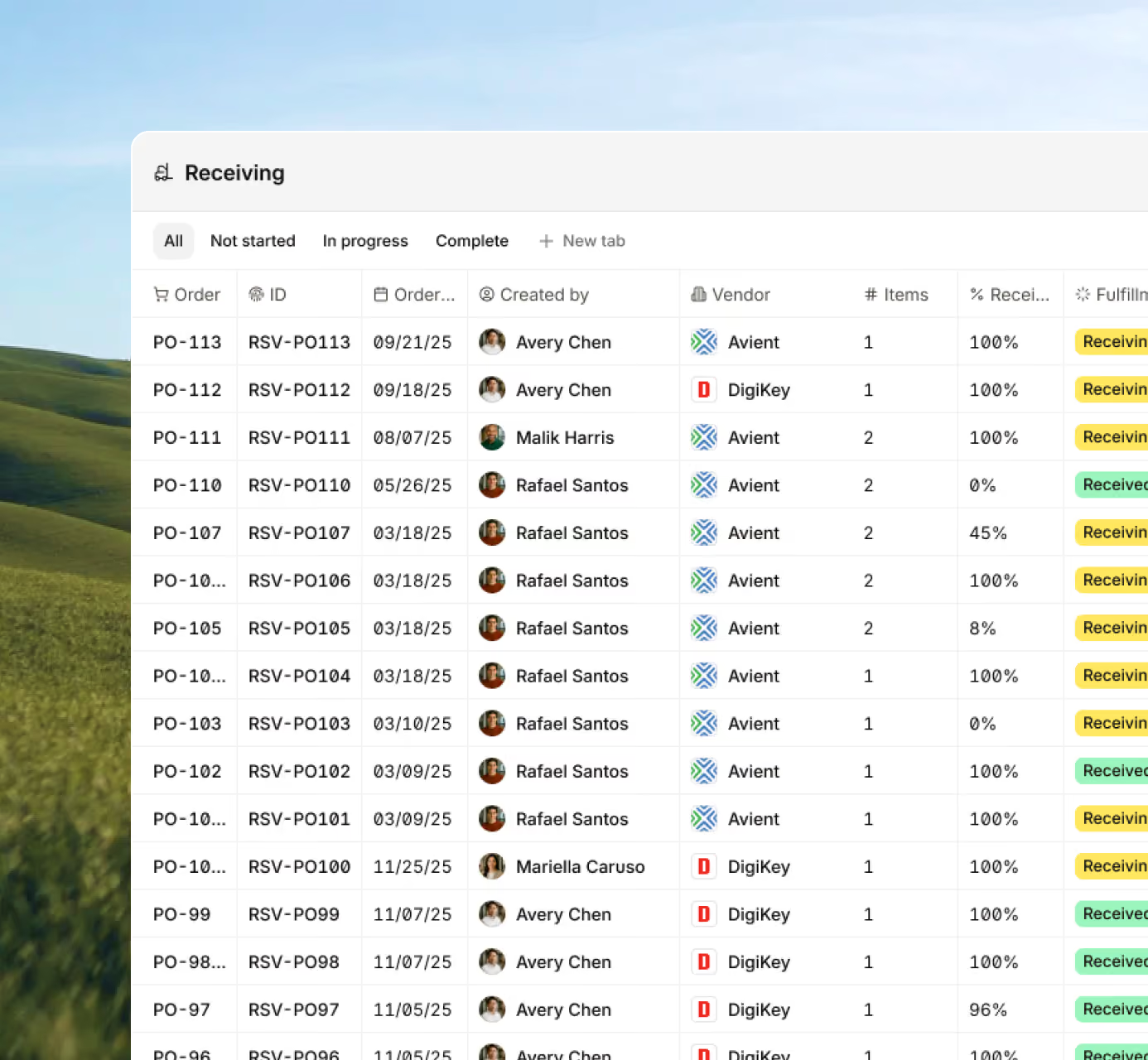







Real-time data helps you and your team stay aligned and fulfill orders on schedule. Get control over all your materials and orders.

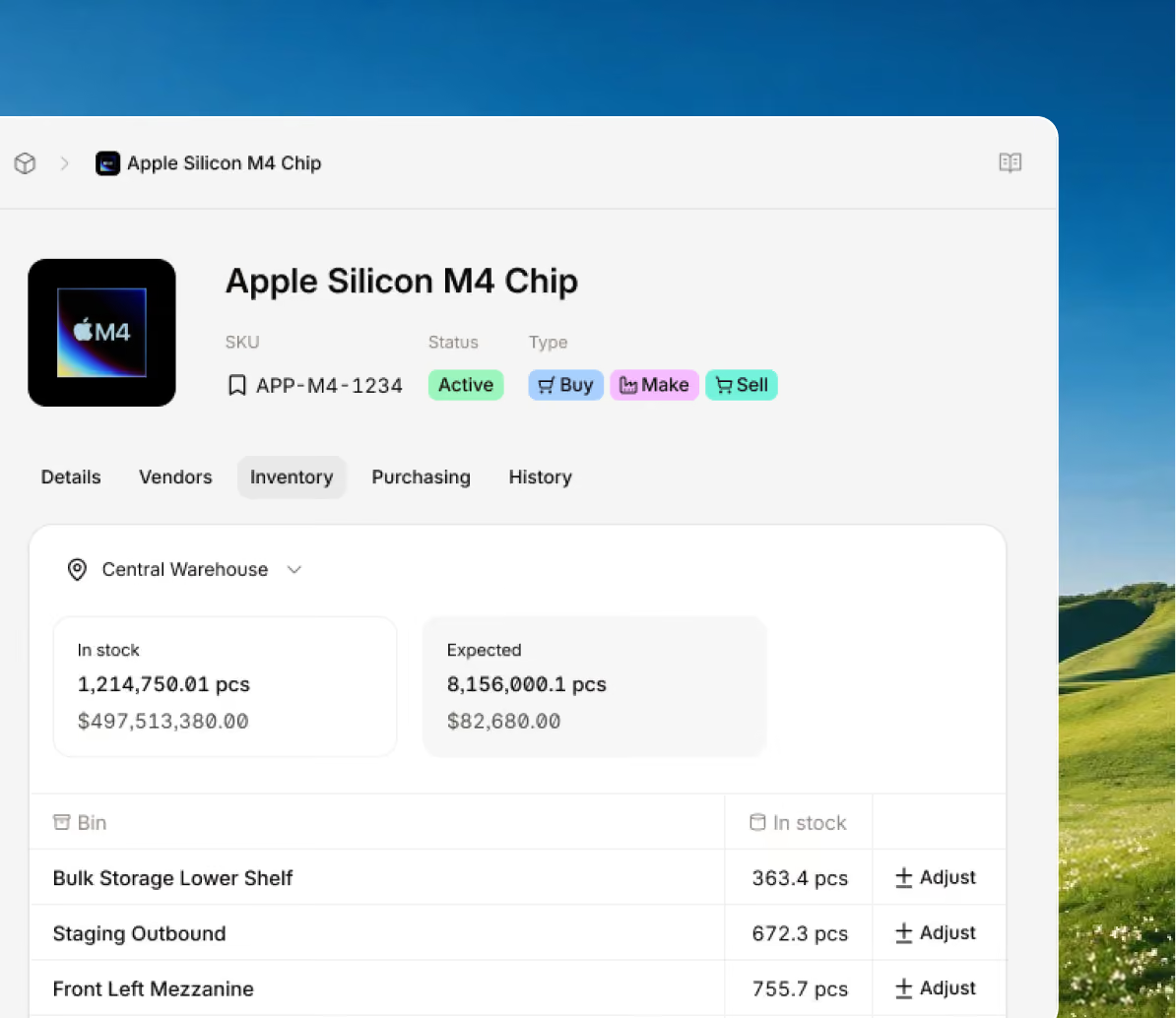
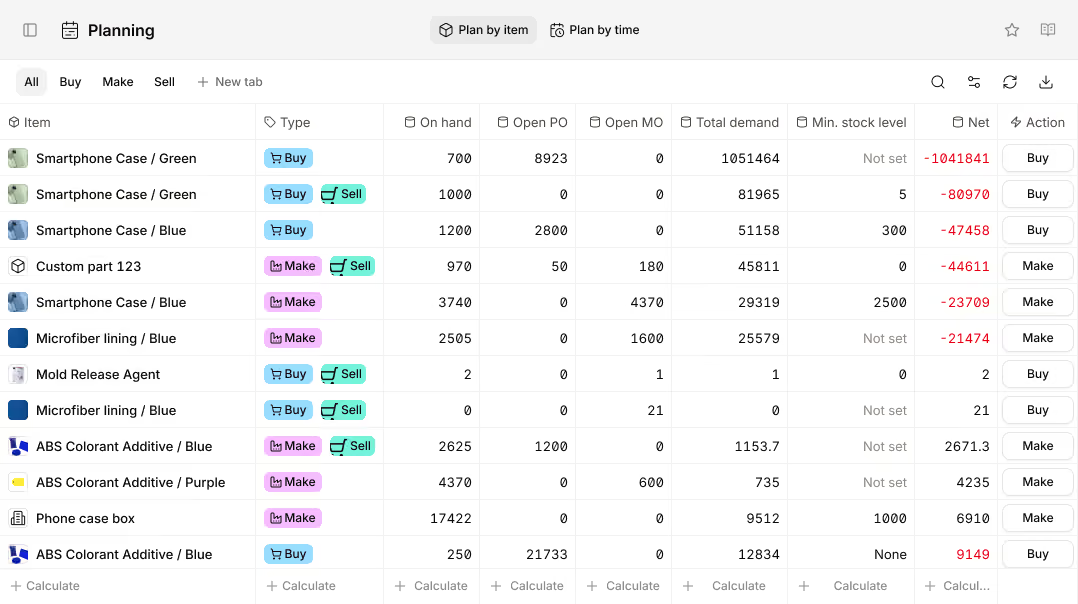
Locate every part, pallet, and product with real-time inventory control from receiving through delivery, with accurate levels and costs.
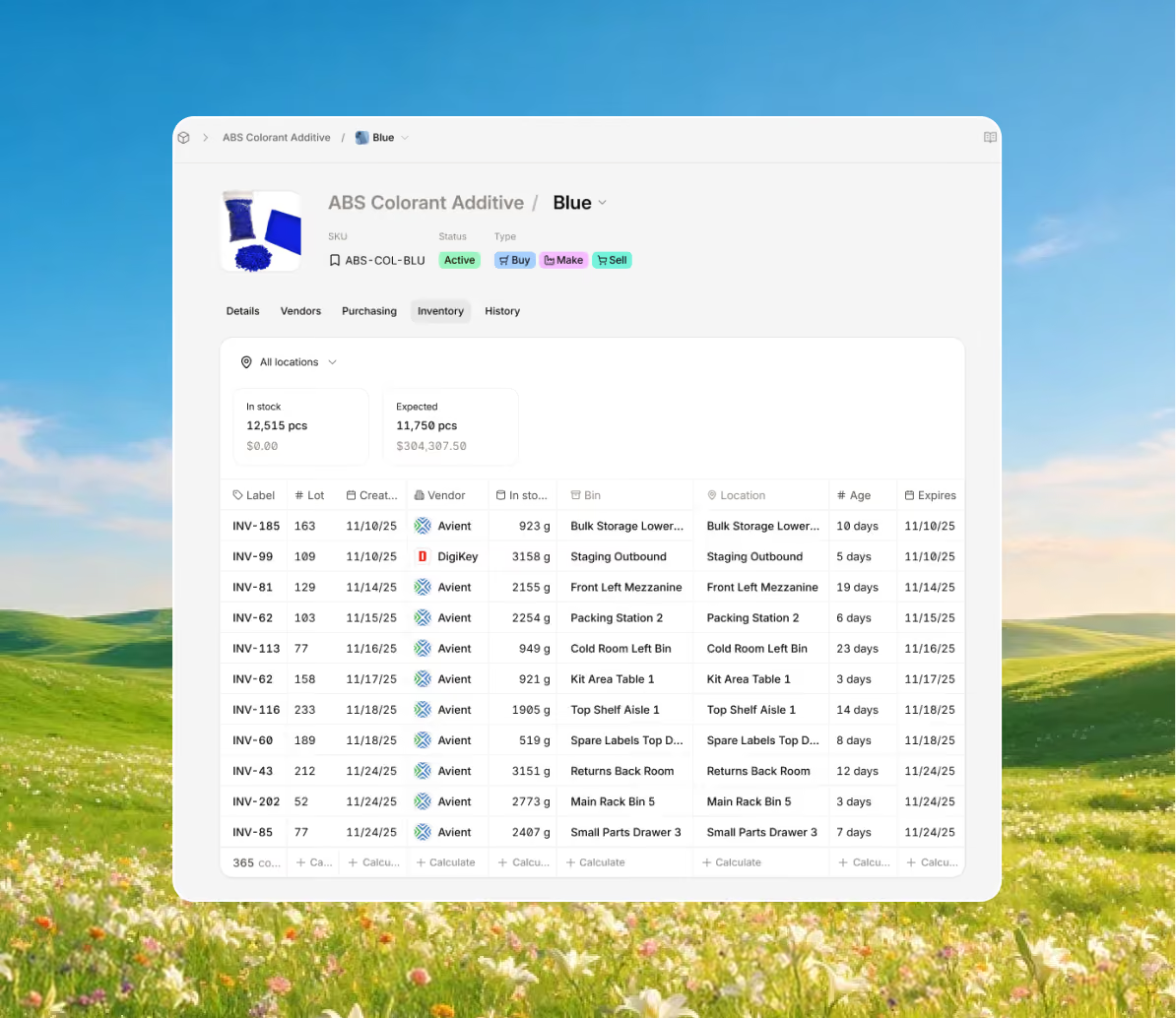
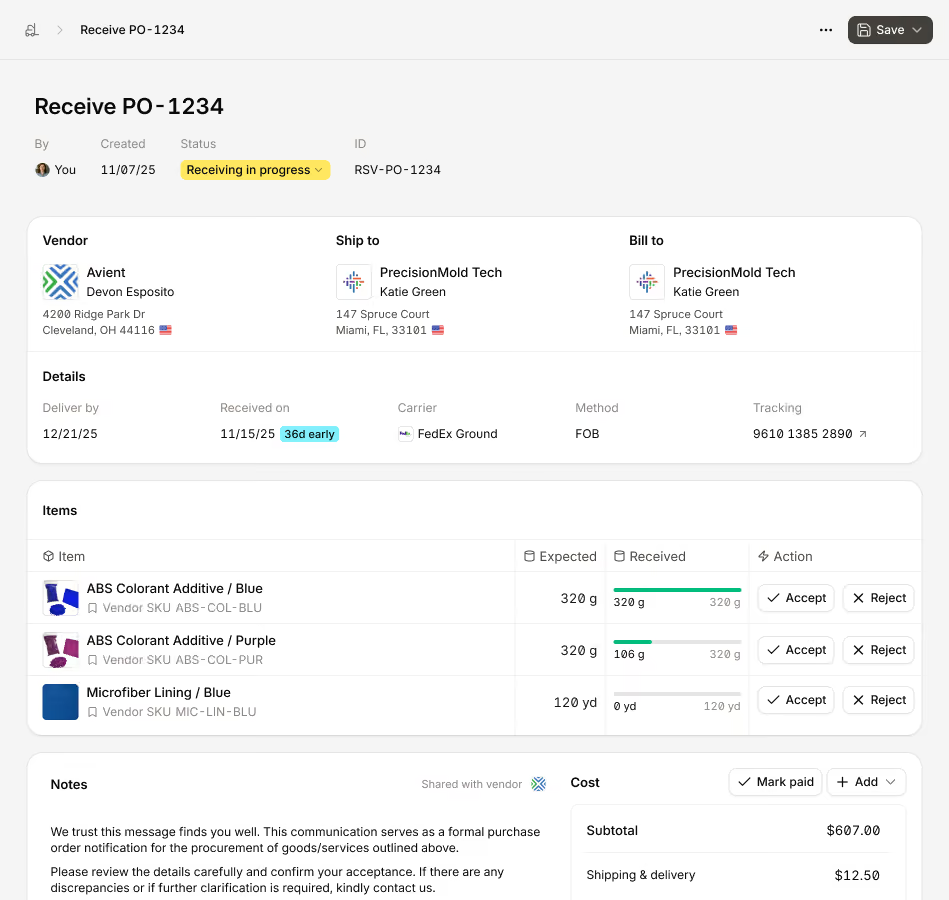
Streamline inbound workflows with structured receiving, bin-level putaway, and accurate stock updates the moment goods arrive.
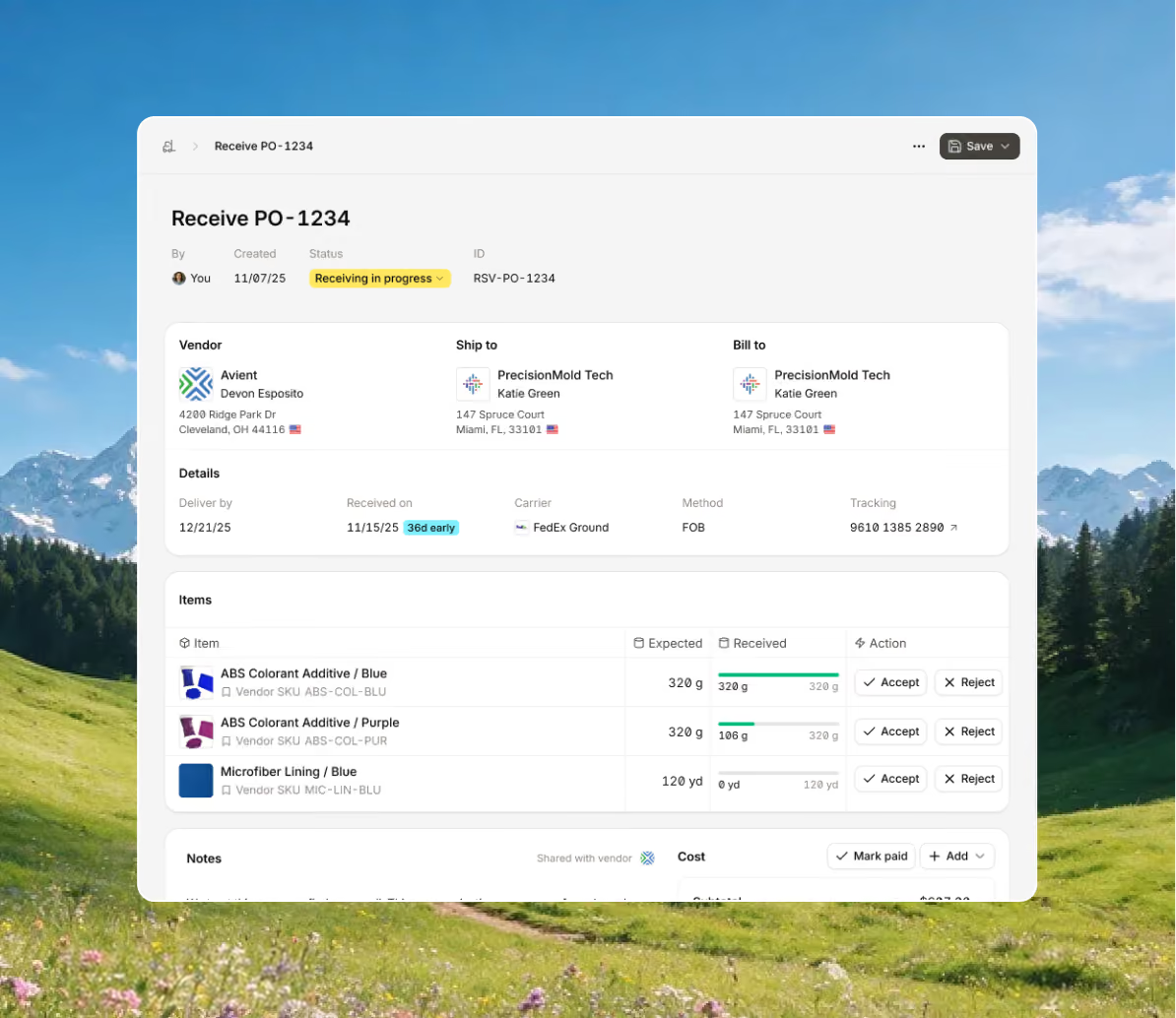
Single or multi-level BOMs and routing help you maintain consistent output and the highest quality, while creating and tracking order progress in real time.
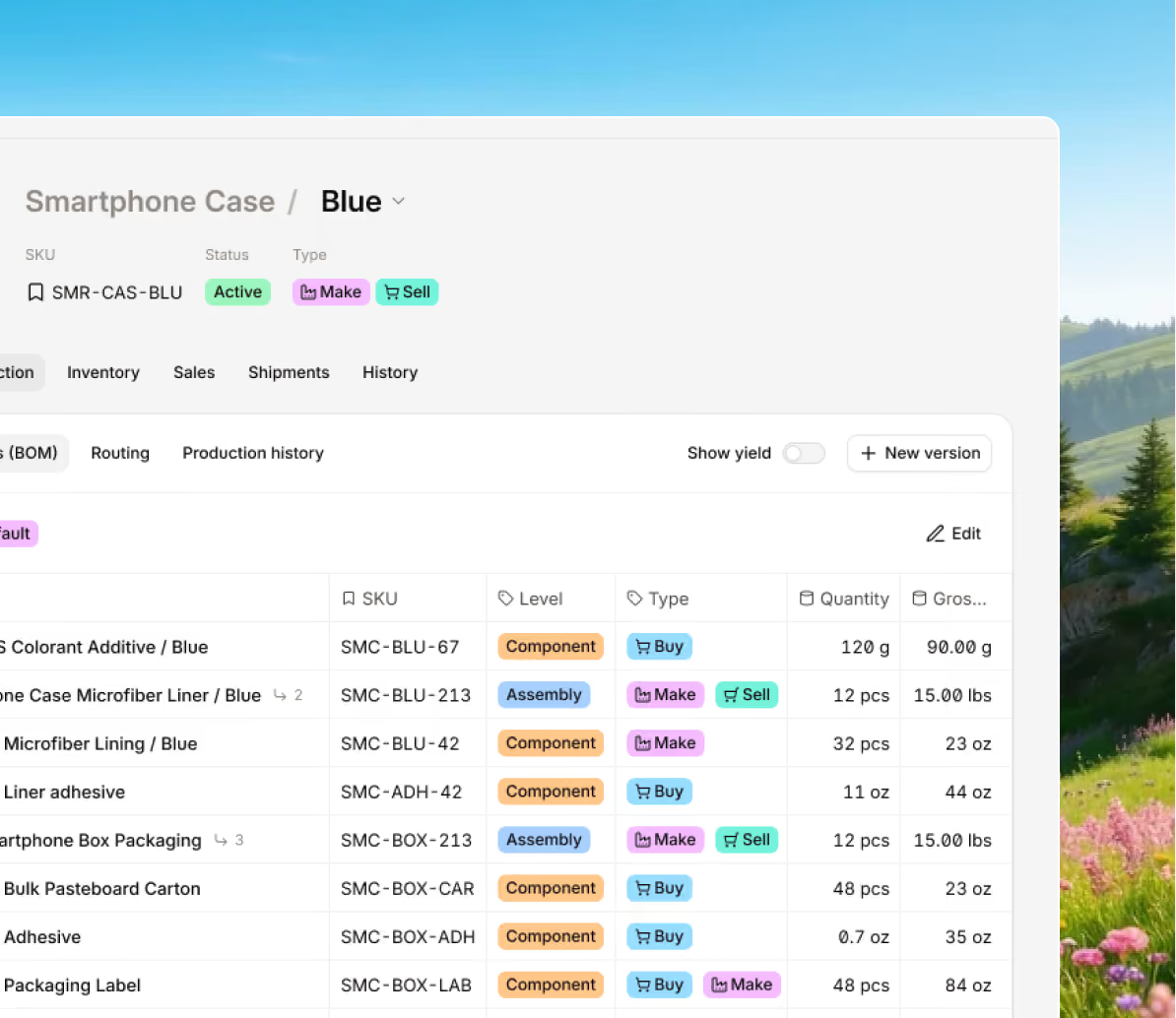
Centralize all your procurement efforts in one place, so you know exactly what's in transit and if you need to create a new PO for more inventory.
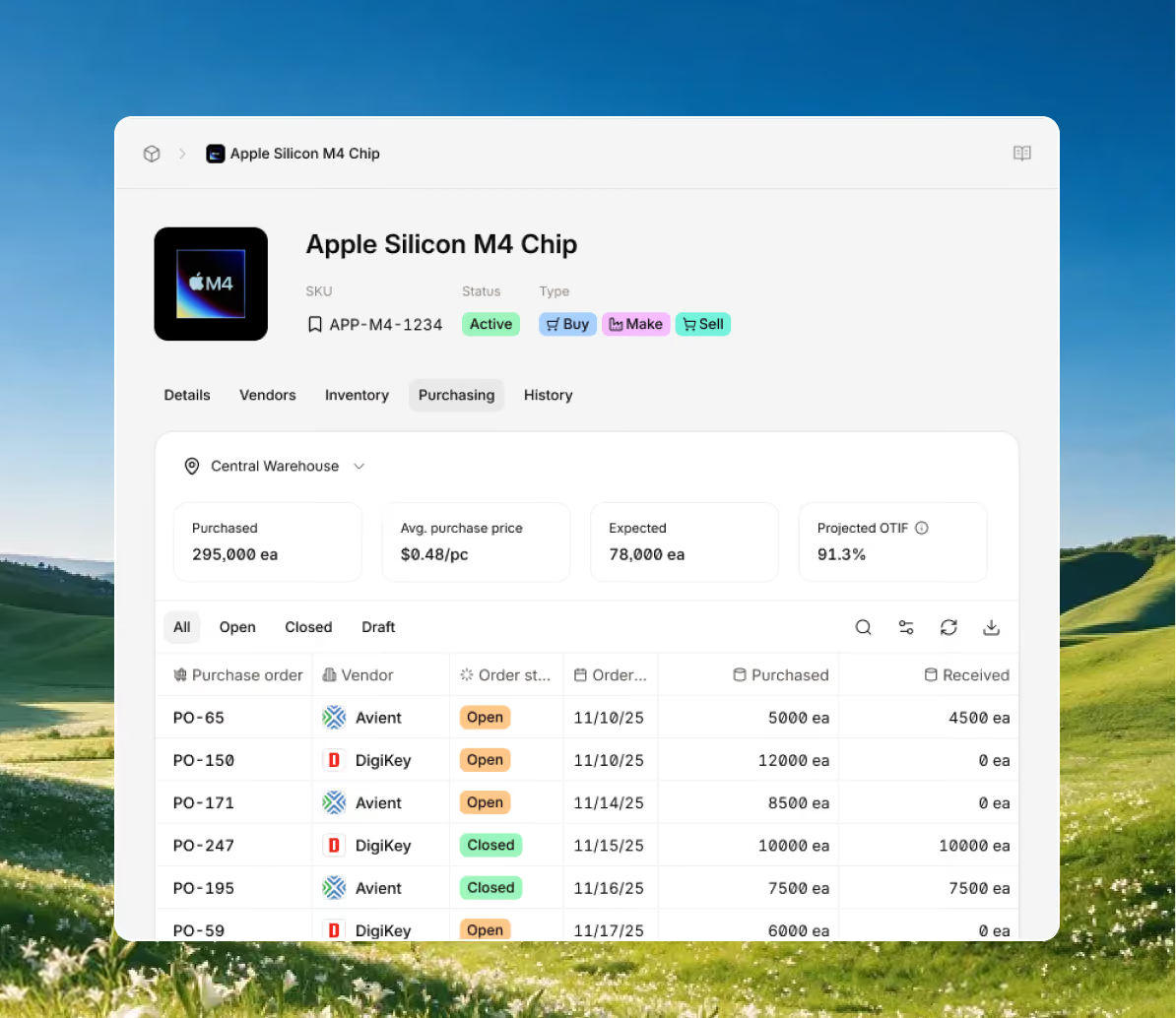
Control spending and always have inventory on hand to fulfill orders with accurate forecasts that show what's needed to keep products moving.
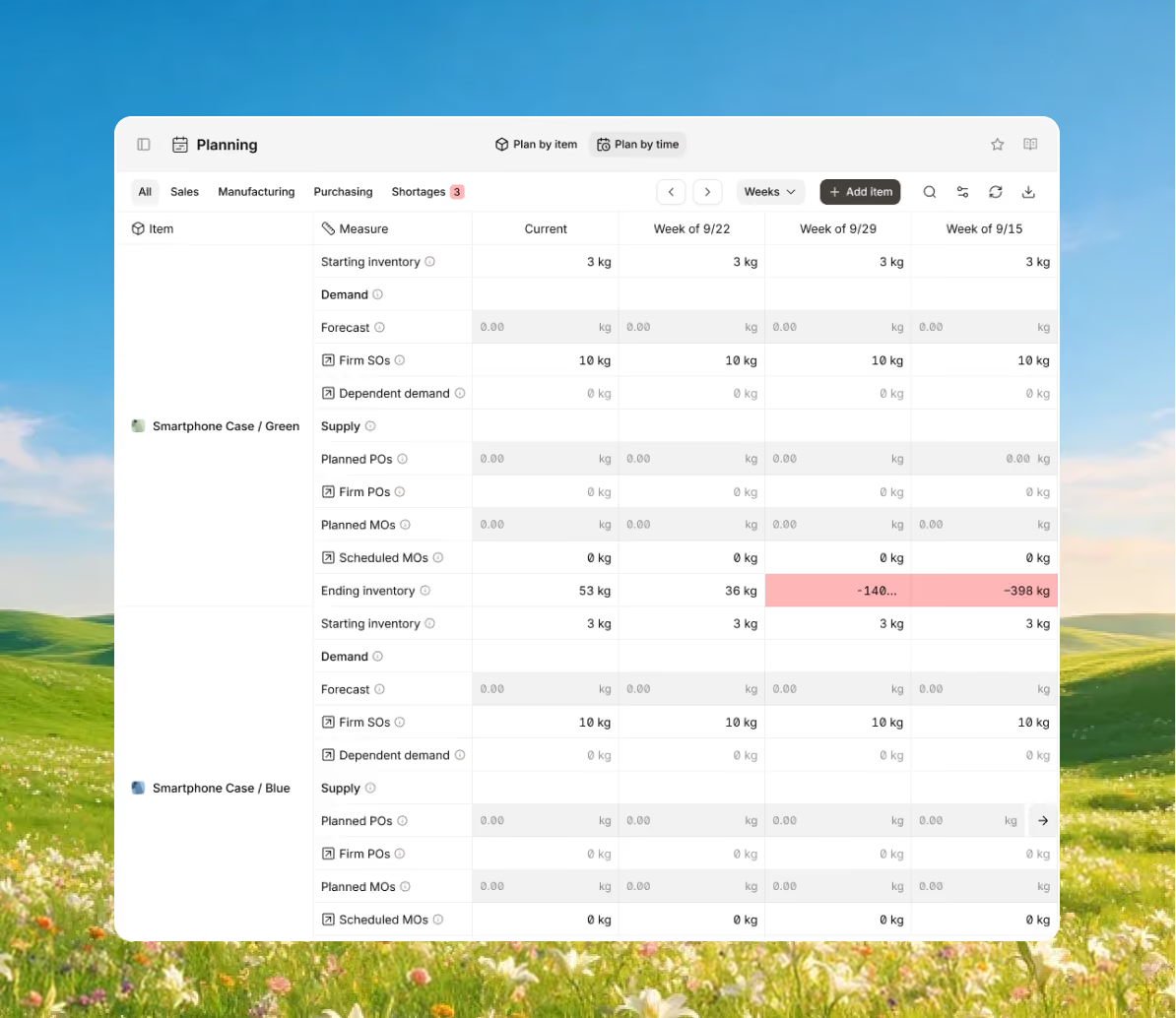
Bring every sales channel and accounting tool together in one system with seamless syncing and flexible API access.





Bring your inventory, accounting, and production together in stock management software built for manufacturers. Keep every part of your business connected, accurate, and easy to track.


100+ manufacturers and distributors have replaced spreadsheets and legacy ERPs with Digit.

"If I can capture two seconds across 19 machines across a 24-hour span, I'll save the customer thousands of dollars."
Chris Johnson


“The impact Digit has had has been enormous, saving a lot of time, capturing a lot of data, streamlining a lot of processes, with a system that everyone loves to use.”
Tanner Thomas


“Digit has given us the insight into current and upcoming stock on our ingredients and raw materials needed for production. This allows us to procure more before we stock out and to be confident that we have enough to finish any upcoming production run.”
Adam Davis
"Digit is the most adaptable, user-friendly software we have ever used."
Joe Watkins
%2520(1).webp)
"With Digit, everything from our inventory to our production data is the word of truth. I can trust it. I can rely on it."
Joshua Burris


Your most frequently asked questions, all in one place. If you don’t see what you need, reach out to us.
Add the answer to this question here. This panel expands on click — replace with the real response.
Add the answer to this question here. This panel expands on click — replace with the real response.
Add the answer to this question here. This panel expands on click — replace with the real response.
Add the answer to this question here. This panel expands on click — replace with the real response.
Add the answer to this question here. This panel expands on click — replace with the real response.
Add the answer to this question here. This panel expands on click — replace with the real response.
Add the answer to this question here. This panel expands on click — replace with the real response.
Your most frequently asked questions, all in one place. If you don’t see what you need, reach out to us.
An inventory management system helps companies save money by making operations faster, smarter, and more accurate. Instead of guessing what to order or spending hours updating spreadsheets, inventory tracking software uses real-time data to show exactly what’s in stock, what’s selling, and what needs to be reordered.
It reduces waste by keeping stock levels balanced, not too much that you’re stuck paying for storage, and not too little that you lose sales. It can automatically reorder items when they’re running low, preventing both overstocking and stockouts. Over time, this cuts carrying costs and keeps your warehouse from filling up with unsold or expired products.
The software also saves labor costs. Tasks that used to take hours, like counting stock or entering purchase orders, happen automatically. Employees spend less time fixing errors or tracking down missing items, and more time on work that actually grows the business.
Better visibility means better decisions because everything updates as soon as something happens, managers can see how much money is tied up in inventory and use that data to make more informed choices when it comes to purchasing, negotiating supplier discounts, or adjusting pricing.
Inventory management software helps businesses run leaner. It lowers the cost of holding inventory, reduces mistakes, improves cash flow, and keeps the right products on the shelf, all without the chaos of manual tracking or guesswork.
Inventory management software helps you keep track of what you have in stock currently, what items are in transit, and what’s being used in production. The main point of these tools is to replace messy spreadsheets and guesswork with systems and processes that update information in real time.
In the case of Digit, here’s just a small sample of features to explain how Digit works:
1. End-to-End Real-Time Inventory
See every product, part, and pallet inventory level update the moment something moves. Digit keeps your stock counts accurate across all locations, so you always know what’s available and what’s not.
2. Traceability
Use barcode scanning to see where something came from, when it was made or bought, its worth, and where it’s stored. With Digit, you can track serial numbers, batches, and expiration dates for full visibility from purchasing to shipping out a final product to a customer.
3. Inventory Accuracy
Digit handles complex storage with ease. Whether you’re stacking boxes on pallets or storing items in bins, Digit tracks everything, so you always know what’s been used and what’s left in inventory.
4. Centralized Business Management
Digit’s item creator adjusts to your needs. Set up products you buy, make, or sell, or all three. Manage multi-level BOMs and routing. Handle multiple units of measure, quantity breaks, and item variants without extra effort.
5. Multi-Location Control
Easily run and manage multiple warehouses, production floors, or selling points in one system by syncing your inventory data across every location in real time, so you can transfer stock, trace lots, and monitor performance from anywhere with an internet connection.
6. Inventory Planning and Cost Control
Set minimum stock levels and reorder points for each item. Digit tracks real-time inventory value, helps you stick to FIFO or LIFO methods, and makes end-of-month reporting quick and easy.
Inventory management software comes in all different shapes and sizes, so prices can vary widely, from free tools for simple tracking, to large enterprise systems that can run into the cost range of five digits.
Most small and mid-sized businesses can expect to pay between $50 and $500 per month for a cloud-based system that includes at least the standard inventory management features needed. But here is a small breakdown based on business size and the amount of features or inventory that they manage:
Inventory management software and warehouse management software are closely related, but they serve different purposes.
Inventory control software focuses on the big picture. It helps you see what products you have, how much of each you have, and when it’s time to order more. It’s great for keeping track of stock levels across one or more locations, so you always know what’s available.
Warehouse management software, on the other hand, is all about what happens inside the warehouse. It tracks exactly where each item is stored (down to the aisle, shelf, or bin) and helps workers pick, pack, and ship orders more efficiently.
In simple terms:
The two systems often work together. The inventory management system keeps your stock data up to date, while the warehouse management system handles the day-to-day warehouse operations. When used together, they give you both a broad overview of your inventory and detailed control inside each warehouse.
Digit brings both systems together in one easy-to-use platform. It shows you what’s in stock and exactly where each item is in real time.
For inventory management, you can see your stock levels, track every batch or serial number, and know the exact value of what’s on hand. The system updates automatically when items are bought, made, or sold, so your data stays accurate without extra work.
For warehouse management, you can manage everything happening inside your warehouse. Workers can scan, move, pick, and pack items in seconds without using clipboards or spreadsheets. Every update happens instantly, giving you live information you can trust.
Together, these tools give you complete control. You’ll always know what you have, where it is, and how it’s moving, all in one connected system.
Inventory management software and warehouse management software are closely related, but they serve different purposes.
Inventory control software focuses on the big picture. It helps you see what products you have, how much of each you have, and when it’s time to order more. It’s great for keeping track of stock levels across one or more locations, so you always know what’s available.
Warehouse management software, on the other hand, is all about what happens inside the warehouse. It tracks exactly where each item is stored (down to the aisle, shelf, or bin) and helps workers pick, pack, and ship orders more efficiently.
In simple terms:
The two systems often work together. The inventory management system keeps your stock data up to date, while the warehouse management system handles the day-to-day warehouse operations. When used together, they give you both a broad overview of your inventory and detailed control inside each warehouse.
Digit brings both systems together in one easy-to-use platform. It shows you what’s in stock and exactly where each item is in real time.
For inventory management, you can see your stock levels, track every batch or serial number, and know the exact value of what’s on hand. The system updates automatically when items are bought, made, or sold, so your data stays accurate without extra work.
For warehouse management, you can manage everything happening inside your warehouse. Workers can scan, move, pick, and pack items in seconds without using clipboards or spreadsheets. Every update happens instantly, giving you live information you can trust.
Together, these tools give you complete control. You’ll always know what you have, where it is, and how it’s moving, all in one connected system.
