

Get accurate real-time production updates and manage your entire manufacturing operation, all from one place, with Digit.












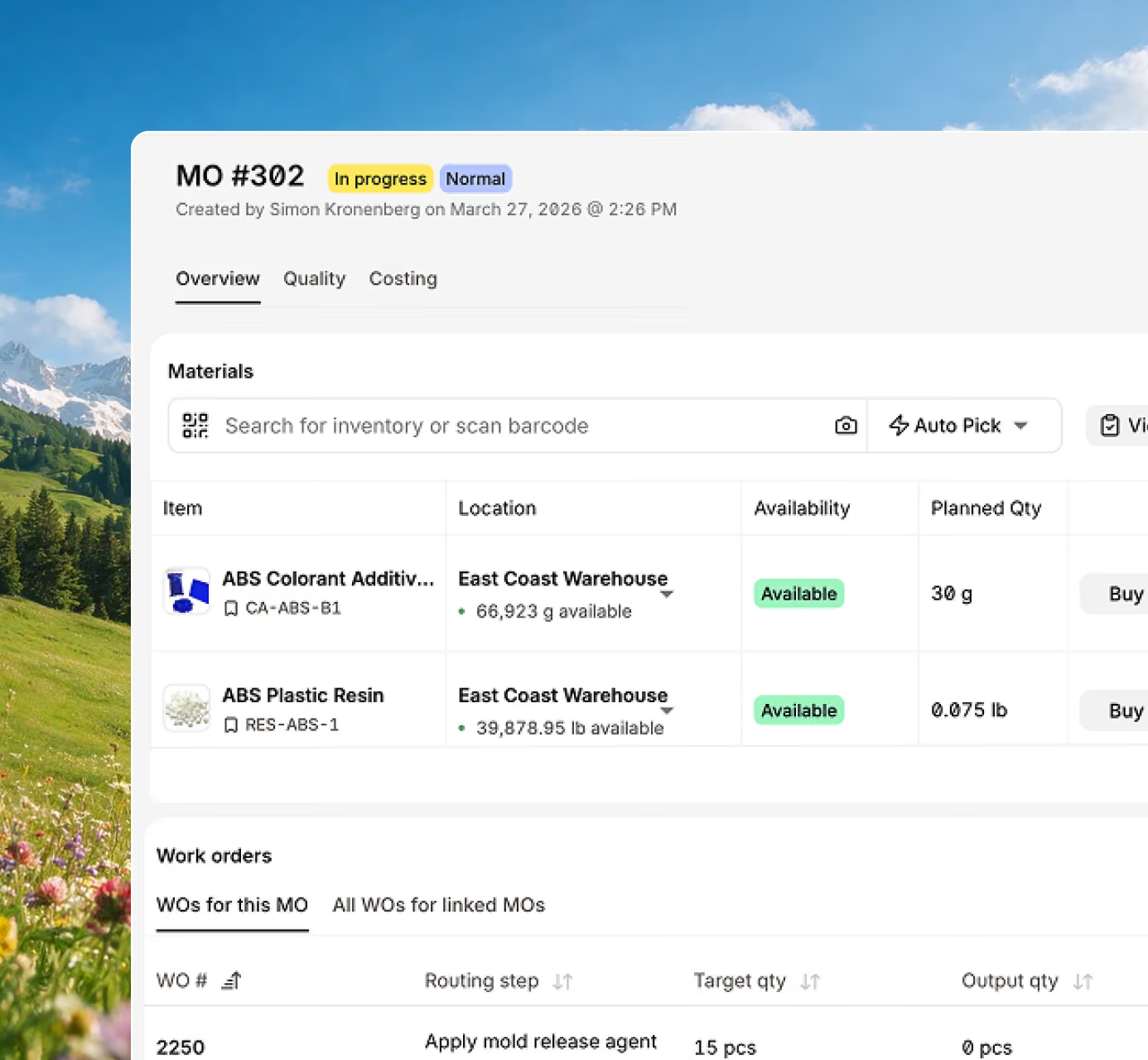







With Digit, whenever you check the progress of manufacturing orders, you’ll have the latest, up-to-date information for a smooth production run.

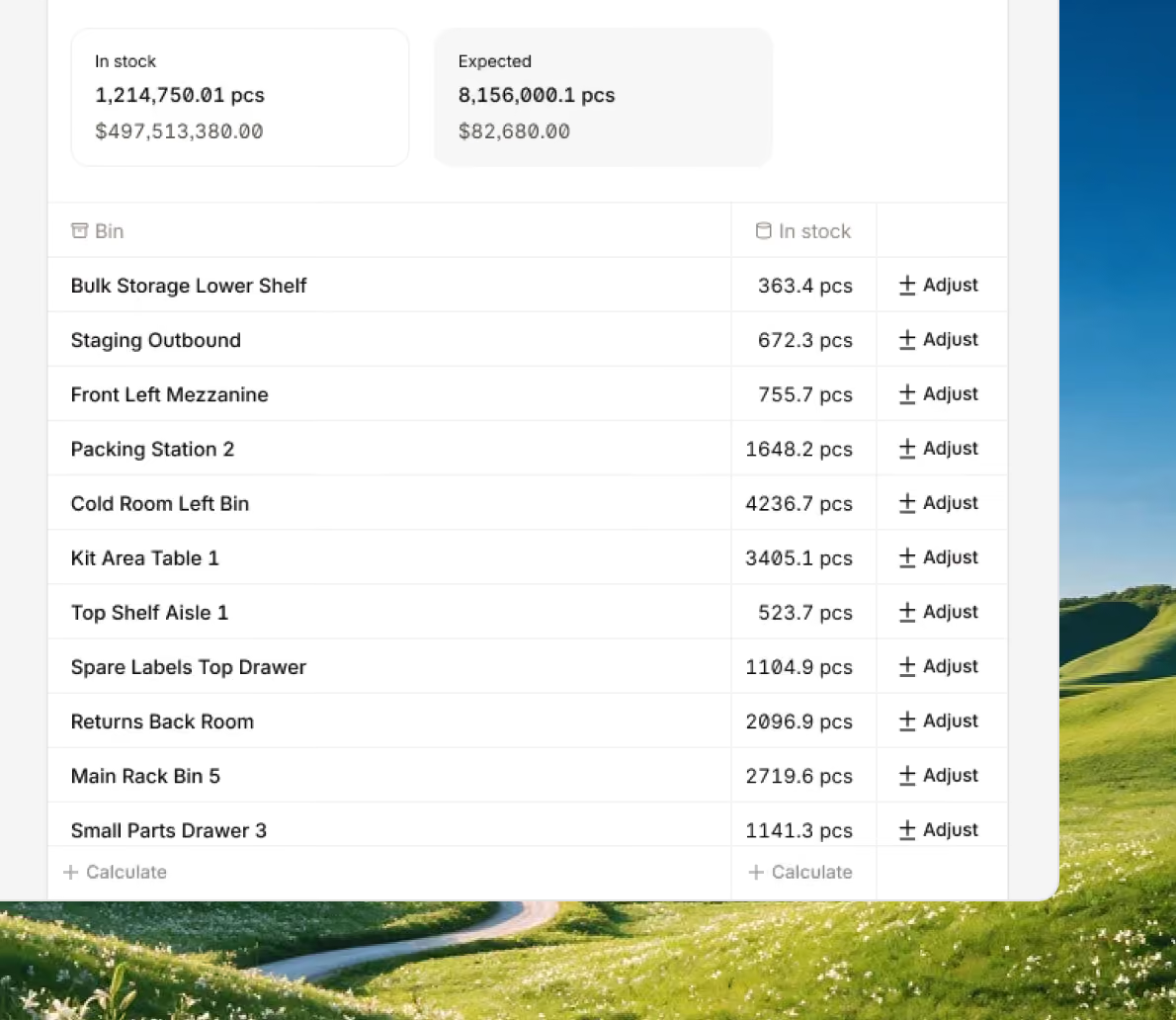
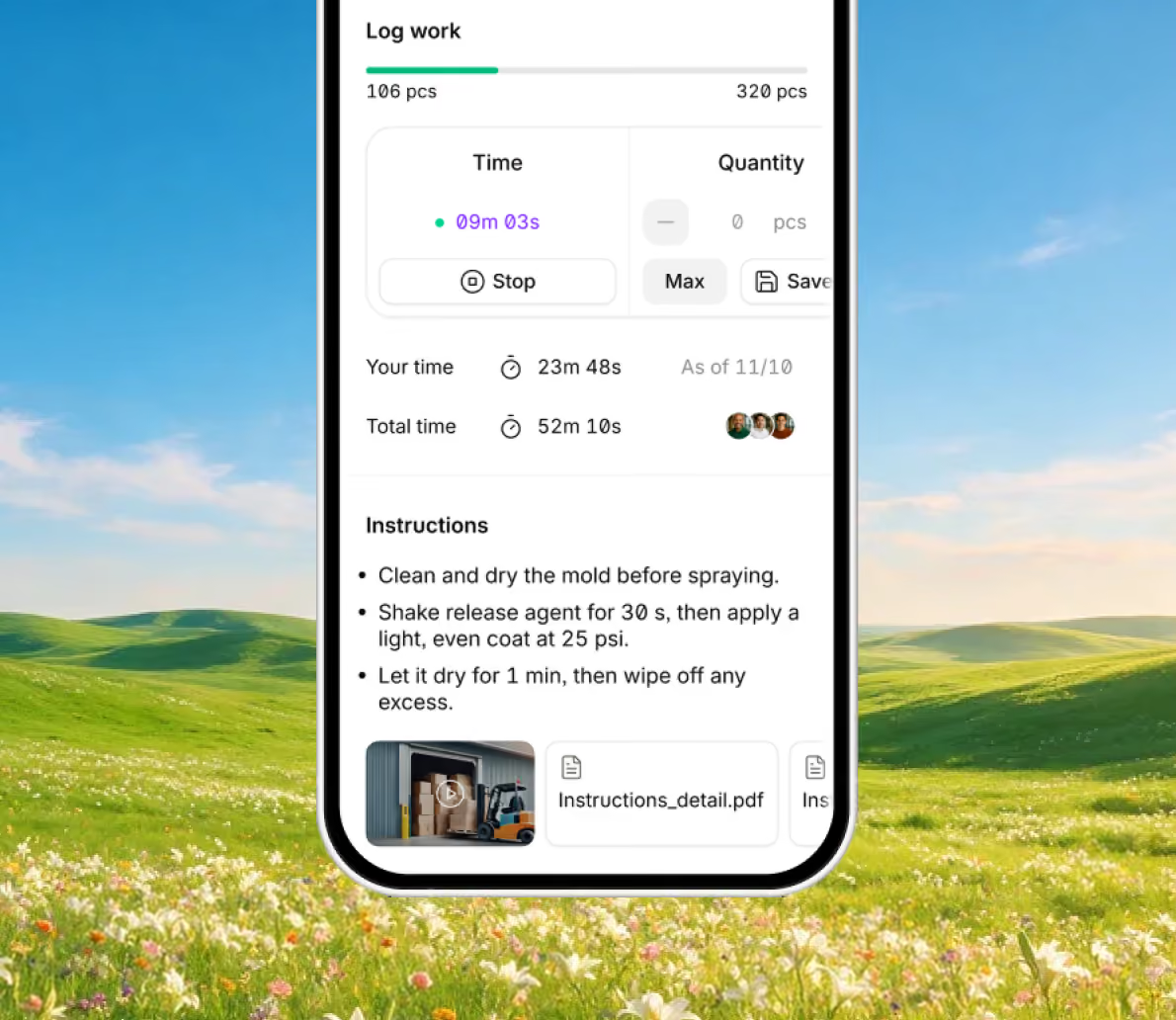
Manage and track every step of your manufacturing process from anywhere with an internet connection, keeping you aligned with your team.
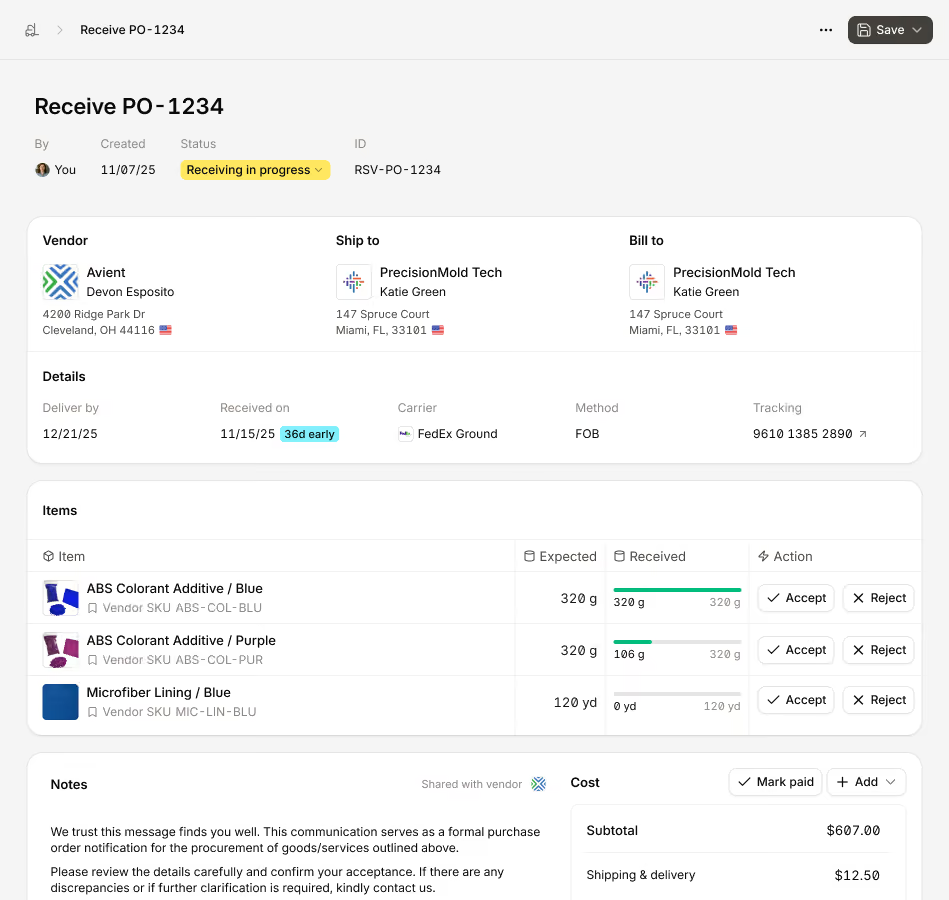
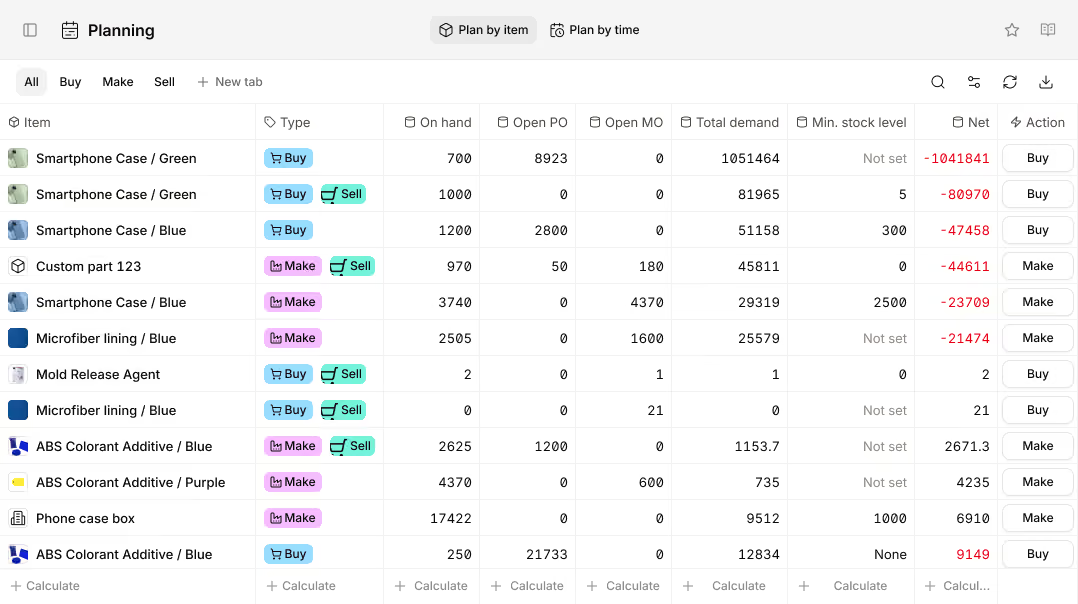
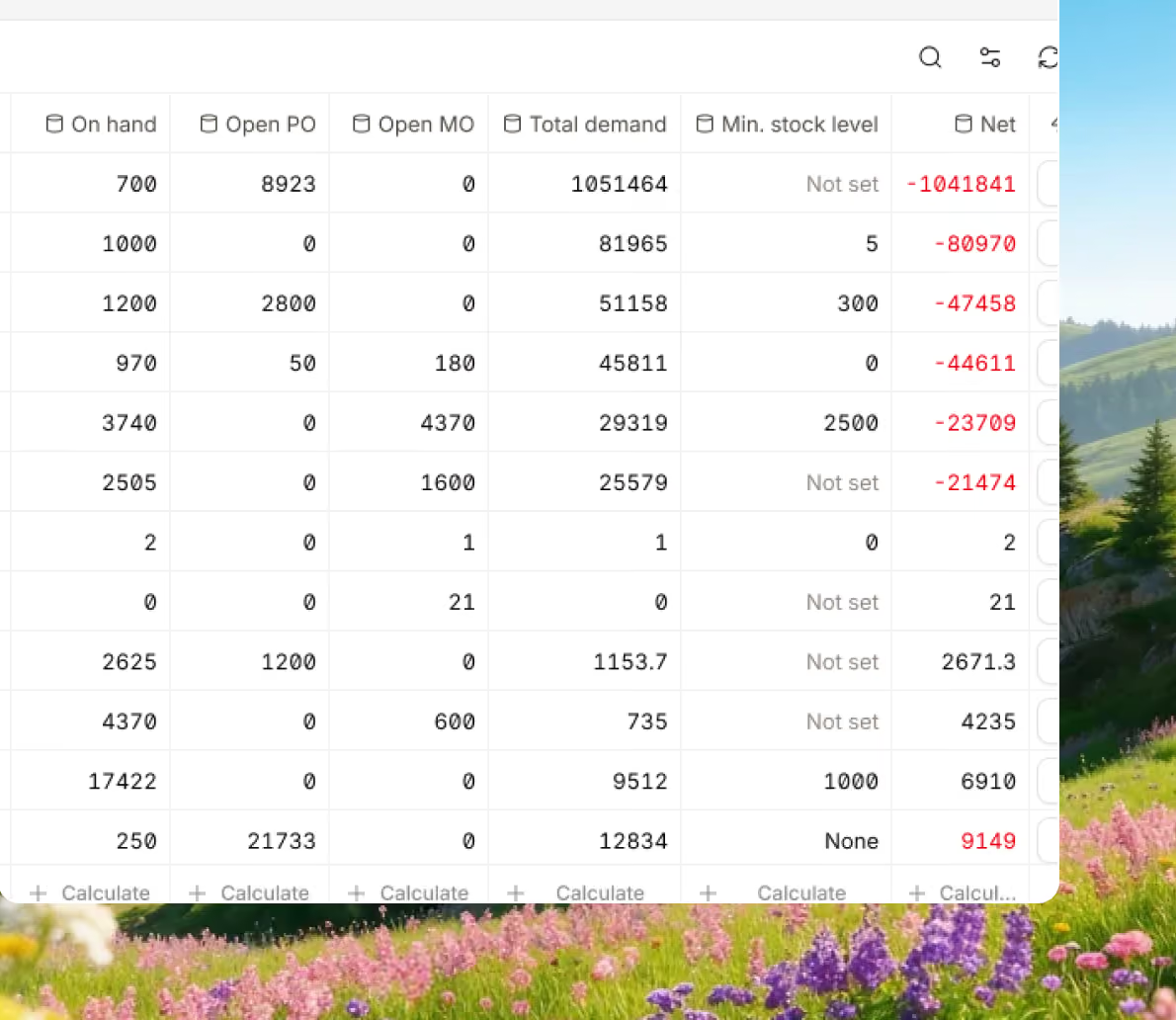
Ensure you always have what you need to fulfill orders with your inventory levels and demand aligned and updated in real time.
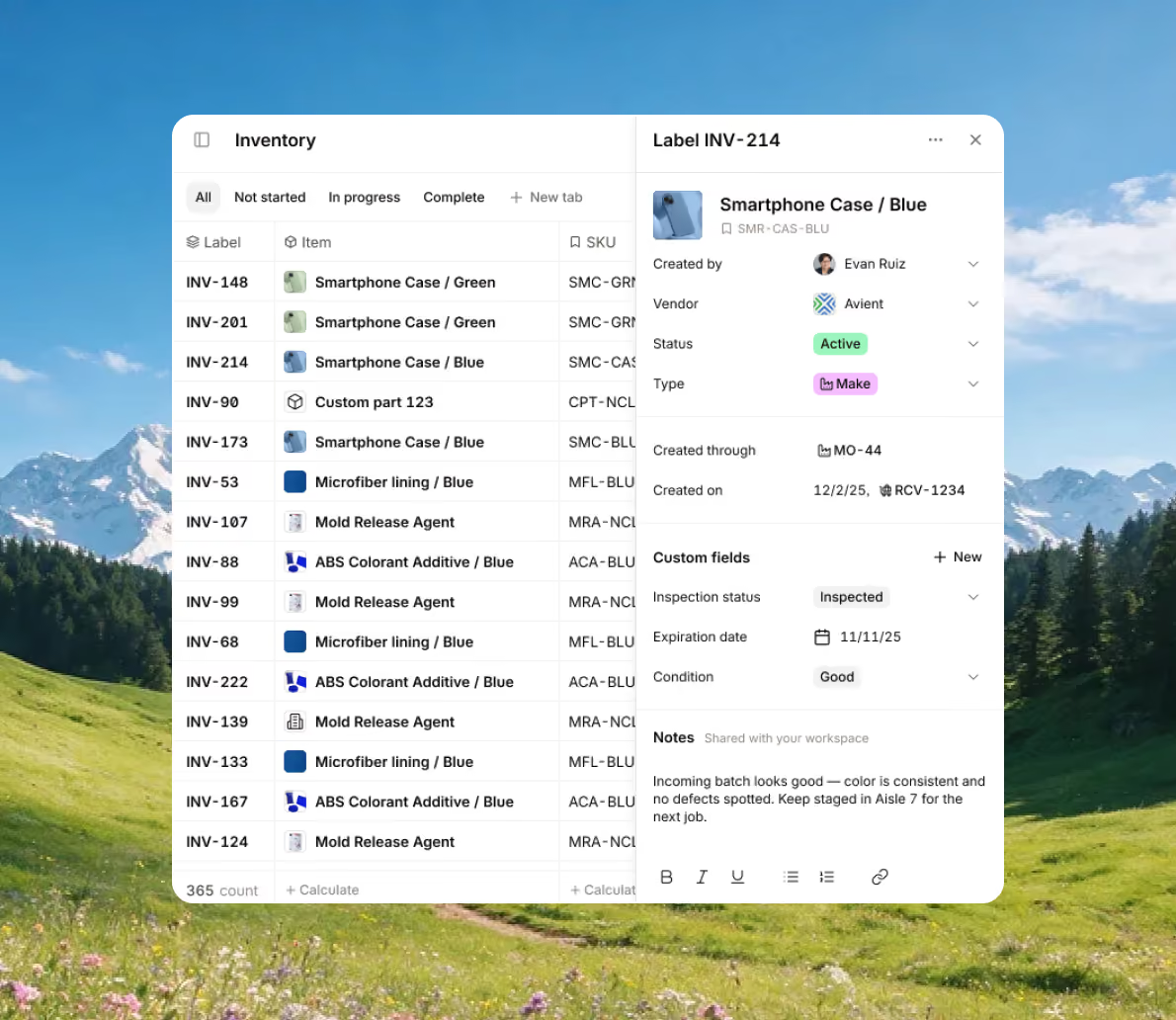
Understand with a quick glance what needs to be produced, when, and with what resources, using fully connected production-tracking data.
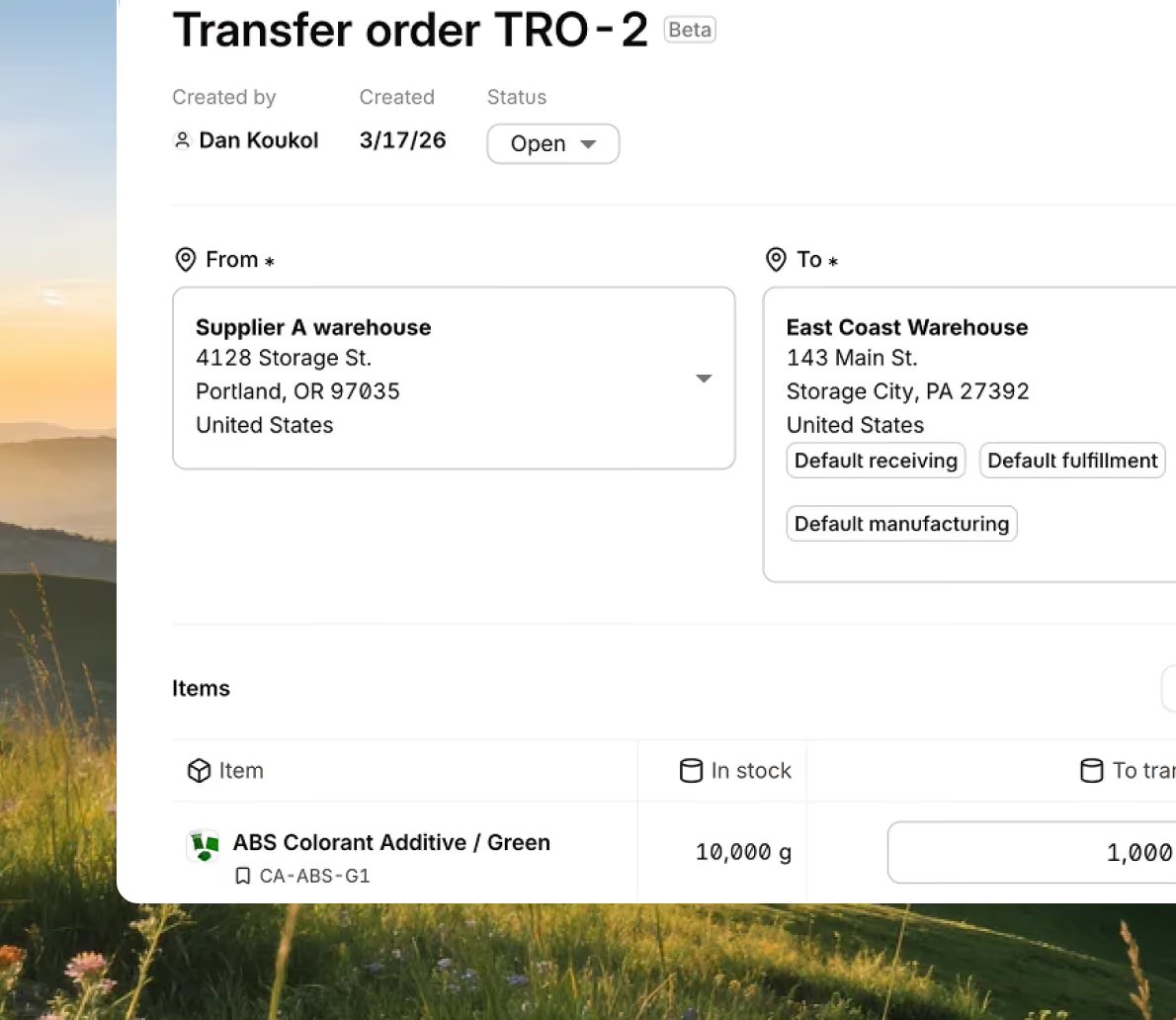
Regardless of whether it’s happening in-house or it’s outsourced, track production and inventory across multiple facilities for complete situational awareness.
Bring every sales channel and accounting tool together in one system with seamless syncing and flexible API access.





Bring your inventory, accounting, and production together in stock management software built for manufacturers. Keep every part of your business connected, accurate, and easy to track.


100+ manufacturers and distributors have replaced spreadsheets and legacy ERPs with Digit.

If I can capture two seconds across 19 machines across a 24-hour span, I'll save the customer thousands of dollars.
Chris Johnson



“The impact Digit has had has been enormous, saving a lot of time, capturing a lot of data, streamlining a lot of processes, with a system that everyone loves to use.”
Tanner Thomas

“Digit has given us the insight into current and upcoming stock on our ingredients and raw materials needed for production. This allows us to procure more before we stock out and to be confident that we have enough to finish any upcoming production run.”
Adam Davis
"Digit is the most adaptable, user-friendly software we have ever used."
Joe Watkins
%2520(1).webp)
"With Digit, everything from our inventory to our production data is the word of truth. I can trust it. I can rely on it."
Joshua Burris


Your most frequently asked questions, all in one place. If you don’t see what you need, reach out to us.
Manufacturing tracking software is designed specifically for any business that makes products and needs to track production, inventory, and operations by centralizing all the important production-related data into one place.
These tools help you automate a large part of your manufacturing management by removing the need to track production progress manually with spreadsheets or updating several disconnected tools. With real-time manufacturing tracking software, when you receive a purchase order, when those materials move, or when they are consumed, the software automatically updates inventory levels across all your different storage locations. This means you and your team always have access to accurate data, so everyone knows exactly what needs to be done to fulfill an order.
And if you have enough inventory on hand, the actual manufacturing process can begin.
For manufacturing process tracking software to work properly, each manufacturing order (MO) contains a range of information, such as defined routings, work centers, and operation steps, so your workers can plan, release, and track work. As an MO moves through your shop floor, the software updates the status, timing, and output, giving managers visibility into what is running, what is completed, and what may be delayed.
Using manufacturing tracking software also gives you the tools to implement lean manufacturing processes into your business.
For example, software like Digit records labor time, material usage, and production yields automatically, making it possible to calculate accurate job costs and understand how resources are being used. With this information, you can identify any weak points in your production lines that are causing bottlenecks or not meeting expectations, and perform an audit to uncover and address the issue.
Some manufacturing tracking software even comes with features like barcode scanning and configurable labels that allow teams to track items quickly and accurately as they move through warehouses and production.
With all the different types of software available on the market, and all of them coming in different shapes and sizes, it can be a challenge knowing whether the one you're looking at is worth it.
Before we give you a list of features to look out for, first things first: consider the specific industry your business operates in. So, for example, if you’re in the food and beverage industry, you should keep an eye out for software that is built to serve that industry.
Once you have picked out a list of software, here’s what to look out for in your manufacturing tracking software:
Barcode scanning — Most manufacturing tracking software can easily automate inventory tracking. But if you still need to manually count items to update a field, then it’s only a matter of time until a mistake leads to you operating on the wrong assumption of inventory levels. Some tools come with barcode scanning, meaning you can track inventory movements and even job progress with scanning (either with a specific tool or a mobile phone).
If you’re looking to get your production lines under control, you've likely stumbled across multiple different software tools that just sound like the same thing, only using different words.
For example, the Manufacturing Execution System (MES for short).
There are differences between manufacturing tracking software and MES, but we’d also like to add that these are generally used interchangeably, and nowadays most software can perform the functions of both. So, for educational purposes, here are the differences:
So you can think of manufacturing tracking software as the big picture information (inventory levels, WIP jobs, master production schedule, etc.), and MES is how we take that information and act upon it.
But as already said, don’t worry, you don't need to adopt two separate solutions to run your operations, as most software comes with all the functionality of both.
