

Digit gives you the tools to easily fulfill every custom order on time and to budget, with full visibility of inventory movements as items move through procurement, manufacturing, and sales.












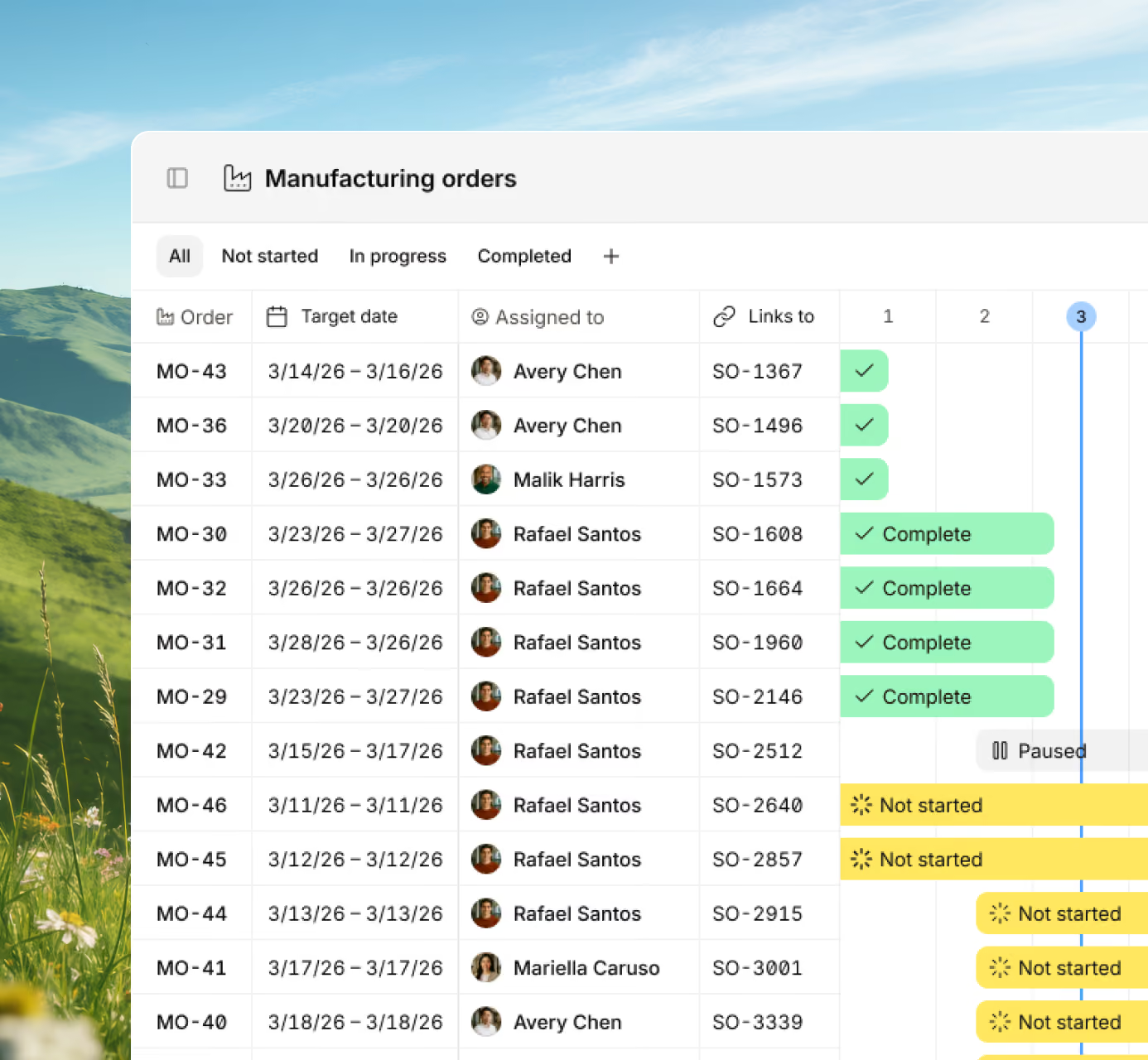







Turn confirmed sales orders into scheduled production jobs without lifting a finger. Digit connects each order to your capacity, materials, and workforce so you always know what to build and when.

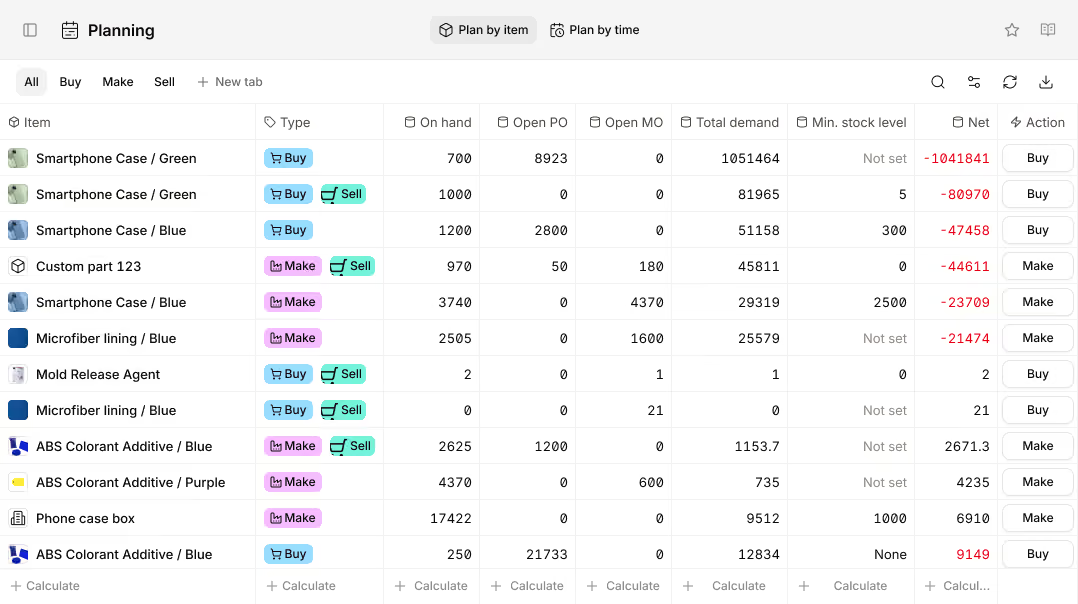
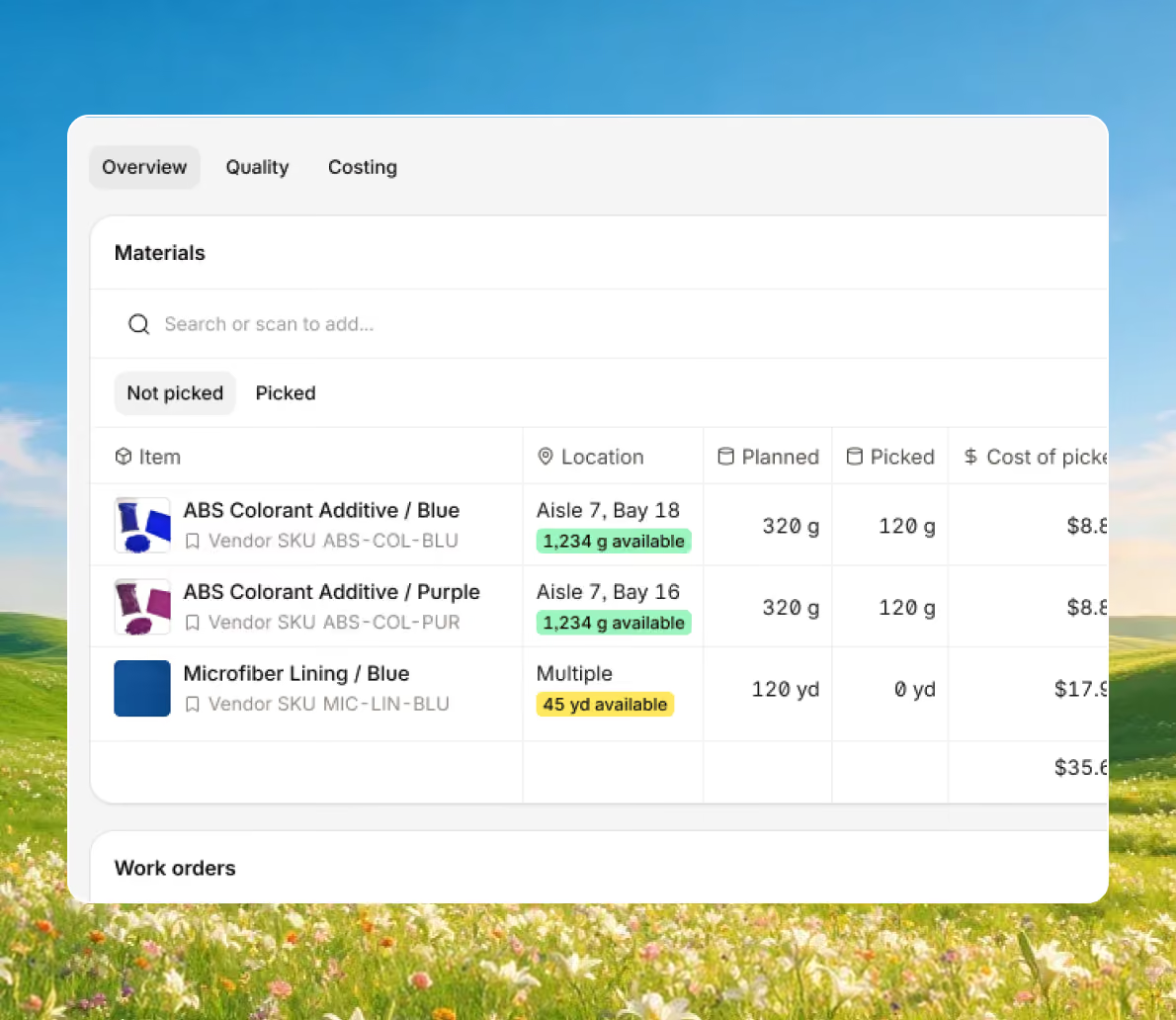
Make-to-order manufacturing software ensures every part and material is ready before production begins. Digit checks your BOMs, open POs, and live stock levels so nothing delays a job once it's scheduled.
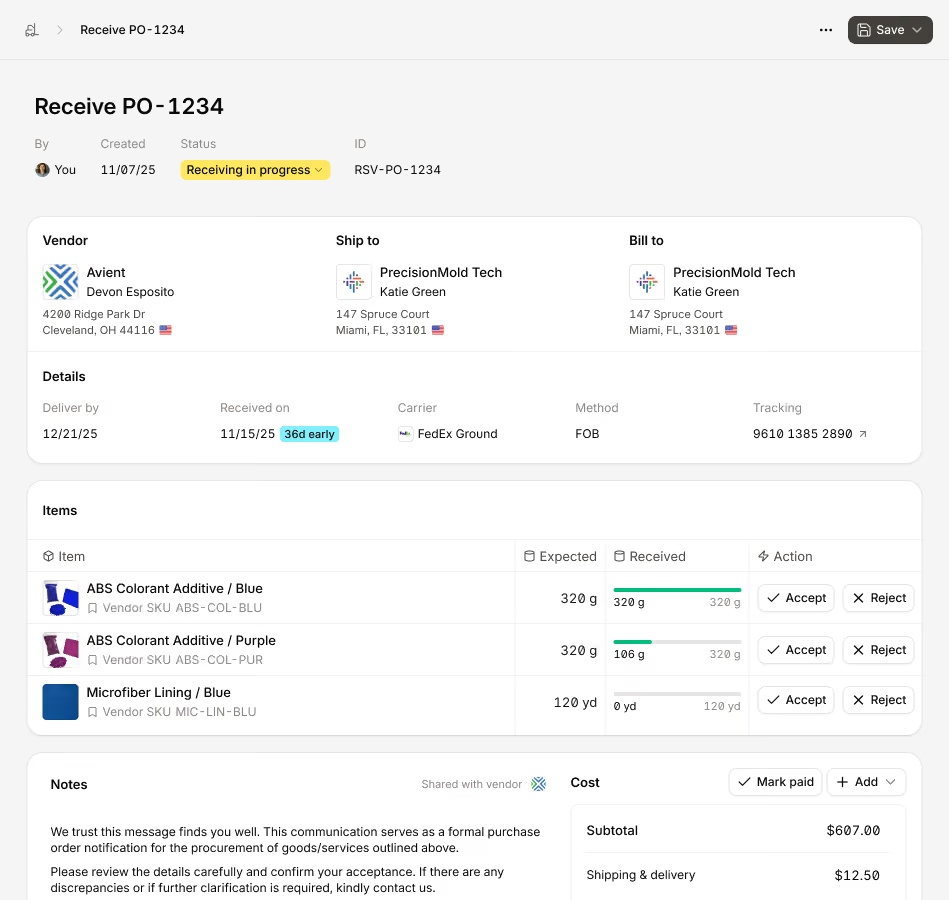
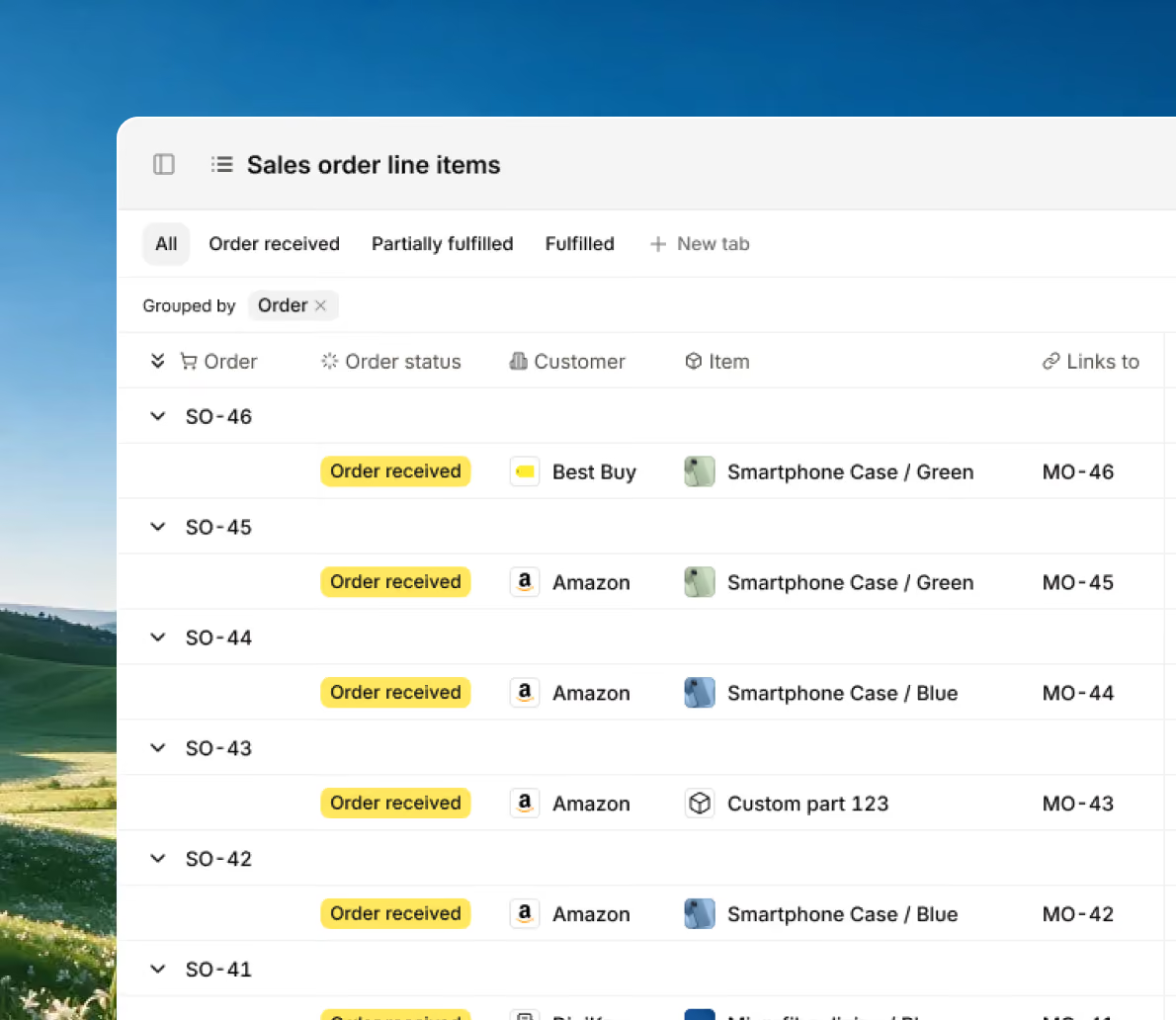
If you’re selling at a physical location, at marketplaces, or via several different ecommerce platforms, each and every order is reflected in Digit, and a corresponding manufacturing order is created.
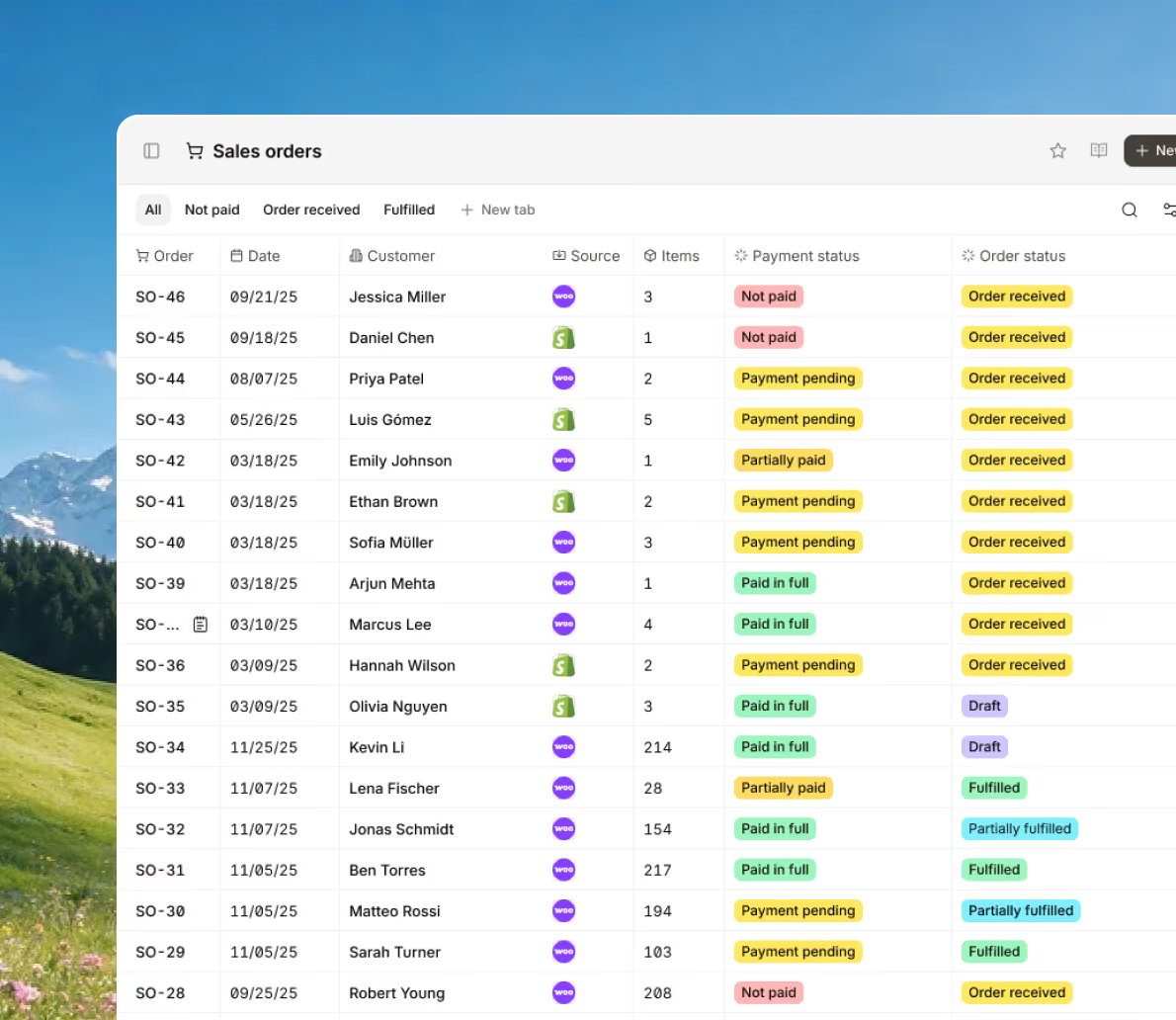
Get live visibility into your operations and track historical data to anticipate customer demand and determine whether you have the capacity to fulfill all upcoming orders.
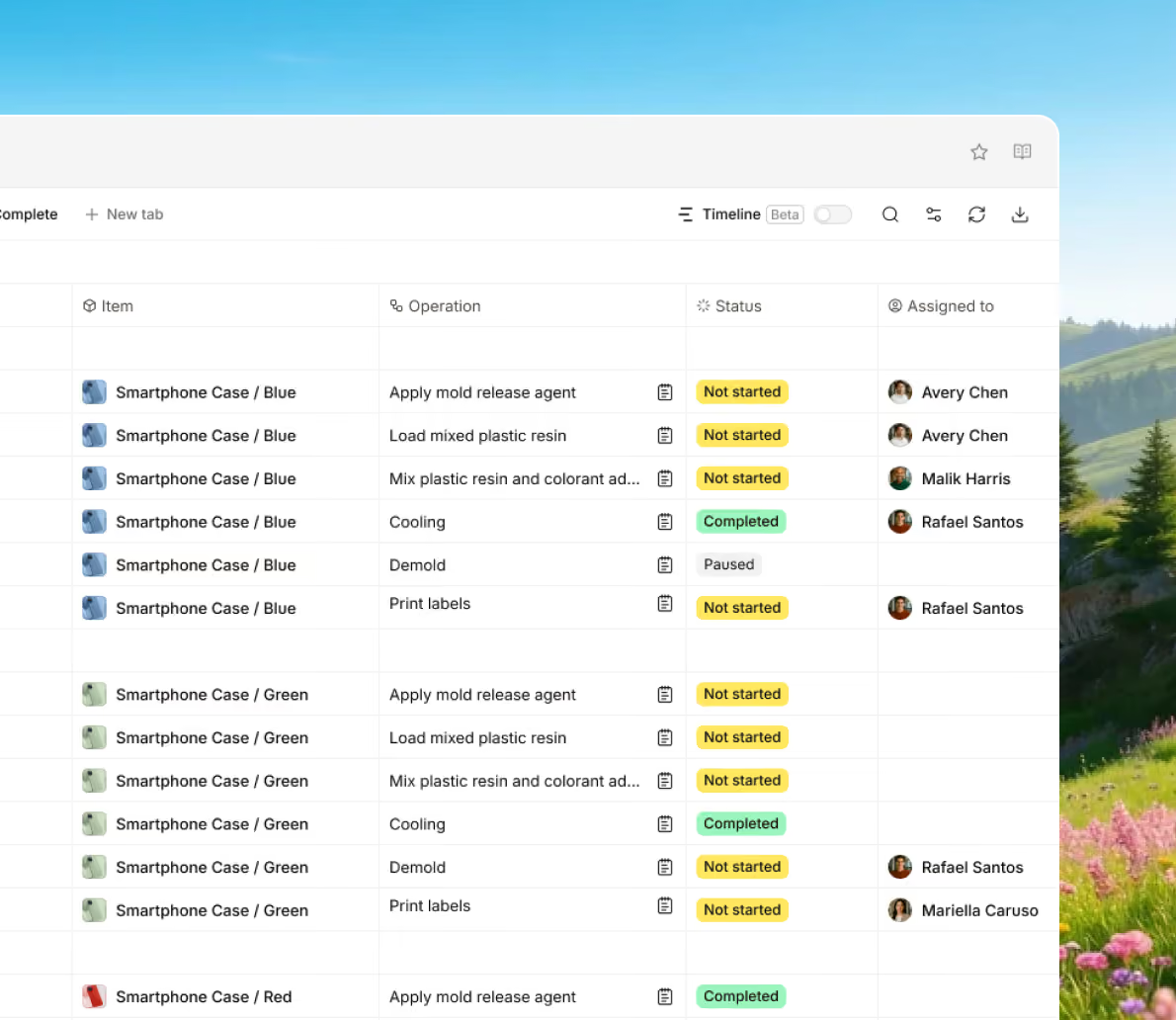
Run make-to-order production across multiple sites without losing visibility, with every location connected so jobs and stock levels stay in sync from a single system.
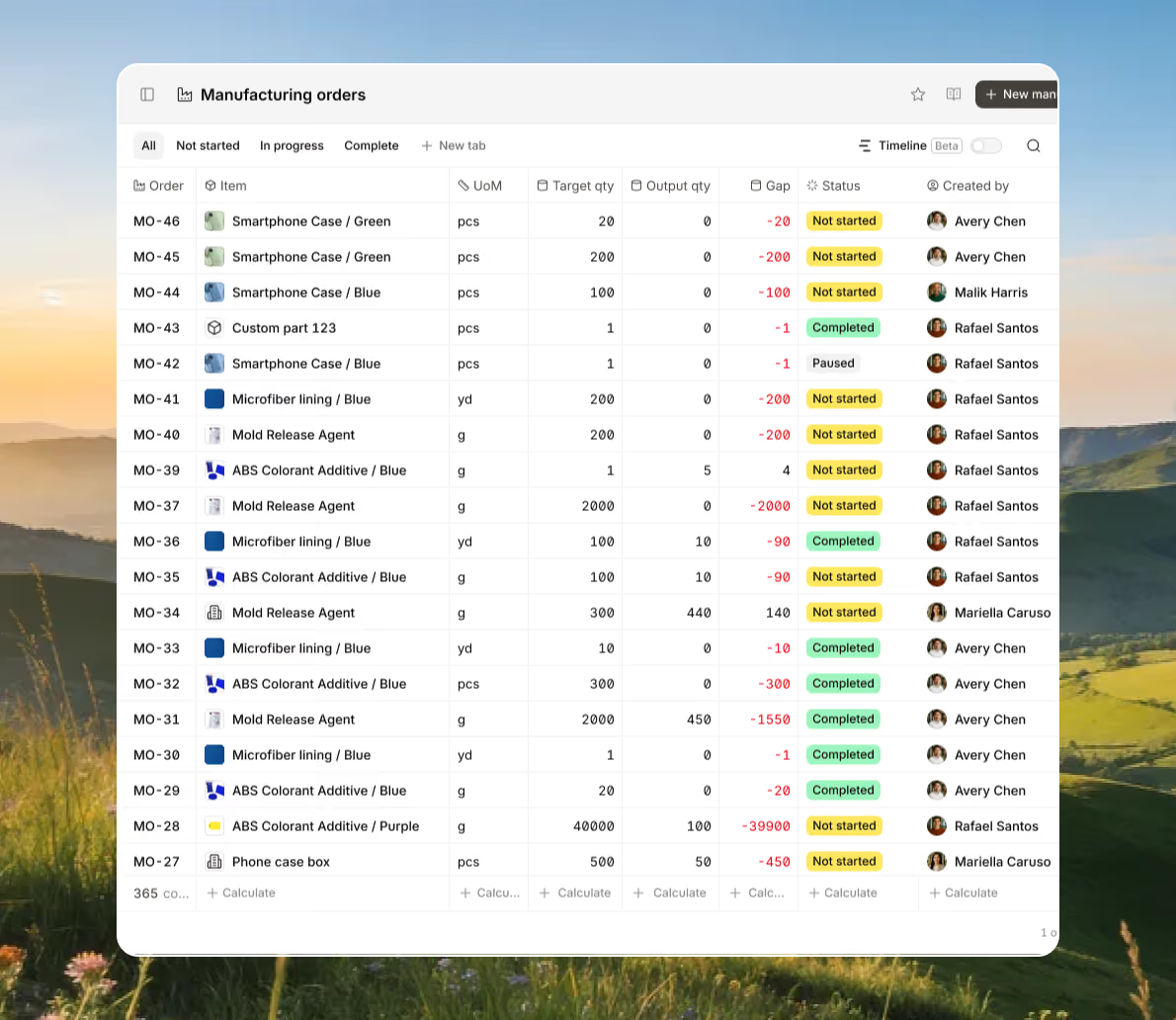
Bring every sales channel and accounting tool together in one system with seamless syncing and flexible API access.





Bring your inventory, accounting, and production together in stock management software built for manufacturers. Keep every part of your business connected, accurate, and easy to track.


100+ manufacturers and distributors have replaced spreadsheets and legacy ERPs with Digit.

If I can capture two seconds across 19 machines across a 24-hour span, I'll save the customer thousands of dollars.
Chris Johnson



“The impact Digit has had has been enormous, saving a lot of time, capturing a lot of data, streamlining a lot of processes, with a system that everyone loves to use.”
Tanner Thomas

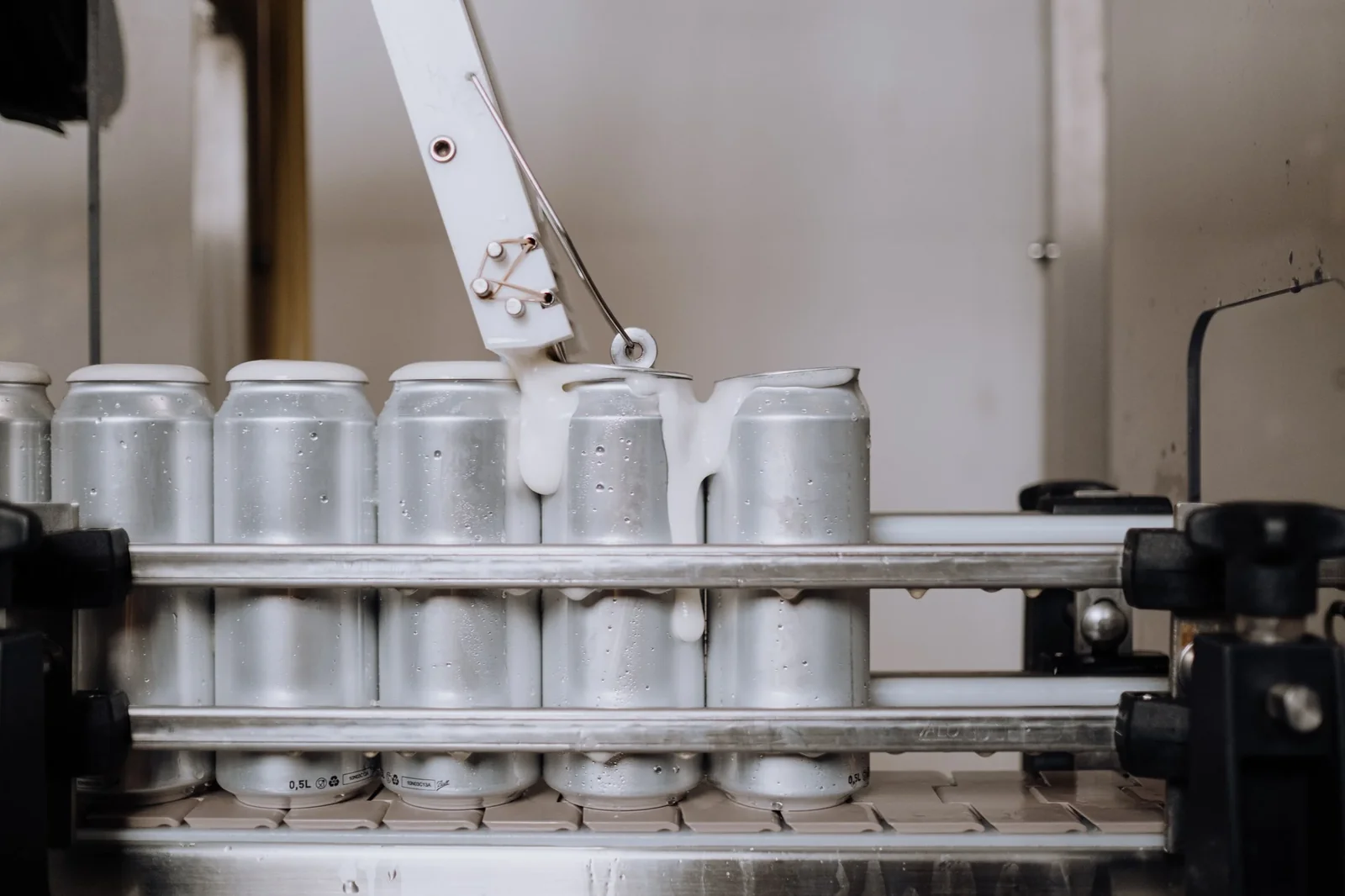
“Digit has given us the insight into current and upcoming stock on our ingredients and raw materials needed for production. This allows us to procure more before we stock out and to be confident that we have enough to finish any upcoming production run.”
Adam Davis
"Digit is the most adaptable, user-friendly software we have ever used."
Joe Watkins
%2520(1).webp)
"With Digit, everything from our inventory to our production data is the word of truth. I can trust it. I can rely on it."
Joshua Burris


Your most frequently asked questions, all in one place. If you don’t see what you need, reach out to us.
The difference between software that is designed to manage either MTO or MTS workflows is the moment at which a manufacturing order is created:
Determining which software is best for you depends on the problem you want to solve.
Are you trying to optimize inventory levels, minimize forecasting errors, and plan to manage a high volume of production runs? Or are you selling highly customizable products or trying to implement leaner manufacturing processes?
The software you decide to go with will dictate how you manage your:
For example, MTO software tracks materials and labor at the individual order level, while MTS software optimizes replenishment cycles.
And what about businesses that use both MTO and MTS? Nowadays, almost all inventory and manufacturing management software that can be found online supports both workflows — so luckily, it’s not a case of choosing one or the other.
Digit addresses material shortages before a job starts by connecting your bills of materials, live inventory levels, and purchasing data in one place — so shortages are identified and acted on well before production is due to begin.
When a manufacturing order is created, Digit automatically checks the BOM for that job against current stock levels and any open purchase orders. This comparison happens in real time, so if materials are insufficient to start the job, the system flags the shortfall immediately rather than leaving it to be discovered on the shop floor. Managers can see exactly which materials are short, which jobs are affected, and what needs to be ordered — without manually cross-referencing spreadsheets or chasing information across departments.
Where stock falls below predefined thresholds, Digit generates automated alerts and can create or suggest purchase orders for the missing materials. Because the system also holds supplier lead-time data, it can factor in how long materials will take to arrive, helping purchasing teams place orders early enough to avoid production downtime rather than react to a stoppage after it has already occurred.
If materials cannot be secured in time, Digit's scheduling tools allow the production queue to be reordered so that jobs with available materials are prioritized. This keeps the shop floor moving and prevents idle labor while outstanding materials are resolved. The result is a more proactive approach to shortage management — problems surface during planning, not mid-production.
Yes, Digit uses an actual costing system, meaning that as your manufacturing orders move through your shop floor, the real costs are tracked.
How Digit tracks the actual cost of a finished product:
Each time an order moves to a different stage of production (for example, picking materials from inventory), the item, labor, and final output are tracked, and at each point, Digit will recalculate the accumulated cost in real time and divide it by the total units produced to give an up-to-date actual cost per unit for that specific run.
Digit also uses a pending cost flag, and this helps you to distinguish between costs that are still in progress and those that are locked.
So, as a manufacturing order is marked as work-in-progress, all associated costs are marked as pending. If you’re a manufacturer using multi-layered assemblies, a subassembly's cost may still be accumulating in a separate, unfinished manufacturing order. To avoid costs being incorrectly calculated, if you have a manufacturing order that is waiting on a subassembly that is also being manufactured, the pending cost flag stops the cost of the subassembly from being included in the parent manufacturing order's costs until it is finished.
Labor time and hours are captured by workers starting and stopping timers directly on work orders from their own smart devices. Those time entries feed into the cost calculation automatically based on the hourly rates set in each user's profile, so labor costs reflect what actually happened on the floor rather than a standard estimate.
For reporting, the cost status (pending or final) is visible across the manufacturing order costing tab, the inventory labels view, and the COGS report. The COGS export includes a cost status column so finance teams can immediately identify which items are finalized and which are still awaiting closure, making month-end and quarter-end reconciliation straightforward.
