

Digit is an inventory management software with a barcode scanner that turns every bin, batch, and serialized item into a point-and-click process.












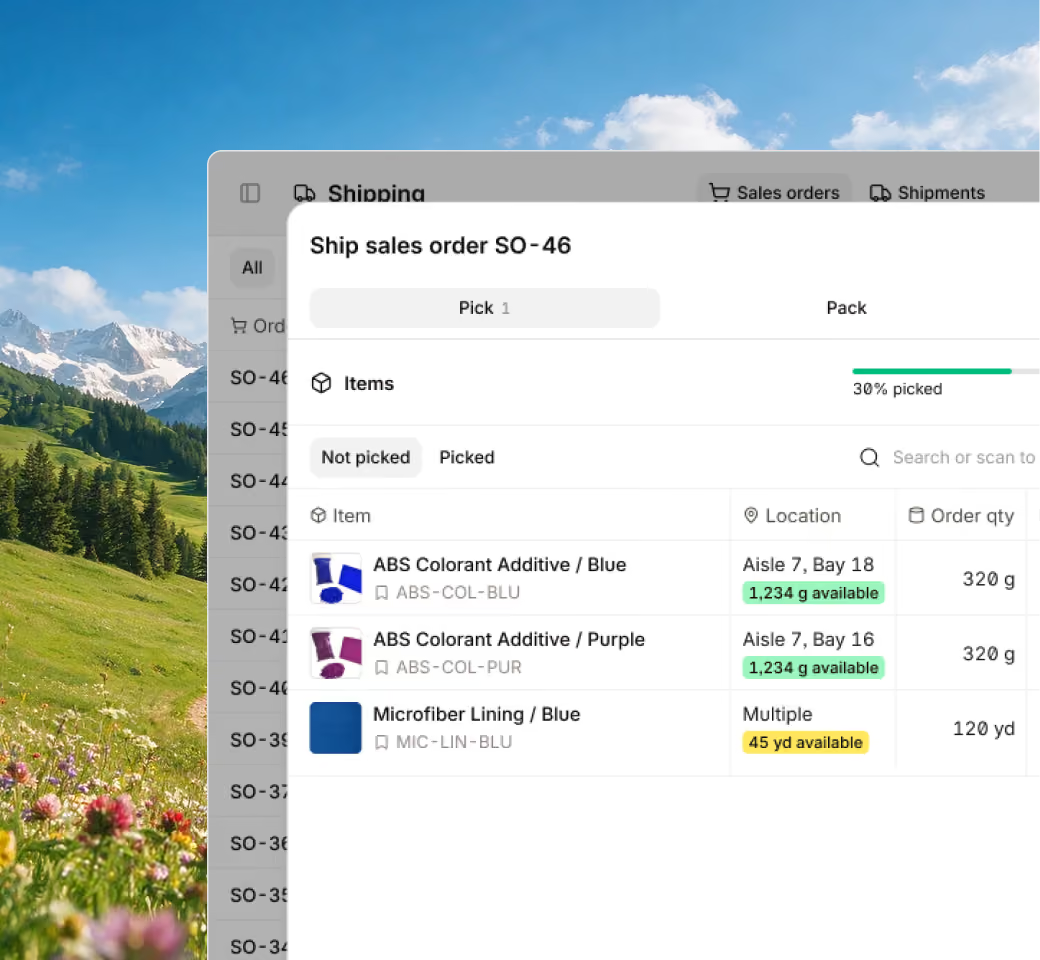







You’re not going to need to use workarounds or change up your labels since Digit is an inventory management software with a barcode scanner that supports a wide range of barcode types:

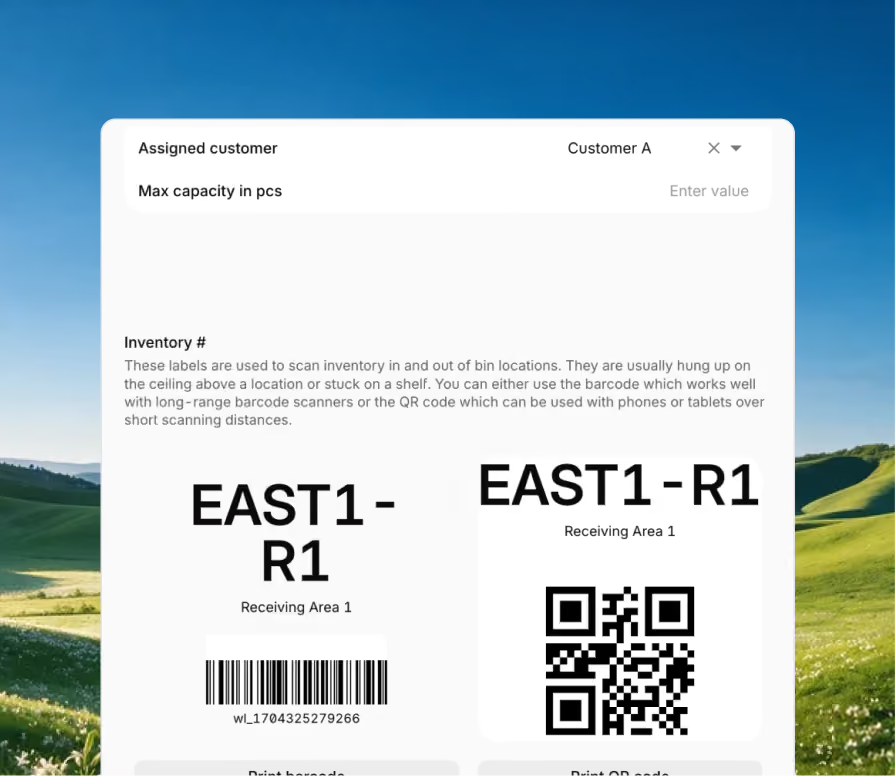
Digit comes with tools to automatically create barcodes and QR codes, so when you introduce a new bin location or a serialized item, there will already be a barcode to print.
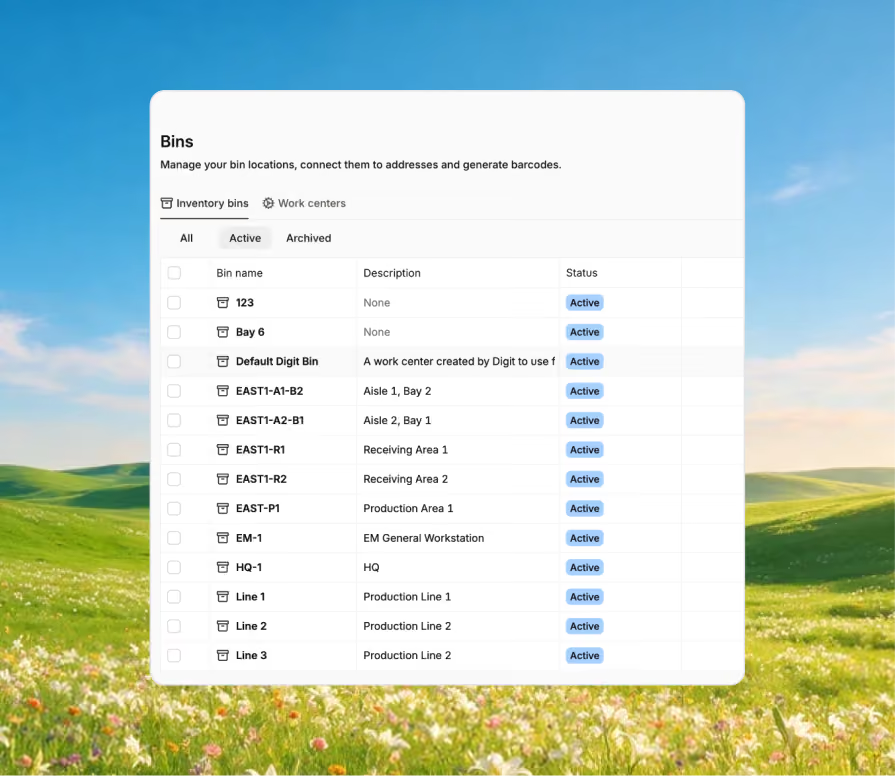
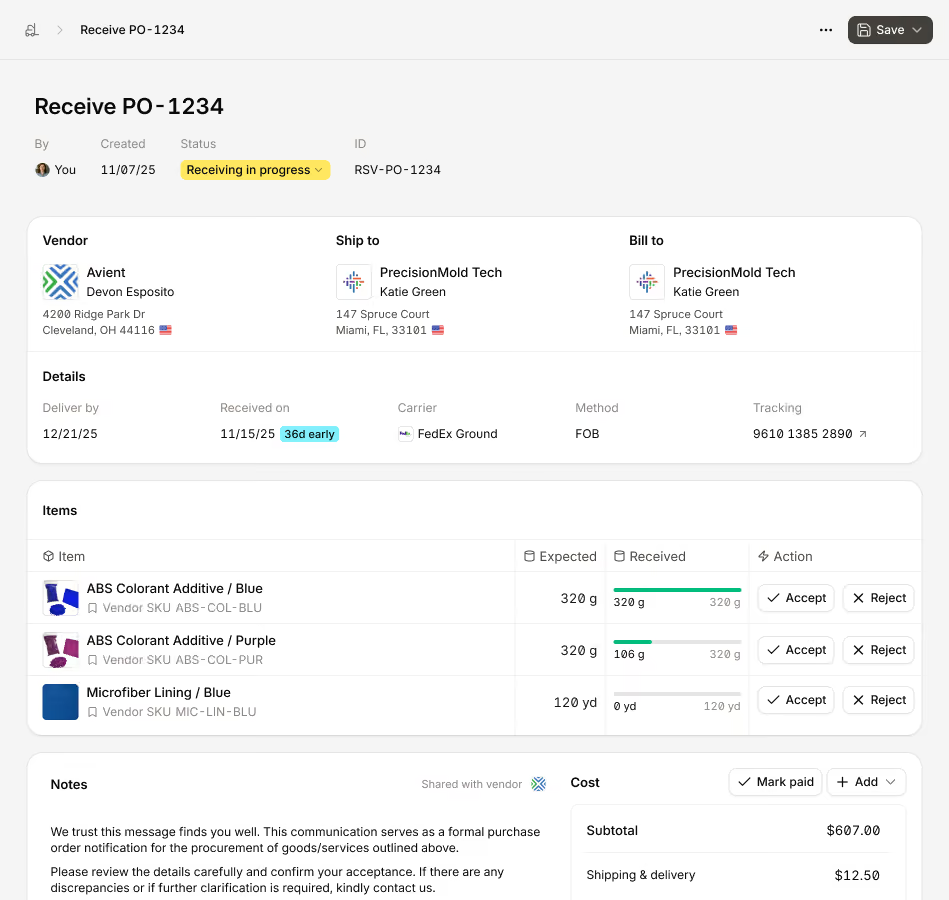
Digit’s barcode scanner inventory software runs on standard barcode scanners or Android devices, so you and your team can use whatever scanners you already prefer.
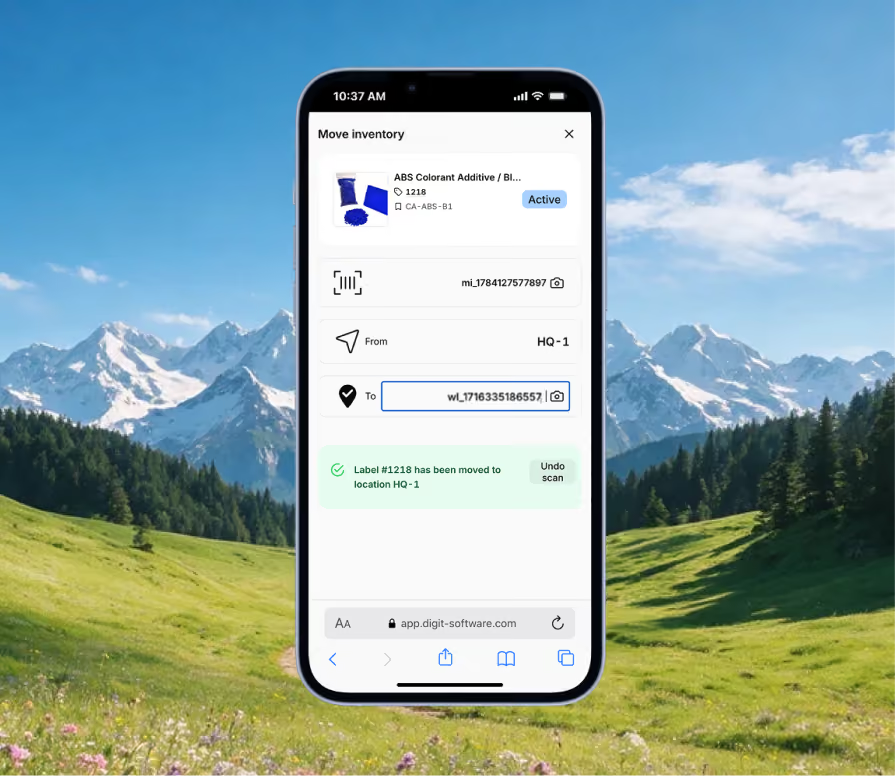
Every business labels things a little differently. Digit lets you design barcode and QR labels to your own layout, size, and data requirements, rather than forcing a single fixed format.
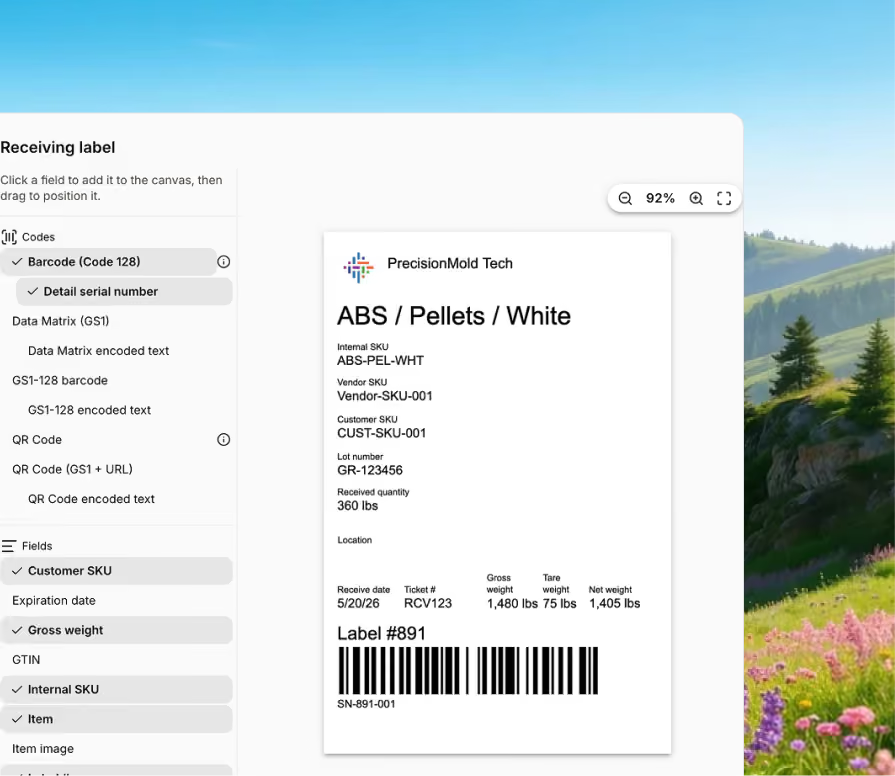
Digit’s warehouse inventory management software with a barcode scanner ties codes directly to serial numbers, supporting full end-to-end traceability across your picking workflows.
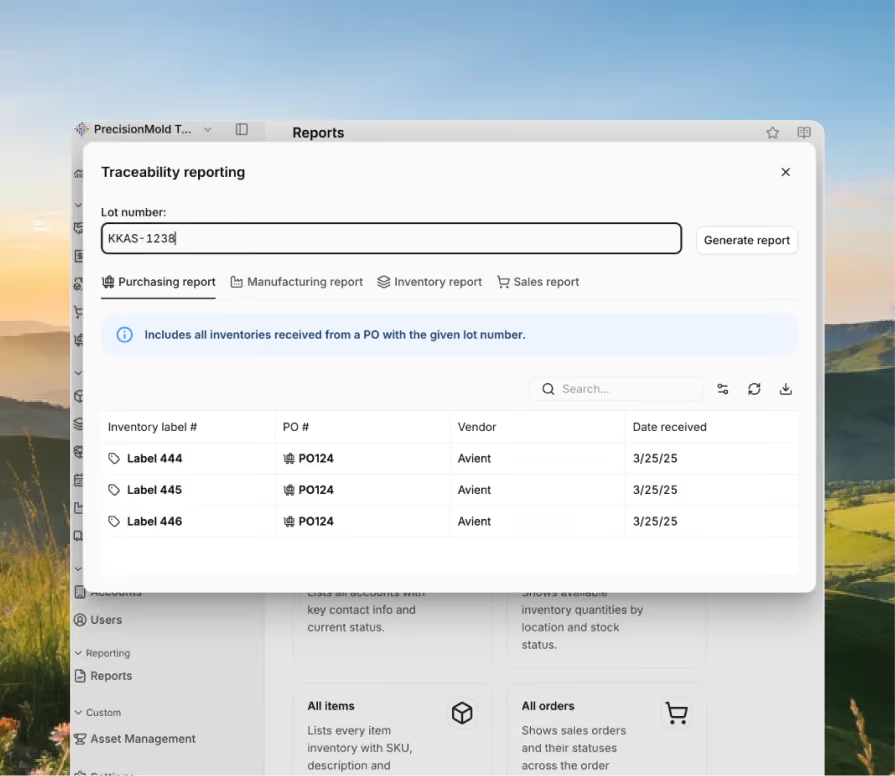
Bring every sales channel and accounting tool together in one system with seamless syncing and flexible API access.





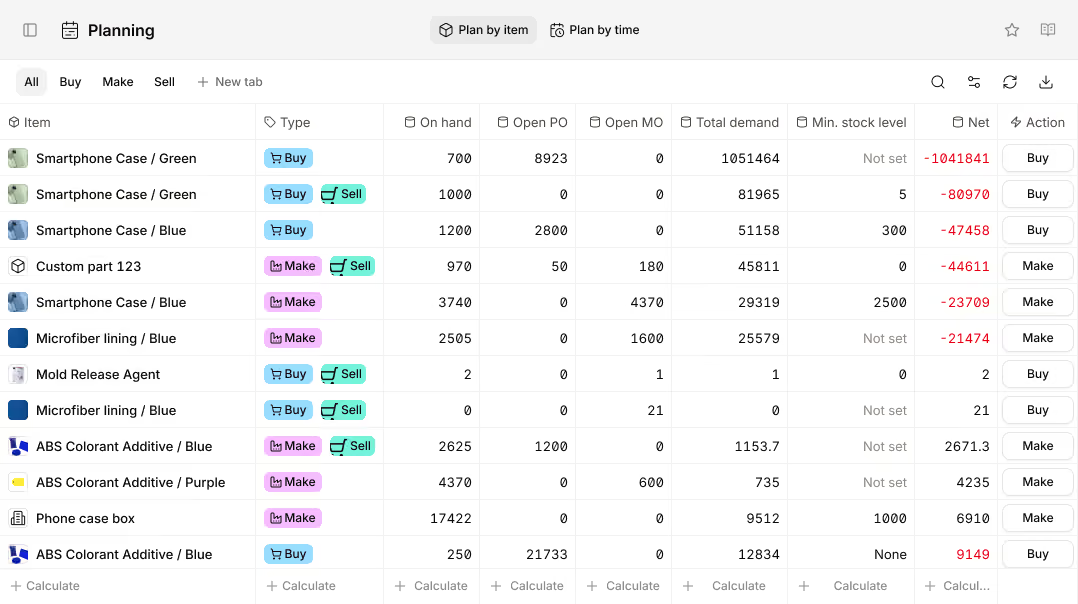
Bring your inventory, accounting, and production together in stock management software built for manufacturers. Keep every part of your business connected, accurate, and easy to track.


100+ manufacturers and distributors have replaced spreadsheets and legacy ERPs with Digit.

If I can capture two seconds across 19 machines across a 24-hour span, I'll save the customer thousands of dollars.
Chris Johnson


“The impact Digit has had has been enormous, saving a lot of time, capturing a lot of data, streamlining a lot of processes, with a system that everyone loves to use.”
Tanner Thomas

“Digit has given us the insight into current and upcoming stock on our ingredients and raw materials needed for production. This allows us to procure more before we stock out and to be confident that we have enough to finish any upcoming production run.”
Adam Davis
"Digit is the most adaptable, user-friendly software we have ever used."
Joe Watkins
%2520(1).webp)
"With Digit, everything from our inventory to our production data is the word of truth. I can trust it. I can rely on it."
Joshua Burris


Your most frequently asked questions, all in one place. If you don’t see what you need, reach out to us.
Choosing the best scanner isn’t a one-size-fits-all solution, and mostly depends on the context in which the scanner will be used.
Since inventory management software with a barcode scanner is primarily used by warehouse operators, they need a scanner that helps them quickly manage their picking and packing responsibilities. So, here are the characteristics of a good barcode scanner for a warehouse operator:
It’s likely you’ll need a combination of scanner types based on where they will be used. So look for an inventory management software with a barcode scanner that can work in:
The honest answer is that it depends on the version you’re using.
For example, does QuickBooks Online include built-in barcoding functionality? No. QuickBooks Desktop, on the other hand, does, but again, it’s not available out of the box and depends on the Desktop tier you’re using. Warehouse barcode scanning software is possible only with the Advanced Inventory add-on, available only on the Platinum and Diamond tiers (which are very pricey).
Because one version doesn’t include it and the other incurs high additional costs, many manufacturers turn to third-party solutions to enable barcode scanning in their workflows.
For example, Digit integrates with both QBO and QBD, generating and scanning barcodes natively for bins, batches, and serialized items, and then syncing the resulting inventory and cost data straight into QuickBooks Online or Desktop.
Yes, at least in the case of Digit.
Because Digit is a web-based, barcode-scanning inventory management software, you can use it on any smartphone or tablet, as long as it's connected to the internet. And then, when it comes to the actual scanning functionality, Digit can convert your smart device’s camera into a scanner, so you don't have to integrate a dedicated handheld scanner.
Digit’s scanning functionalities go beyond inventory and can be used within your manufacturing processes too. For example, if you print a job traveler, it comes with its own QR code, so your operators on the shop floor can scan that to see routing steps and access work instruction files, without the need to print a separate job sheet.
Digit was built to fit into your workflows without the need for convoluted workarounds or process changes.
Because of that, Digit is an inventory management software that works with most barcode scanners, whether they're Zebra products or smartphones repurposed as scanners. So the real requirement isn't special hardware. It's matching a standard 1D/2D scanner, or an Android device with a scanner app, to how and where your team is actually scanning.
