



What Is a Barcode System for Manufacturing?

A barcode system for manufacturing is a combination of barcode labels, scanning hardware, and software that replaces manual data entry with scan-based data capture at every point in the production process.
At its most basic: every item, container, or location gets a barcode label. When something moves, such as a pallet received at the dock, a component picked from a bin, a finished good packed for shipment an operator scans it. That scan creates a timestamped, accurate record in your system automatically.
No handwriting. No re-keying. No "I think that's what happened."
The scanner is not the valuable part. The valuable part is what happens when that scan updates your inventory count, advances a production order, and flags a discrepancy, in real time, without a person having to do the math. That only happens when barcode scanning is connected to your MRP or ERP software. A standalone scanner is just a scanner.
How Barcodes Are Used Across the Manufacturing Process
The scan happens in seconds. What it replaces is worth understanding.
Receiving raw materials When a shipment arrives, an operator scans each item. The system matches the scan against the open purchase order, confirms quantities, assigns a lot number, and updates inventory, all in one step. No paper receiving log. No manual PO matching later. If the shipment is short or the wrong item, the system flags it immediately rather than discovering the problem three days into a production run.
Moving WIP between workstations Work-in-progress moves through your floor from one workstation to the next. Without scanning, you rely on operators to report progress verbally or write it on a traveler sheet. With scanning, each move is recorded at the point it happens. You can see where every order is in production without walking the floor.
Picking components against a BOM This is where manual processes cause the most damage. An operator picking components for a build from memory or a printed list will make errors. A scan-based pick validates each component against the bill of materials before it goes to the line. Wrong part: flagged. Wrong quantity: flagged. Right part, right quantity: confirmed. That single step eliminates a category of production errors that generate scrap, rework, and customer complaints.
Quality checkpoints Scans can be required at inspection points, andnothing moves forward until the QC scan is logged. That creates a documented record that inspection happened, at what time, by whom. For regulated industries, that record isn't optional.
Shipping finished goods At pack-out, an operator scans each finished unit or case. The system confirms it matches the sales order, updates inventory, and generates a shipping record tied to the specific lots that shipped. If a customer calls with a problem, you know exactly what went out the door and when.
2 Types of Barcodes Used in Manufacturing
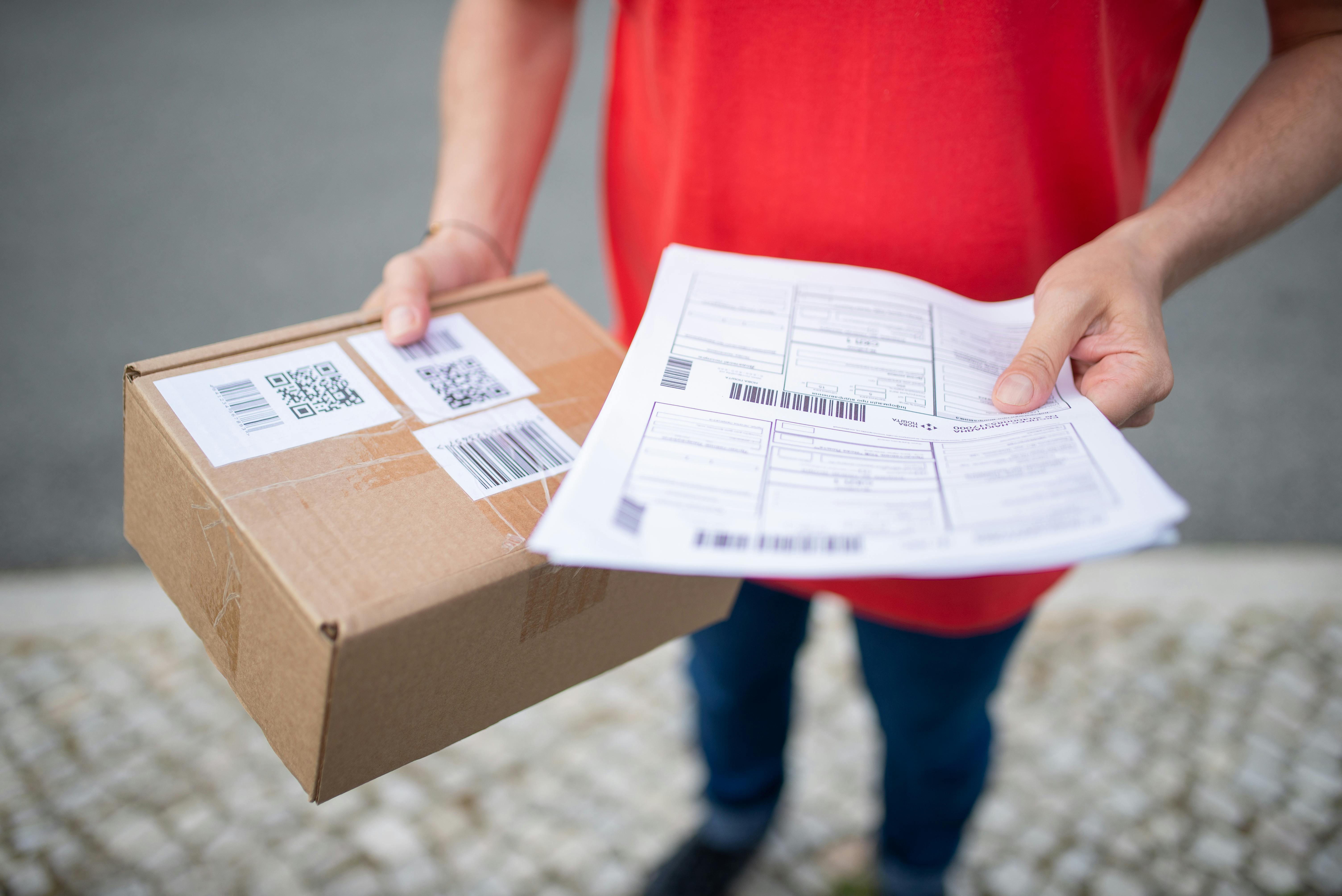
What type of barcode is used in manufacturing? It depends on how much data you need to encode and what your scanning environment looks like.
1D barcodes (linear barcodes)
This is the classic barcode that has vertical lines of varying widths. Common formats include Code 128, Code 39, and UPC. They encode a single string of data: typically an item number or lot number. Fast to scan, work with most hardware, and easy to print on a basic label printer. The limitation is data capacity, as they can only hold a short alphanumeric string, so the real information lives in your system, not the label.
2D barcodes (QR codes and Data Matrix)
2D barcodes encode significantly more data in a smaller space: product ID, lot number, quantity, expiration date, supplier, and more can all live in a single label. QR codes are readable by smartphones, which matters for facilities where not every operator has a dedicated scanner. Data Matrix codes are common in electronics and medical device manufacturing because they can be laser-etched directly onto components.
What is the difference between 1D and 2D barcodes in manufacturing?
1D barcodes point to a record in your system. 2D barcodes can carry the record themselves. For most manufacturing applications, 2D barcodes are more practical, as one scan captures everything you need without requiring a database lookup. They also hold up better in environments where partial label damage might occur.
For most facilities getting started: Data Matrix or QR codes on items, Code 128 on bin locations and fixed assets. Your MRP software determines which format it supports, so make sure to confirm that before you buy labels or hardware.
3 Key Benefits: Accuracy, Speed, and Traceability
Scanning fixes three things operators feel every day: whether the count is right, whether it happened fast enough, and whether you can prove what went where.
1. Accuracy
Manual data entry has an error rate of roughly 1 in 300 characters. Barcode scanning brings that to near zero. In a facility processing hundreds of picks per day, that difference is the gap between clean inventory counts and phantom stock that derails your next production run.
2. Speed
A scan takes under a second. Manually logging a receipt — finding the PO, matching the item, writing down the quantity, updating a spreadsheet — takes several minutes. Multiply that by every receiving event, every pick, every shipment, and the time savings are substantial. Operators spend less time on paperwork and more time on work.
3.Traceability
Every scan is a timestamped record: what moved, where it went, who touched it, and when. That data layer is what makes lot traceability possible — the ability to trace a finished good back to the specific raw material lot it came from, or trace a recalled material forward to every order it touched. In food, pharma, and regulated manufacturing, that's a compliance requirement. Everywhere else, it's how you respond to a customer complaint without guessing.
Error prevention with specific examples
- A picker grabs the wrong revision of a component. The scan against the BOM catches it before it reaches the line.
- A shipment is received short. The scan-based receiving count flags the discrepancy at the dock, not three weeks later during a cycle count.
- An operator logs a completed production order for 500 units when 480 were actually built. With scan-based production reporting, the system records what was scanned, not what someone thought they remembered.
Barcode Scanning for Inventory, Production, and Shipping
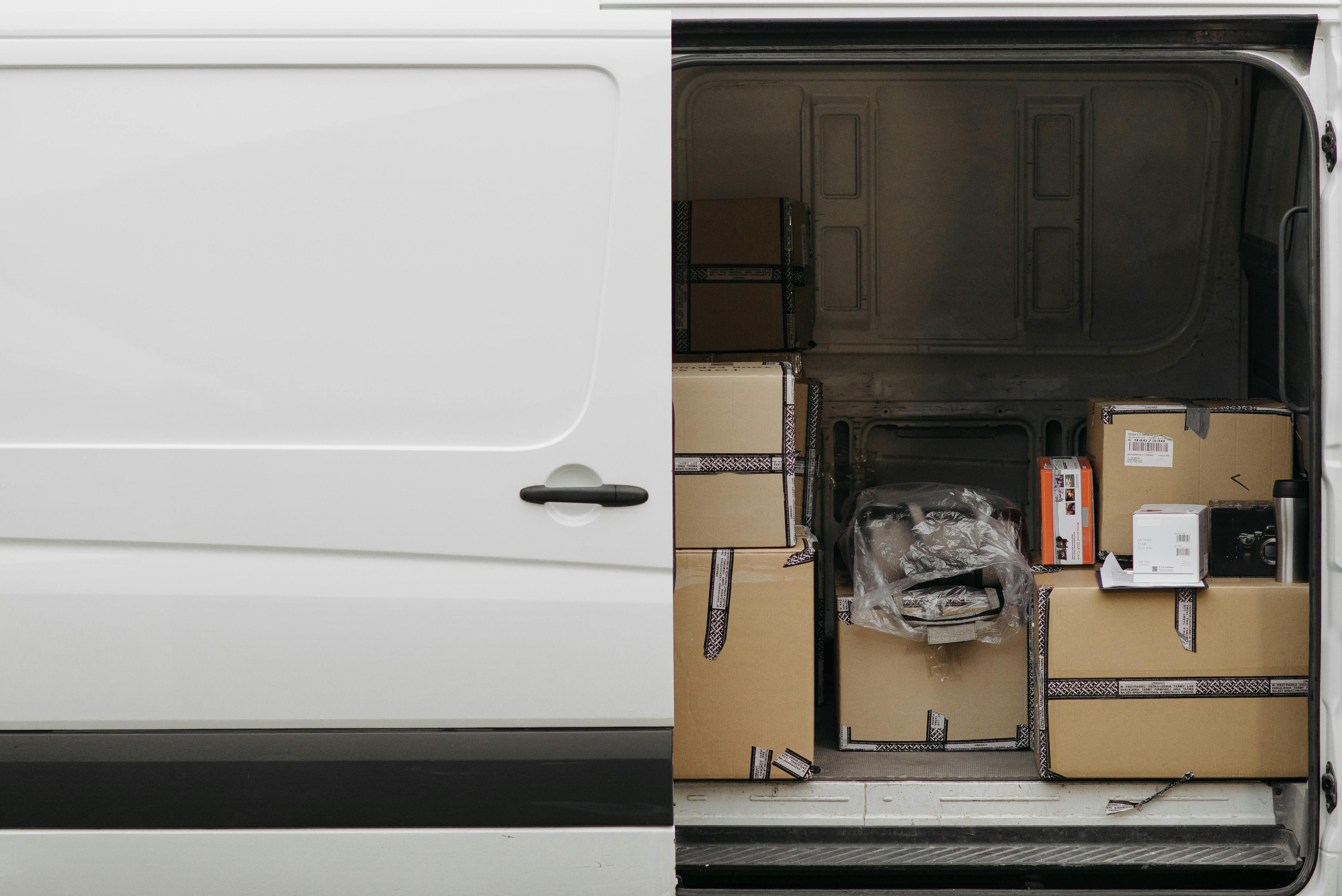
These three areas are where barcode scanning pays for itself fastest.
Inventory Cycle counts become fast enough to run continuously rather than annually. Bin locations are scannable , so you don't need to search for an item, you scan where it should be and the system tells you if it's there. Inventory management becomes a real-time picture of what you actually have, not an approximation based on the last time someone counted.
Production Manufacturing orders update as work happens — not at end-of-shift when someone remembers to log it. WIP location is visible. Component consumption is recorded at the point of pick, so your material usage data is accurate. If you're running MRP, your planned vs. actual consumption comparison becomes meaningful rather than theoretical.
Shipping Every outbound shipment is scan-verified against the sales order before it leaves. The system knows which lots shipped, to which customer, on which date. That's your chain of custody documentation, and it requires zero additional effort if scanning is built into your pack-out process.
For facilities in electronics or metal fabrication, where component substitutions and job-level traceability are common, the shipping scan also closes the loop on lot genealogy: you can produce a complete record of what went into a finished product for any order you've shipped.
How to Implement a Barcode System in a Manufacturing Facility
.jpeg)
How do you implement a barcode system in a factory? Here's a realistic picture.
Step 1: Audit your current state
Before you buy hardware, map your workflows. Where do items physically move? Where do errors happen? Where does information fall off the paper trail? The answer tells you where to place scan points.
Step 2: Choose your software first
Your MRP or warehouse management software determines what barcode formats it supports, what fields it captures on a scan, and how it handles scan-based transactions. Hardware comes second — don't buy scanners and then discover your software can't use them.
Step 3: Select hardware For most manufacturing environments: handheld wireless barcode scanners (Zebra and Honeywell are the two dominant brands) running on your facility's Wi-Fi. For receiving docks and pack-out stations, a fixed mount or tablet-based setup works well. Rugged scanners handle drops, dust, and moisture. Budget $200–$600 per device depending on specs.
For printing labels: a thermal transfer label printer. Zebra again is the standard. Expect $300–$800 for a desktop unit. Labels themselves cost fractions of a cent each.
Step 4: Label your locations and items
Bin locations first these don't change often and getting them labeled gives you immediate value. Then item labels as inventory is received or moved. You don't need to label everything overnight; label as you go and use first-scan-creates-record logic where your software supports it.
Step 5: Train your operators
This is where implementations succeed or stall. Training doesn't need to be formal. The learning curve for scan-based workflows is genuinely low, as most operators are faster with a scanner than a clipboard within a week. The harder part is discipline: making scanning the required step, not the optional one. That's a process enforcement question, not a technology question.
Step 6: Go live in one area
Start with receiving or shipping high-value, contained workflows with clear before/after comparisons. Get it stable, then expand to the production floor.
Integrating Barcode Scanning with Your ERP or MRP Software

How does barcode scanning integrate with ERP software? The integration is what makes scanning useful, and what most articles skip over. When an operator scans a barcode, the scanner sends a data string to your software. What your software does with that string: updates inventory, advances a work order, validates a pick, creates a lot record, depends entirely on how the integration is built.
There are two models:
Native scanning — the scanner is built into the MRP/ERP's mobile interface. The operator uses a device browser or dedicated app. Every scan is a direct transaction in the system. No middleware, no sync delay, no data discrepancy between "what the scanner captured" and "what the ERP shows." This is the model worth having.
Batch scanning — the scanner collects records locally and uploads them periodically. Simpler to set up, but your inventory is only as current as the last sync. If you're pulling materials for a build and the sync hasn't run, you may be working from stale data.
For real-time visibility, which is the whole point, native integration is the right architecture. When you're evaluating software, ask specifically: is scan-based receiving a live transaction, or does it sync on a schedule?
How Digit Uses Barcode Scanning on the Shop Floor

Digit's barcode scanning is built into the warehouse and production workflows, not bolted on as an add-on.
Operators use a mobile device or handheld scanner to:
- Receive POs by scanning — each scan matches the item to the open PO, assigns a lot number, and drops the quantity into the right bin location. The inventory count updates immediately.
- Pick components against manufacturing orders — the system shows what's needed, the operator scans what they pick, and any discrepancy is flagged before the build starts. Wrong part or wrong quantity doesn't make it to the line.
- Move WIP through production stages — each stage completion is recorded by scan. Production order status updates in real time, so anyone looking at the system sees exactly where an order is.
- Pack and ship finished goods — scan-out confirms the order, records which lots shipped, and closes the sales order. Chain of custody is documented automatically.
The result is an inventory management picture that reflects what's actually on your floor and not what was there last week when someone ran a count.
If you're still running on clipboards and spreadsheets and wondering what it actually looks like to move to scan-based operations, see Digit's warehouse and scanning features in action. Try asking Digit's free AI demo to show these features in action or book a call to see how this works within your workflow.

%20(2).jpg)