

As operations become more complex or orders start to increase, there will come a time when spreadsheets will hinder you from scaling your business any further.












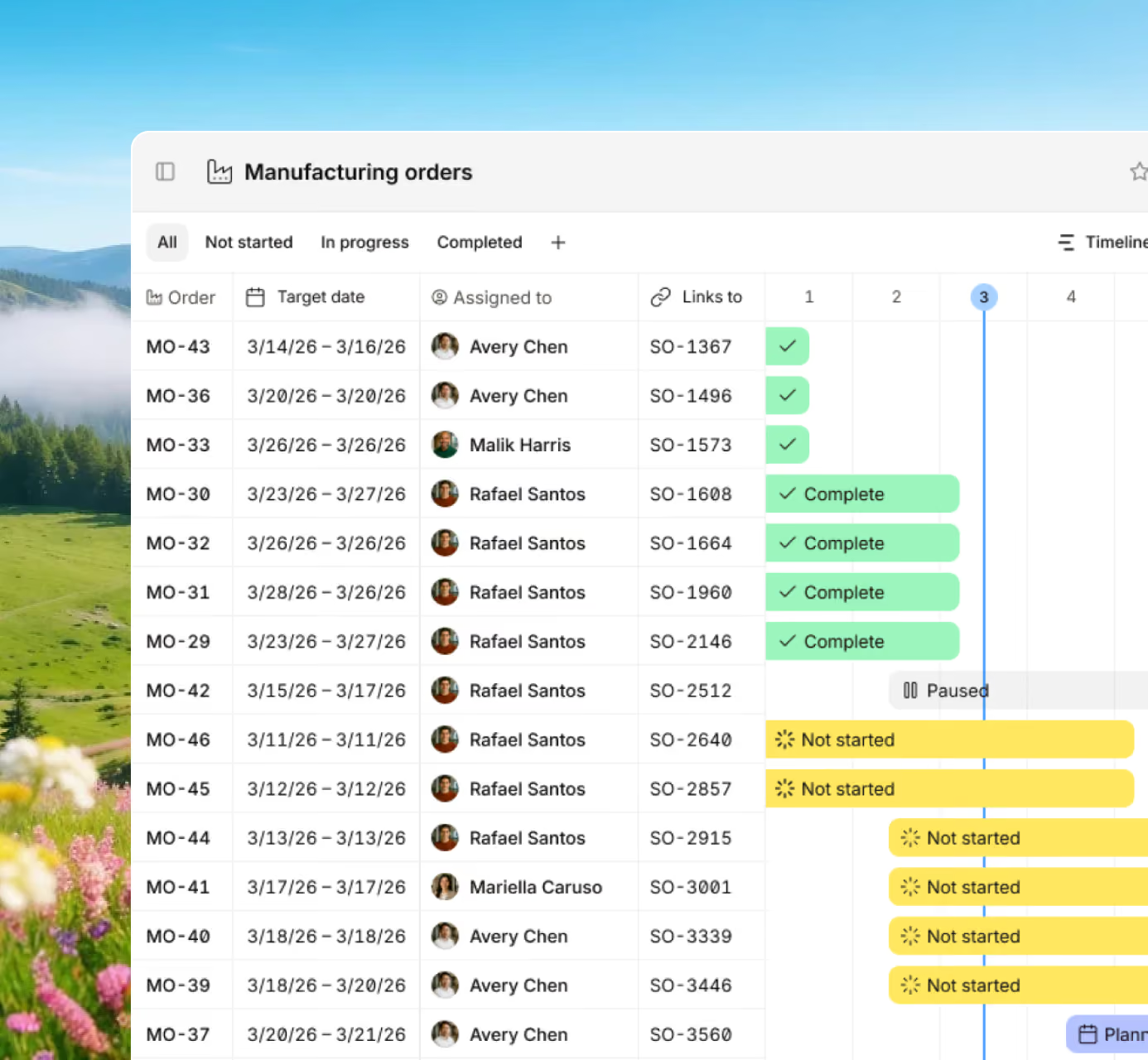







Maintain control of every order and material movement with real-time data that keeps teams aligned and jobs on schedule.

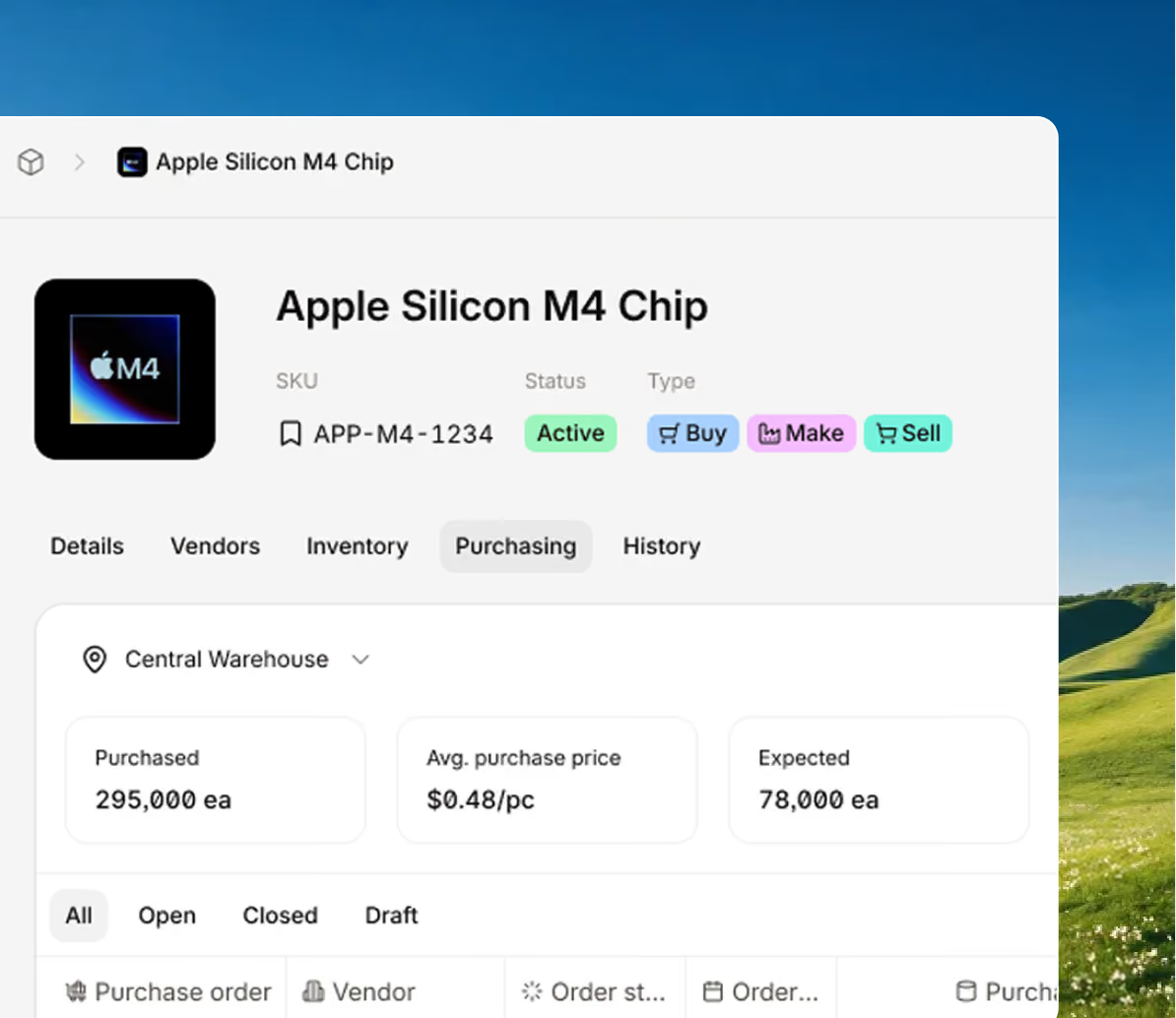
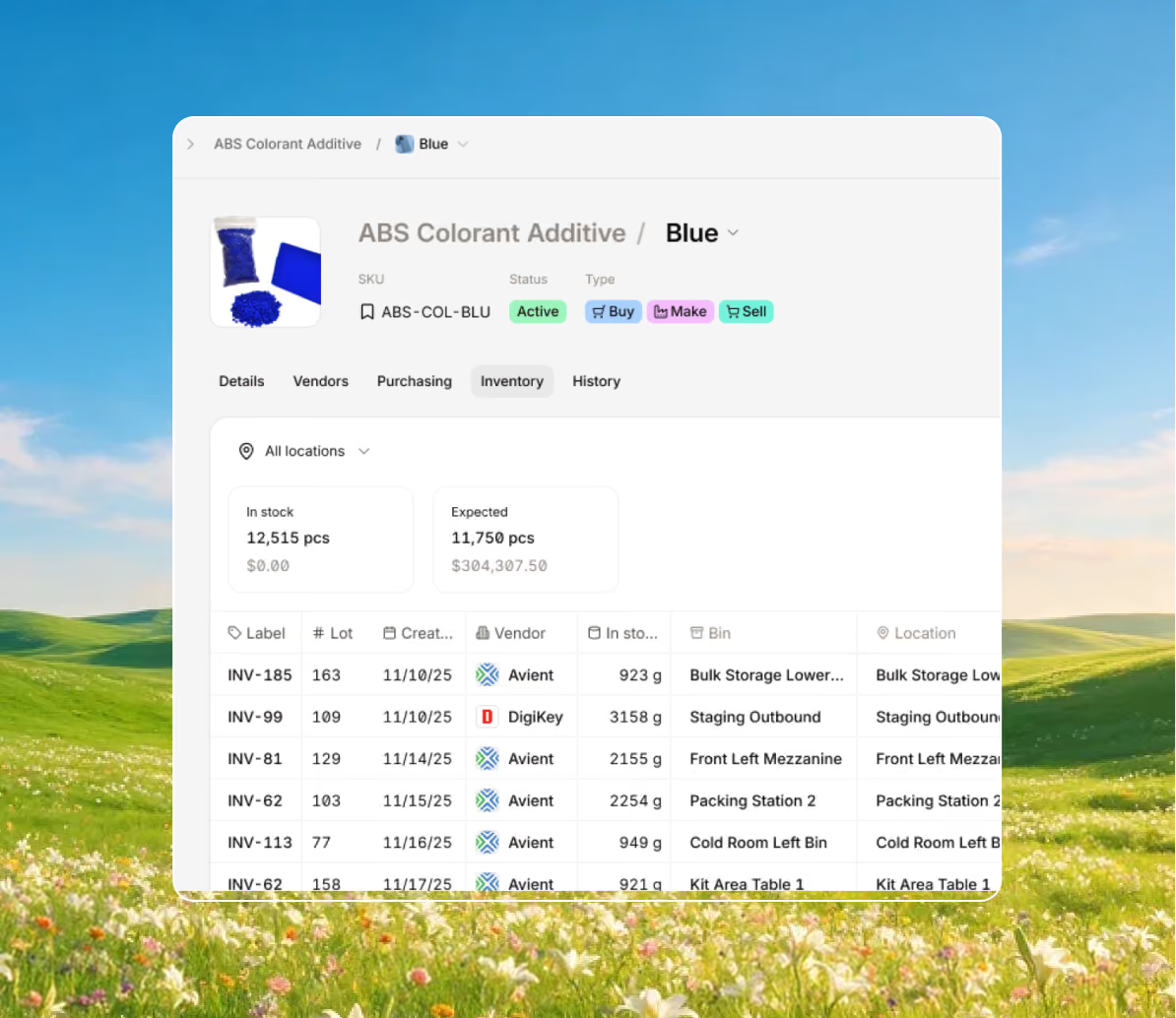
Follow every part, pallet, and product with clear details on levels, costs, and locations. Digit provides real-time inventory control from receiving through delivery.
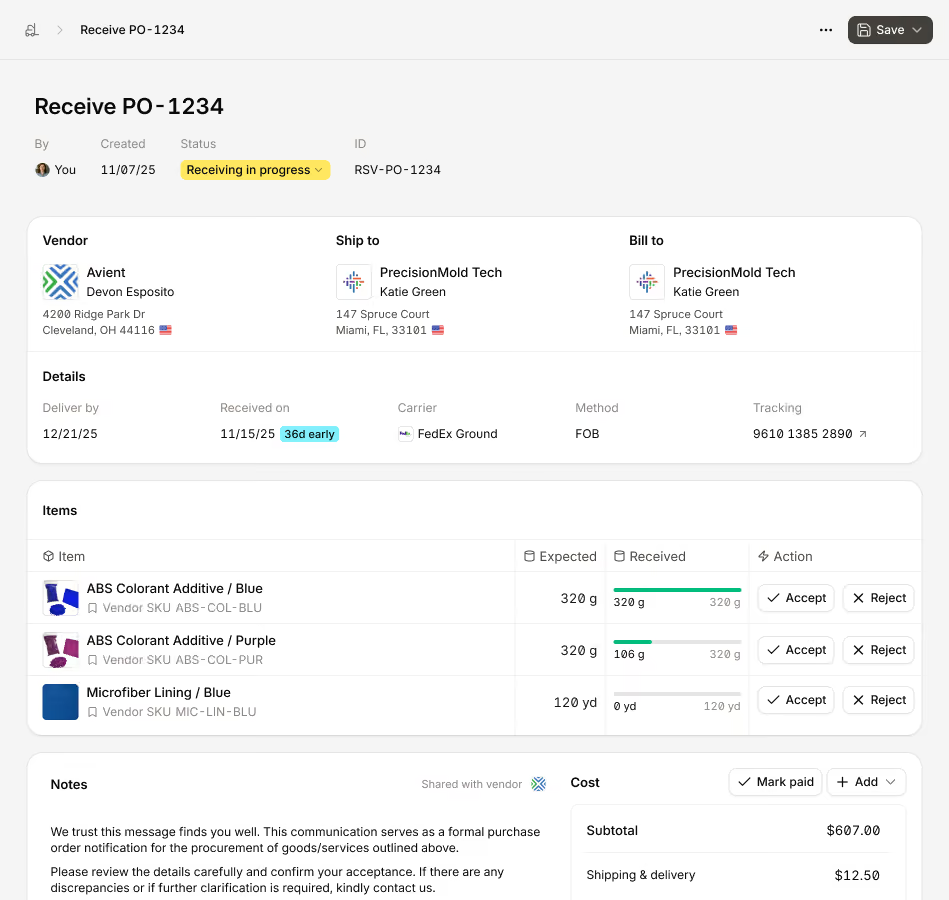
Keep production on track and running smoothly with real-time data to keep everyone focused on the right work and meet deadlines.
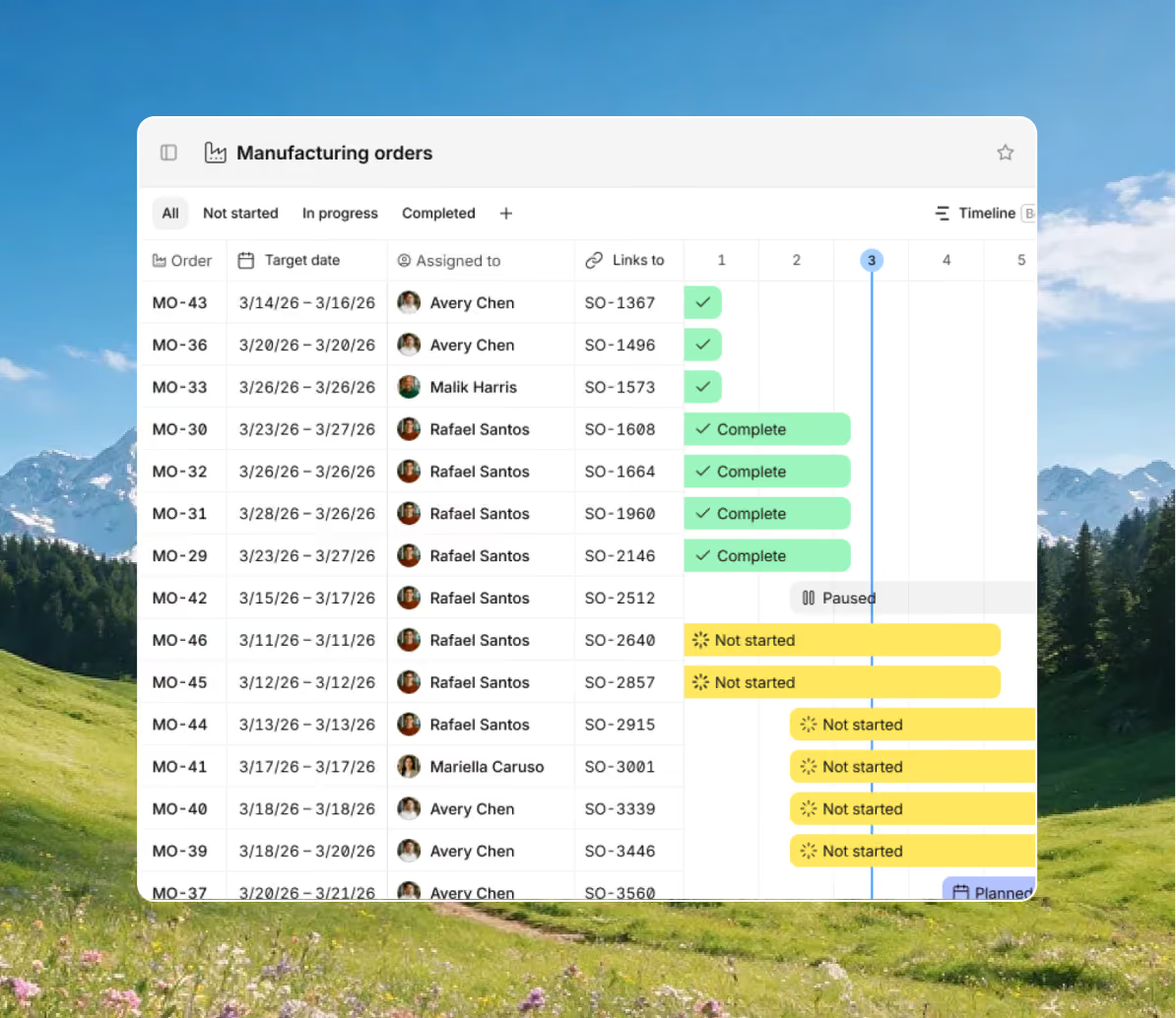
Ensure consistent quality across builds with multi-level bills of materials and routes. Digit helps you create and track order progress in real time.
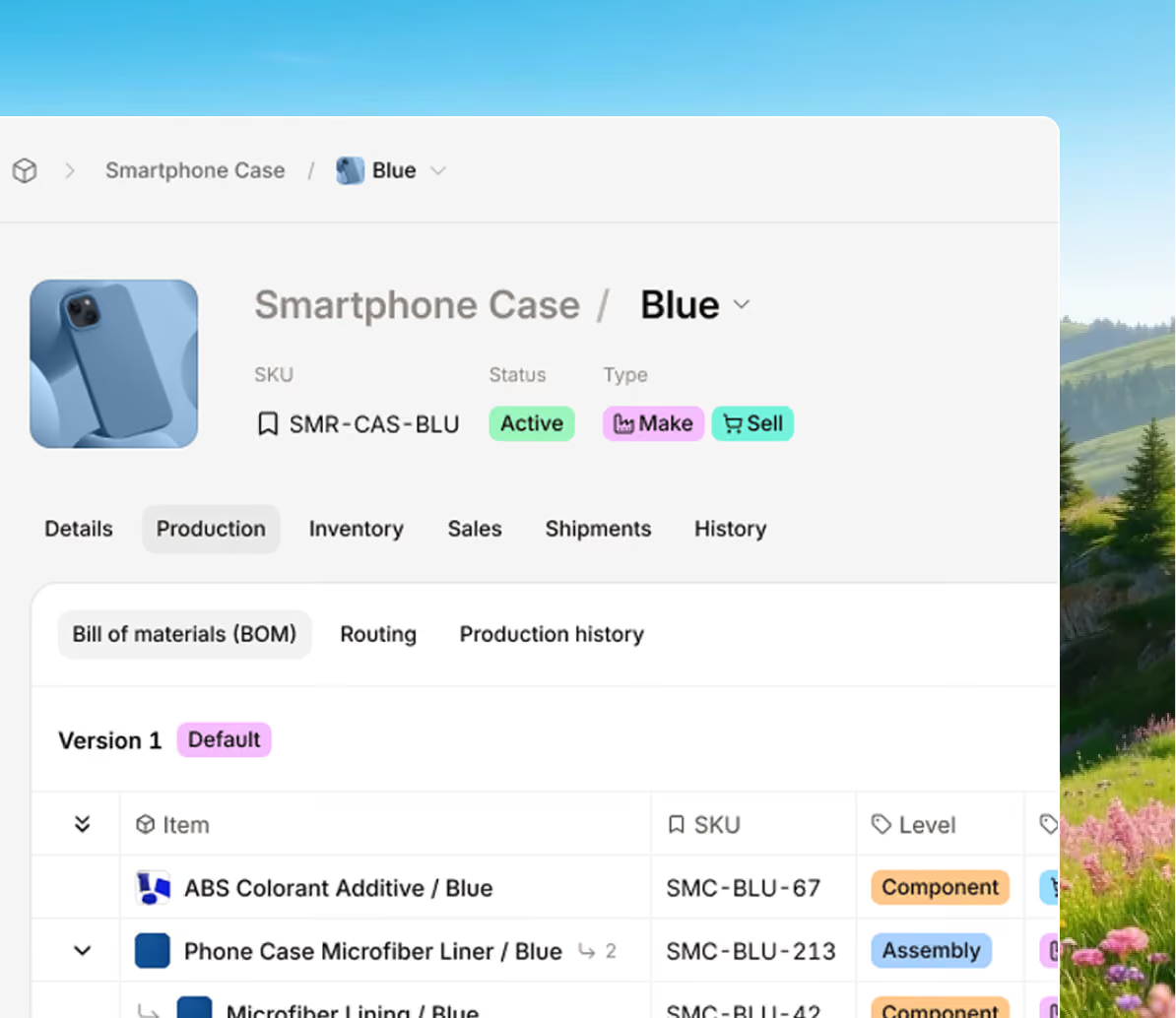
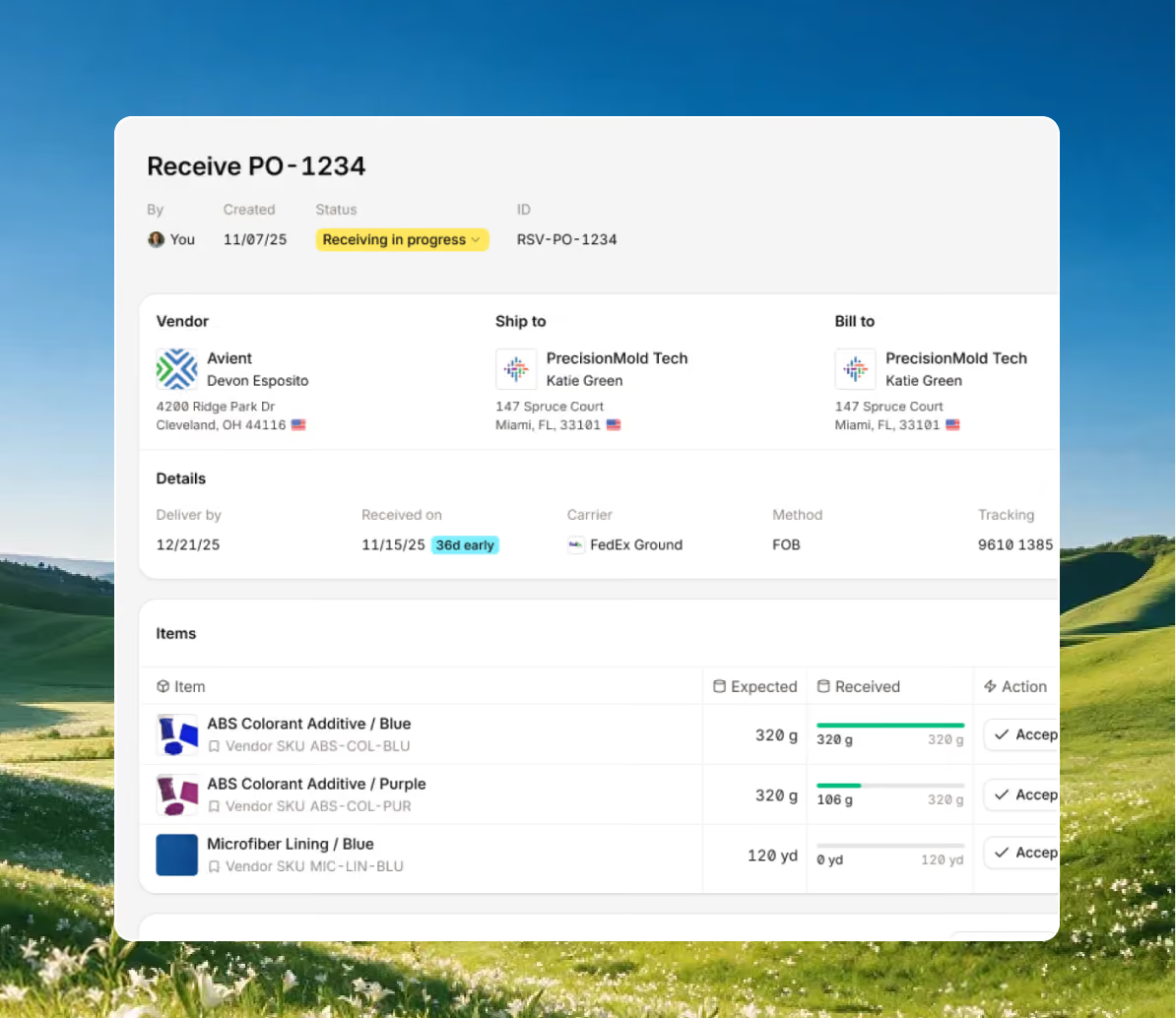
Digit centralizes all purchasing data in one place, so you know exactly what's in transit and if you need to order more materials and supplies.
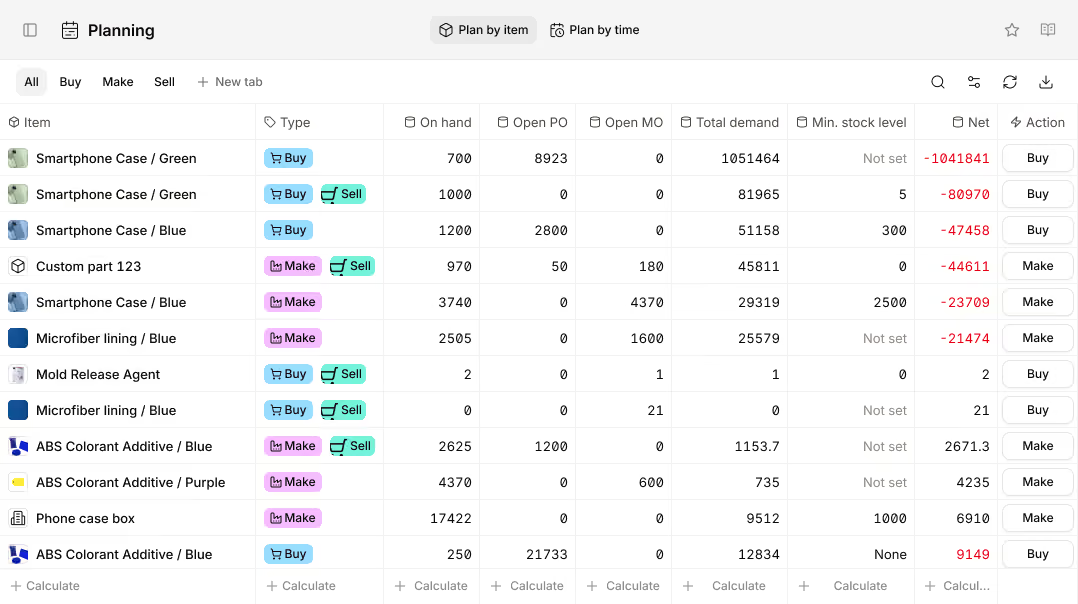
Digit helps you ensure production keeps moving with accurate forecasts that show what's needed, so you avoid overspending or running out of stock.
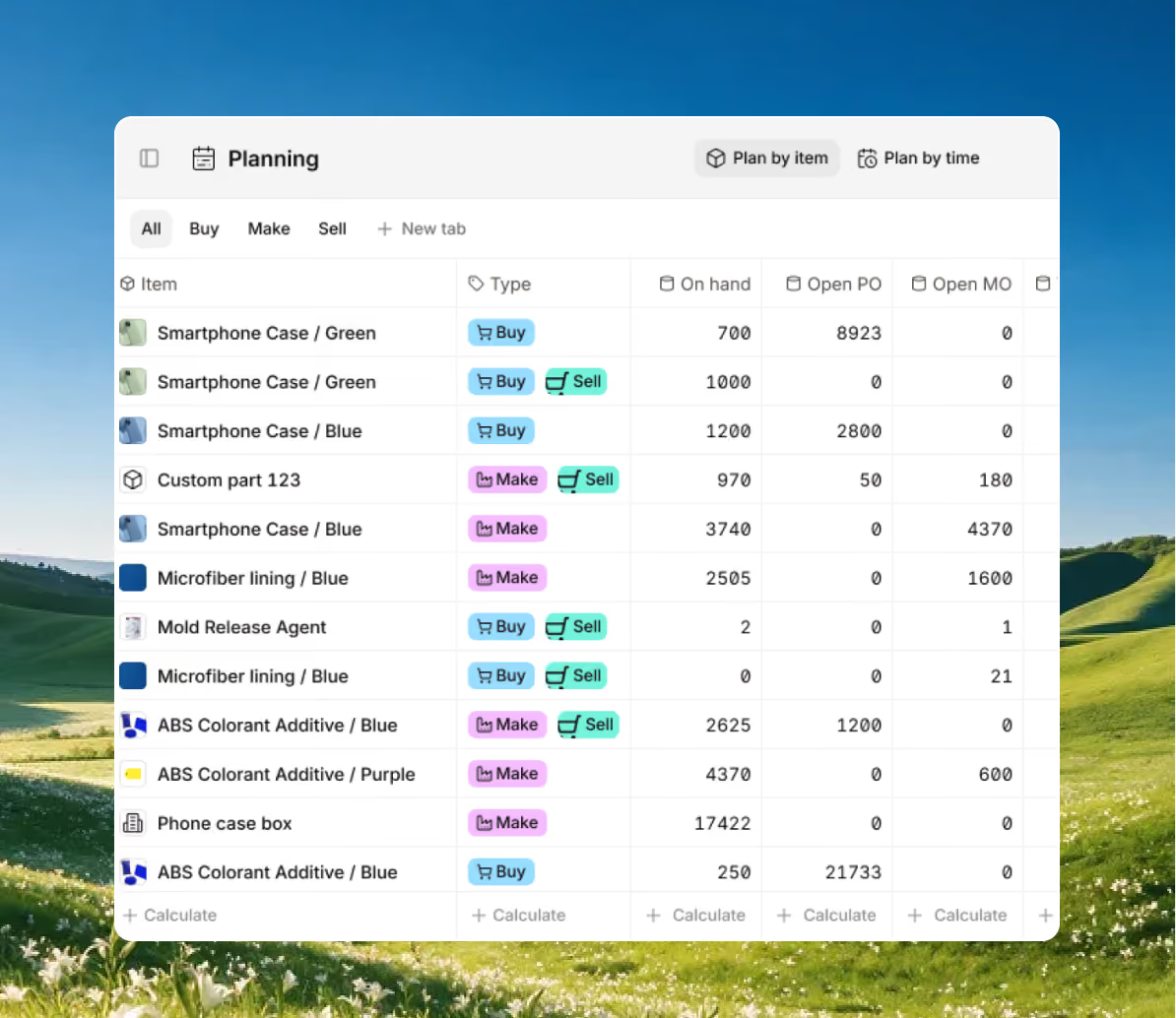
Bring every sales channel and accounting tool together in one system with seamless syncing and flexible API access.





Bring your inventory, accounting, and production together in stock management software built for manufacturers. Keep every part of your business connected, accurate, and easy to track.


100+ manufacturers and distributors have replaced spreadsheets and legacy ERPs with Digit.

"If I can capture two seconds across 19 machines across a 24-hour span, I'll save the customer thousands of dollars."
Chris Johnson


“The impact Digit has had has been enormous, saving a lot of time, capturing a lot of data, streamlining a lot of processes, with a system that everyone loves to use.”
Tanner Thomas

“Digit has given us the insight into current and upcoming stock on our ingredients and raw materials needed for production. This allows us to procure more before we stock out and to be confident that we have enough to finish any upcoming production run.”
Adam Davis
"Digit is the most adaptable, user-friendly software we have ever used."
Joe Watkins
%2520(1).webp)
"With Digit, everything from our inventory to our production data is the word of truth. I can trust it. I can rely on it."
Joshua Burris


Your most frequently asked questions, all in one place. If you don’t see what you need, reach out to us.
It depends.
Some versions of QuickBooks Desktop come with manufacturing modules. However, Intuit is putting more focus and resources into QuickBooks Online, so if you’re using QBO and are contemplating using it for your bookkeeping, you will likely need to find a small business manufacturing software that can integrate with QBO.
Ultimately, you’ll know it’s time to upgrade once your processes or operations have reached a point where manually updating spreadsheets or offline documents is:
The average time to implement ERP software is around 12 weeks, often a lot longer. However, with Digit you can launch in 30 days or less.
Overall, when it comes to accessibility, affordability, and updates, cloud-based is better. But on-premises manufacturing software still has its place, and it largely depends on the industry. For example, if you’re a company that manages highly sensitive data, or has contracts or regulations that demand high levels of security (such as the military-industrial complex), then having software accessible only at your manufacturing plant is likely to provide the best protection for that information.
Small manufacturers should look for software that helps them plan work, track materials, and stay on schedule without adding complexity, while being easy to use, flexible, and built to scale with their business and operations.
At its core, manufacturing software for small businesses should at the very least include bill of materials (BOM) management, inventory control, and production planning. These basics help teams determine what to make, which materials are needed, and when work should be done.
Beyond the basics, here’s a list of other features a manufacturer should keep an eye out for when looking to upgrade their system:
MRP stands for Material Requirements Planning.
MRPs help manufacturers plan what materials they need, how much to order, and when to order them. An MRP will use demand, inventory levels, and production schedules to make sure you have all the things that you need to start manufacturing.
ERP stands for Enterprise Resource Planning.
ERPs help businesses run all their core operations in one place. They connect all departments within a company (such as manufacturing, inventory, purchasing, sales, finance, and sometimes HR), ensuring everyone works from the same data.
To break it down, if you just want to improve your production and inventory management, go with an MRP. If you want to manage your entire business, go with an ERP.
